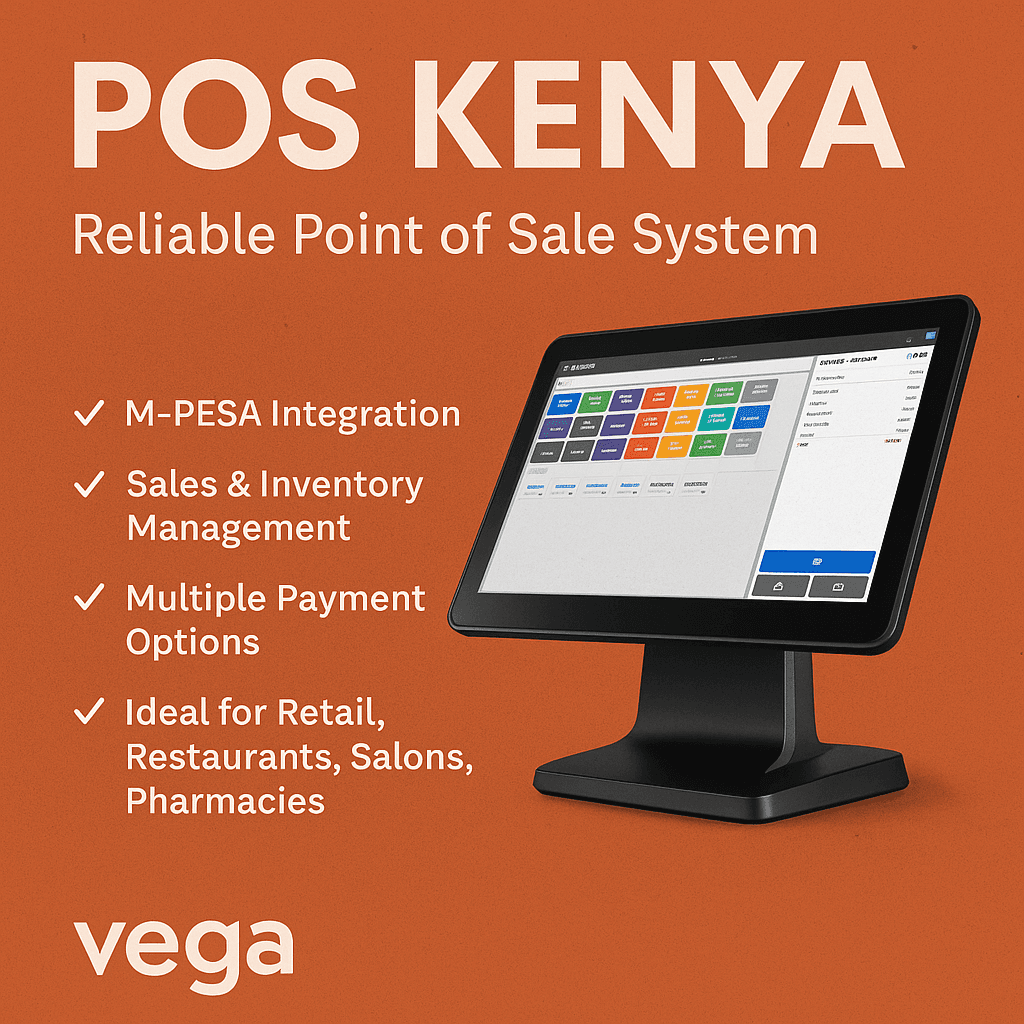
iPad POS System: The Smart Point of Sale Solution for Modern Businesses
An iPad POS system is a powerful, flexible, and user-friendly point of sale solution that transforms your iPad into a complete business management tool. Designed for retail stores, restaurants, cafés, salons, and mobile businesses, iPad POS systems offer fast checkout, real-time inventory tracking, detailed sales reports, and seamless payment processing—all from a sleek and portable device.
As businesses increasingly move away from bulky traditional POS systems, iPad POS software has become the preferred choice due to its affordability, mobility, and scalability.
What Is an iPad POS System?
An iPad POS system is a cloud-based point of sale solution that runs on Apple’s iPad. It combines POS software with compatible hardware such as receipt printers, barcode scanners, cash drawers, and card readers.
Unlike traditional POS systems, an iPad POS system:
Requires minimal hardware
Is easy to set up and use
Syncs data securely to the cloud
Can be accessed from anywhere
Key Features of an iPad POS System
1. Fast & Easy Checkout
Process sales quickly using touch-based controls. Accept cash, card, mobile wallets, and contactless payments with ease.
2. Inventory Management
Track stock levels in real time, receive low-stock alerts, and manage product variations such as size, color, or SKU.
3. Sales Reporting & Analytics
Get detailed reports on daily sales, best-selling products, staff performance, and peak business hours.
4. Customer Management
Store customer profiles, purchase history, and contact details to enable loyalty programs and personalized marketing.
5. Cloud-Based Access
Access your POS data anytime, anywhere using your iPad, smartphone, or desktop dashboard.
6. Multi-Store & Multi-User Support
Ideal for growing businesses managing multiple locations or staff accounts.
Benefits of Using an iPad POS System
User-Friendly Interface
iPad POS systems are intuitive, reducing staff training time and errors during transactions.
Affordable & Scalable
Lower upfront costs compared to traditional POS systems, with flexible plans that grow with your business.
Portable & Mobile
Perfect for pop-up shops, food trucks, outdoor events, and on-the-go sales.
Secure Transactions
Advanced encryption and PCI-compliant payment processing ensure customer data is protected.
Quick Setup
Get started in minutes—install the app, connect hardware, and start selling.
Who Should Use an iPad POS System?
An iPad POS system is ideal for:
Retail stores (clothing, electronics, supermarkets)
Restaurants & cafés
Bars & lounges
Salons & spas
Pharmacies
Mobile vendors & pop-up shops
Small to medium-sized businesses
iPad POS System for Retail Businesses
Retailers benefit from barcode scanning, inventory tracking, supplier management, and real-time sales insights. With an iPad POS system, you can manage stock across multiple branches and prevent losses due to stockouts or overstocking.
iPad POS System for Restaurants
Restaurant-focused iPad POS systems offer table management, kitchen order printing, menu customization, split bills, and tipping features—streamlining front-of-house and back-of-house operations.
Why Choose an iPad POS System Over Traditional POS?
| Feature | iPad POS System | Traditional POS |
|---|---|---|
| Setup Cost | Low | High |
| Mobility | High | Limited |
| Cloud Access | Yes | Often No |
| Updates | Automatic | Manual |
| Ease of Use | Very Easy | Complex |
How to Choose the Best iPad POS System
When selecting an iPad POS system, consider:
Business type (retail, restaurant, service)
Payment methods supported
Inventory & reporting features
Hardware compatibility
Customer support availability
Pricing & scalability
Frequently Asked Questions (FAQs)
Is an iPad POS system secure?
Yes. Most iPad POS systems use encrypted cloud storage and are PCI-compliant for secure payment processing.
Do I need internet for an iPad POS system?
Internet is required for syncing data, but many systems support offline mode for uninterrupted sales.
Can an iPad POS system work for small businesses?
Absolutely. iPad POS systems are cost-effective and ideal for startups and small businesses.
What hardware is needed for an iPad POS system?
Common hardware includes a receipt printer, barcode scanner, cash drawer, and card reader.
Conclusion: Upgrade Your Business with an iPad POS System
An iPad POS system is a modern, reliable, and cost-effective solution for businesses looking to streamline operations and enhance customer experience. With powerful features, ease of use, and scalability, it’s the perfect point of sale solution for today’s fast-paced business environment.
Whether you’re launching a new store or upgrading your existing system gives you the flexibility and control your business needs to succeed.
iPad POS System Pricing: What to Expect
The cost of an iPad POS system is significantly lower than traditional POS solutions, making it ideal for startups and growing businesses.
Typical iPad POS Pricing Includes:
Software subscription: Monthly or annual plans
Hardware costs: iPad, receipt printer, barcode scanner, cash drawer
Payment processing fees: Per transaction
Average Cost Breakdown
Entry-level plans: Affordable monthly fees
Advanced plans: Include inventory automation, advanced reports, and multi-branch management
Enterprise plans: Custom pricing for large businesses
The flexibility of pricing allows businesses to scale without heavy upfront investment.
How to Set Up an iPad POS System
Setting up an iPad POS system is quick and simple, even without technical experience.
Step-by-Step Setup Guide
Choose a reliable iPad POS software
Install the POS app on your iPad
Connect compatible hardware (printer, scanner, card reader)
Add products, prices, and inventory
Configure payment methods
Train staff and start selling
⏱️ Most businesses can go live in less than one day.
iPad POS System vs Android POS System
While both platforms are popular, iPad POS systems often lead in performance and stability.
| Feature | iPad POS System | Android POS |
|---|---|---|
| Performance | Smooth & stable | Varies by device |
| User Interface | Highly intuitive | Device-dependent |
| App Quality | Premium ecosystem | Mixed quality |
| Updates | Regular & reliable | Manufacturer-dependent |
For businesses that prioritize reliability and design, an iPad POS system is often the preferred choice.
Offline Mode: Sell Even Without Internet
A modern iPad POS system includes offline functionality, allowing you to:
Continue processing sales
Store transactions securely
Sync data automatically once internet is restored
This feature is especially useful for mobile businesses and areas with unstable connectivity.
iPad POS System for Multi-Branch Businesses
Growing businesses benefit greatly from centralized control.
Multi-Location Features Include:
Centralized inventory tracking
Consolidated sales reports
Role-based staff access
Real-time branch performance comparison
An iPad POS system simplifies expansion without complex infrastructure.
iPad POS System for Kenya & Emerging Markets
An iPad POS system is well-suited for fast-growing markets due to:
Low hardware dependency
Cloud-based access
Mobile payment compatibility
Easy integration with local payment gateways
Businesses benefit from quick deployment, mobility, and reduced operating costs.
SEO Benefits of Choosing an iPad POS System Provider
From a digital marketing perspective, POS providers offering iPad-based solutions attract:
High-intent buyers
Local search traffic
Mobile-first users
Business owners searching for scalable systems