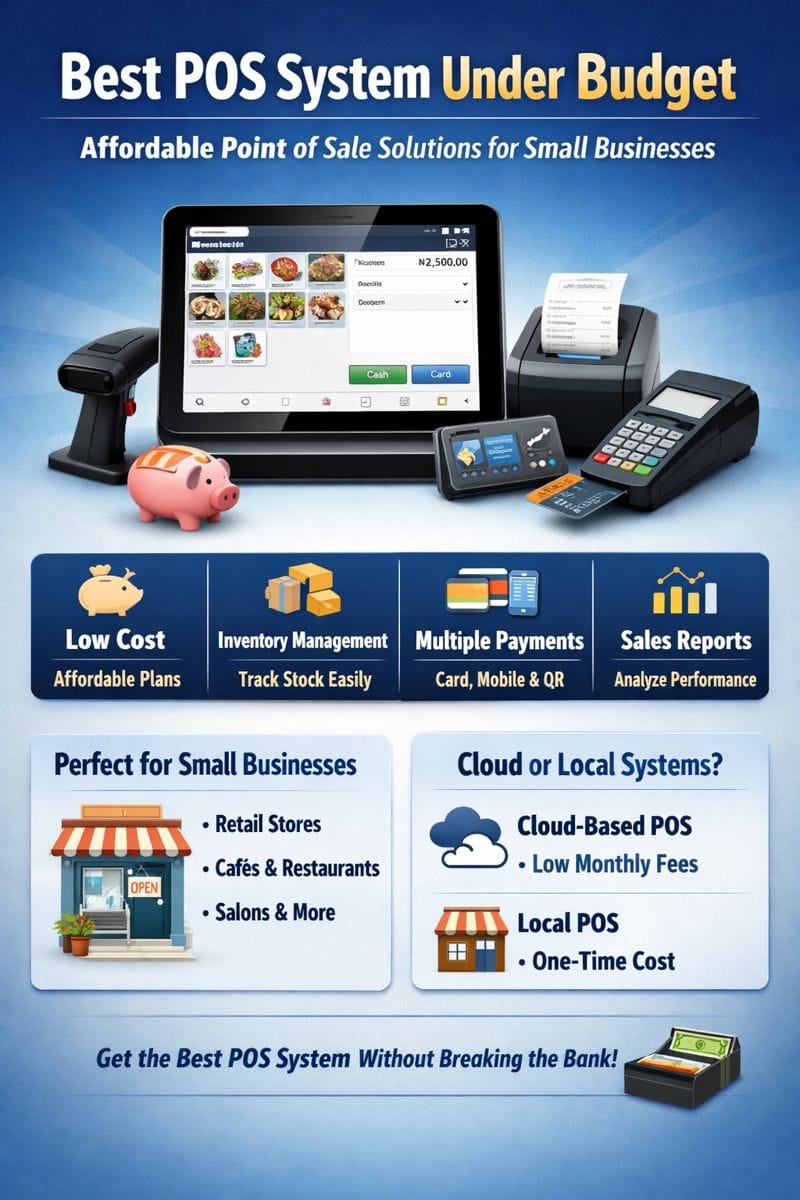
POS Platform: The Ultimate Guide to Modern Point of Sale Solutions
A POS platform is no longer just a cash register. Today’s businesses rely on advanced point of sale platforms to manage sales, inventory, customers, employees, and reports—all from one centralized system.
Whether you run a retail store, restaurant, supermarket, electronics shop, or service-based business, choosing the right POS platform can transform your operations, increase efficiency, and boost profits.
In this guide, we’ll break down everything you need to know about POS platforms, including features, benefits, types, pricing, and how to choose the best one for your business.
What Is a POS Platform?
A POS platform is a digital system that enables businesses to process sales transactions while managing inventory, payments, customer data, and reporting through a single interface.
Unlike traditional POS systems, modern POS platforms are:
Cloud-based
Multi-device compatible
Integrated with accounting, inventory, and CRM tools
A POS platform typically consists of:
POS software
Hardware (tablet, computer, barcode scanner, receipt printer)
Payment processing integration
How a POS Platform Works
A POS platform handles the full sales cycle:
Product Selection – Scan barcode or select item
Price Calculation – Applies taxes, discounts, promotions
Payment Processing – Accepts cash, card, mobile money, or online payments
Inventory Update – Automatically reduces stock levels
Receipt Generation – Digital or printed receipts
Sales Reporting – Records transaction data for analytics
All this happens in real time, often synced across multiple store locations.
Key Features of a Modern POS Platform
1. Sales & Billing Management
Fast checkout process
Multiple payment methods
Discount and promotion support
Refunds and returns
2. Inventory Management
Real-time stock tracking
Low stock alerts
Supplier management
Barcode and SKU support
3. Cloud-Based Access
Access data from anywhere
Automatic backups
Real-time synchronization across branches
4. Customer Management (CRM)
Customer profiles
Purchase history
Loyalty programs
Targeted promotions
5. Reporting & Analytics
Daily, weekly, monthly sales reports
Profit and revenue tracking
Best-selling products analysis
Employee performance reports
6. Multi-Store & Multi-User Support
Centralized dashboard
User roles and permissions
Branch-level reporting
7. Integrations
Accounting software
E-commerce platforms
Payment gateways
Inventory and ERP systems
Benefits of Using a POS Platform
✅ Increased Efficiency
Automated processes reduce manual errors and speed up transactions.
✅ Better Inventory Control
Real-time stock tracking prevents overstocking and stockouts.
✅ Improved Customer Experience
Faster checkout, digital receipts, and personalized service.
✅ Data-Driven Decisions
Detailed reports help you understand sales trends and customer behavior.
✅ Scalability
A good POS platform grows with your business—add new stores, users, or features easily.
Types of POS Platforms
1. Retail POS Platform
Best for:
Clothing stores
Electronics shops
Supermarkets
Features:
Barcode scanning
Inventory variants (size, color)
Supplier management
2. Restaurant POS Platform
Best for:
Restaurants
Cafés
Bars
Features:
Table management
Kitchen display systems
Menu customization
Split bills
3. Mobile POS Platform
Best for:
Small businesses
Market vendors
Pop-up shops
Features:
Smartphone or tablet-based
Portable payment processing
Offline mode
4. Cloud-Based POS Platform
Best for:
Multi-branch businesses
Growing enterprises
Features:
Centralized control
Real-time sync
Remote management
POS Platform vs Traditional POS System
| Feature | POS Platform | Traditional POS |
|---|---|---|
| Cloud Access | ✅ Yes | ❌ No |
| Real-Time Reports | ✅ Yes | ❌ Limited |
| Scalability | ✅ High | ❌ Low |
| Remote Management | ✅ Yes | ❌ No |
| Integrations | ✅ Multiple | ❌ Few |
How to Choose the Best POS Platform
When selecting a POS platform, consider the following:
Business Type
Retail, restaurant, or service-based businesses require different features.
Ease of Use
The interface should be simple for staff to learn quickly.
Pricing & Costs
Check for:
Monthly subscription fees
Hardware costs
Transaction fees
Customer Support
Reliable support is critical, especially during peak hours.
Local Payment Support
Ensure it supports cards, mobile money, and online payments relevant to your market.
POS Platform Pricing
POS platform pricing varies depending on features and scale:
Free / Basic Plans – Limited features
Small Business Plans – Affordable monthly subscriptions
Enterprise Plans – Advanced reporting, integrations, and customization
Most cloud POS platforms charge a monthly or annual subscription, often based on the number of users or locations.
Who Needs a POS Platform?
A POS platform is ideal for:
Small and medium businesses
Retail shops
Restaurants and cafés
Supermarkets
Electronics and phone shops
Pharmacies
Service providers
If you sell products or services and want better control over sales and inventory, a POS platform is essential.
Future of POS Platforms
Modern POS platforms are evolving rapidly with:
AI-powered sales insights
Mobile-first experiences
Integrated e-commerce
Advanced customer analytics
Businesses adopting smart POS platforms today gain a competitive advantage in efficiency, customer experience, and profitability.
Final Thoughts
A POS platform is more than a payment tool—it’s a complete business management solution. By automating sales, inventory, and reporting, POS platforms help businesses operate smarter, faster, and more profitably.
If you’re looking to scale, improve customer experience, and gain real-time insights into your business, investing in the right POS platform is a smart move.
POS Platform Security & Compliance
Security is a critical factor when choosing a POS platform. Since POS systems handle sensitive customer and payment data, modern platforms are built with advanced security protocols.
Key Security Features to Look For
End-to-end data encryption
Role-based access control
Secure cloud hosting
Automatic software updates
Audit logs and activity tracking
Compliance Standards
A reliable POS platform should comply with:
PCI-DSS (Payment Card Industry Data Security Standard)
Local tax and regulatory requirements
Data protection laws relevant to your region
A secure POS platform protects your business from fraud, data breaches, and costly compliance issues.
Offline Mode: Why It Matters in a POS Platform
Internet downtime can disrupt sales, especially in fast-paced retail environments. A quality POS platform includes offline functionality, allowing businesses to continue selling even without internet access.
Offline POS Features
Process sales without internet
Store transactions locally
Auto-sync data once connectivity is restored
Prevent data loss during outages
This feature is especially valuable for small businesses and mobile sellers.
POS Platform for Small Businesses
A POS platform is one of the best investments a small business can make.
Benefits for Small Businesses
Low startup costs compared to traditional systems
Faster staff training
Simplified inventory management
Easy business performance tracking
Small businesses benefit from POS platforms that offer flexible pricing, scalability, and easy setup.
POS Platform for Large Enterprises
For large businesses and franchises, POS platforms provide centralized control and advanced analytics.
Enterprise-Level Features
Multi-branch management
Centralized inventory control
Advanced reporting dashboards
Custom integrations and APIs
User permission hierarchies
Enterprise POS platforms are designed to handle high transaction volumes without performance issues.
POS Platform Integrations That Matter
One of the biggest advantages of a modern POS platform is its ability to integrate with other business tools.
Popular POS Platform Integrations
Accounting software for financial management
E-commerce platforms for omnichannel sales
Payment gateways for flexible checkout options
CRM systems for customer engagement
Inventory and ERP systems
Integrations eliminate data silos and improve overall business efficiency.
POS Platform and Omnichannel Selling
Modern businesses sell across multiple channels—physical stores, online shops, and social platforms. A POS platform enables omnichannel selling by syncing inventory and sales data across all channels.
Omnichannel Benefits
Unified inventory management
Consistent pricing across platforms
Centralized customer data
Seamless in-store and online experiences
With a POS platform, businesses can meet customers wherever they shop.
Common Mistakes When Choosing a POS Platform
Avoid these common pitfalls:
Choosing based on price alone
Ignoring scalability
Overlooking customer support quality
Failing to test usability
Not considering local payment options
A well-chosen POS platform should align with both your current needs and future growth plans.
POS Platform FAQs (SEO & Featured Snippets)
What is the best POS platform?
The best POS platform depends on your business type, size, and budget. Retail, restaurant, and service businesses require different features.
Is a POS platform cloud-based?
Most modern POS platforms are cloud-based, offering real-time access, automatic updates, and remote management.
How much does a POS platform cost?
POS platform pricing varies from free basic plans to monthly subscriptions and enterprise pricing based on features and locations.
Can a POS platform work offline?
Yes. Many POS platforms support offline mode and sync data automatically when internet access is restored.
Is a POS platform suitable for small businesses?
Absolutely. POS platforms are designed to be affordable, scalable, and easy to use for small businesses.
Conversion Section: Why Businesses Are Switching to POS Platforms
Businesses worldwide are replacing traditional systems with modern POS platforms because they offer:
Faster checkout experiences
Real-time business insights
Reduced operational costs
Improved customer satisfaction
A POS platform is no longer optional—it’s a competitive advantage.
Conclusion: Is a POS Platform Worth It?
A POS platform is a powerful tool that streamlines sales, inventory, reporting, and customer management. Whether you’re running a small shop or managing multiple branches, the right POS platform can significantly improve efficiency and profitability.
By choosing a secure, scalable, and easy-to-use POS platform, businesses position themselves for long-term success in a fast-evolving market.