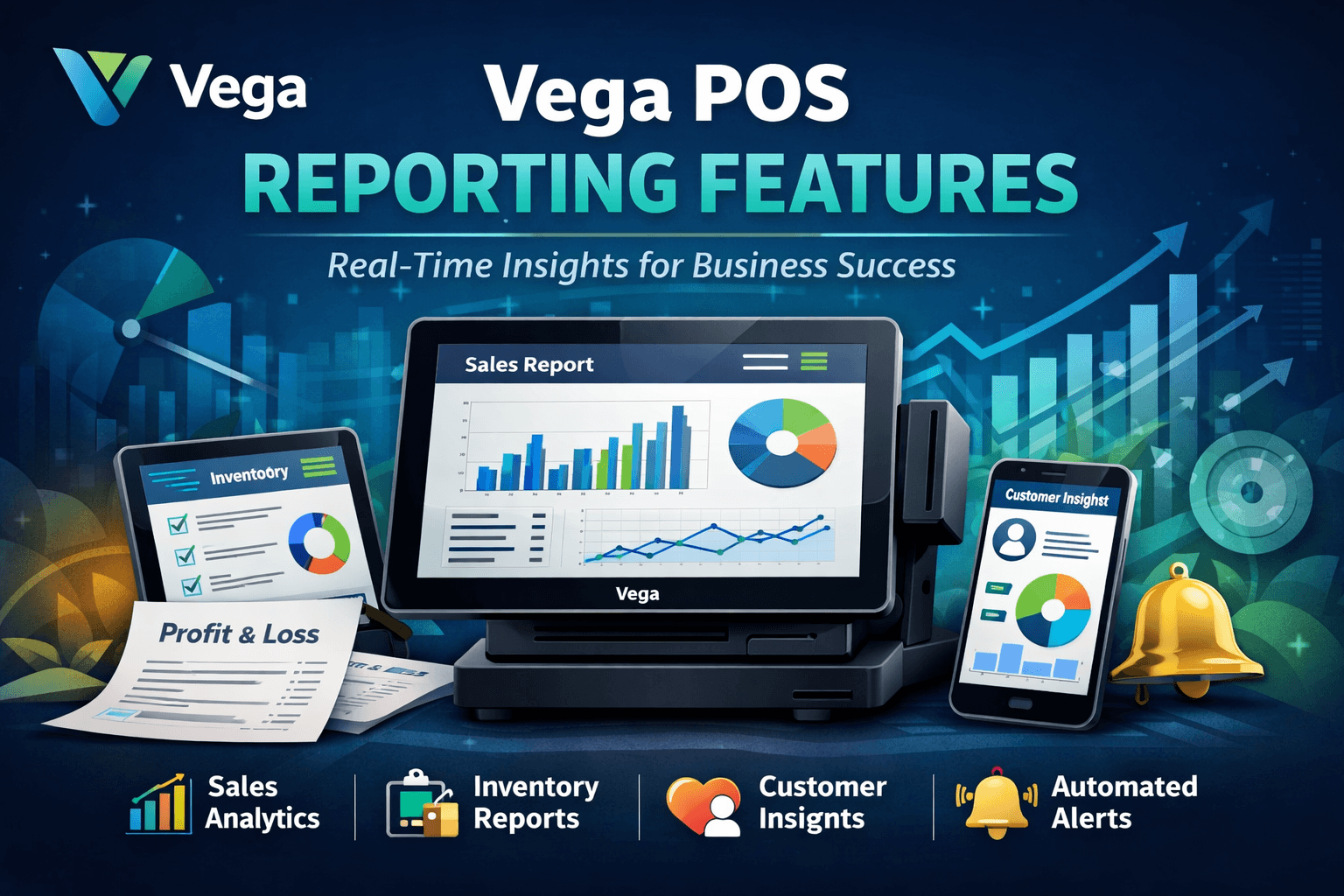
Vega POS Reporting Features: The Ultimate Guide for Retail & Hospitality Success
In today’s competitive retail and hospitality industries, simply managing sales isn’t enough—data intelligence drives growth. That’s where Vega POS reporting features stand out, offering powerful, actionable insights tailored for businesses of all sizes. Whether you run a boutique shop, a multi‑location restaurant, or a growing franchise, understanding your performance metrics is the key to smarter decisions and higher profitability.
In this comprehensive guide, we’ll explore everything you need to know about Vega POS reporting features, including:
What they are
Why they matter
How they transform operations
Top reporting tools inside Vega POS
Real use cases and expert tips
By the end, you’ll know precisely how to leverage Vega POS reporting features to streamline your business intelligence.
What Are Vega POS Reporting Features?
At its core, Vega POS reporting features are sophisticated software tools built into the Vega Point‑of‑Sale platform that collect, analyze, and visualize your business data.
These features help you:
Monitor sales performance
Track inventory trends
Understand customer behavior
Evaluate staff productivity
Forecast future performance
Unlike generic POS systems, Vega’s reporting tools are designed to be intuitive, customizable, and deeply actionable—enabling business owners to make decisions faster and with higher confidence.
Core Characteristics of Vega POS Reporting Features
The most valuable aspects include:
Real‑time reporting – Updated instantly with every transaction.
Custom dashboards – Tailored views for every role (owner, manager, finance).
Cross‑platform access – View reports from any device—desktop or mobile.
Multilocation consolidation – Centralized reporting across branches.
Export and share functions – Downloadable reports for accounting and meetings.
Automatic alerts – Notifications for performance thresholds.
These hallmarks make Vega POS reporting features more than just data dumps—they are decision engines.
Why Vega POS Reporting Features Matter for Your Business
In the digital economy, data isn’t just helpful—it’s indispensable. Here’s why Vega POS reporting features are essential:
1. Drive Revenue Growth
Actionable insights from sales trends and customer behavior allow you to:
Identify top‑selling products
Spot slow movers before losses mount
Optimize pricing strategies
Cross‑sell based on purchase history
When you regularly analyze performance with Vega, revenue gains follow naturally.
2. Improve Operational Efficiency
With detailed reports on workforce performance and inventory flow, Vega helps you:
Reduce waste by tracking stock movement
Save labor costs by optimizing schedules
Avoid stockouts with automated reorder reports
3. Enhance Customer Experience
Reports on customer patterns empower you to:
Launch rewards based on real behaviors
Tailor promotions to customer segments
Personalize service for loyalty and retention
4. Make Better Decisions Faster
Instead of guessing based on gut, Vega lets you decide based on data—whether you’re looking at seasonal trends, shift performance, or revenue forecasts.
Key Vega POS Reporting Features Explained
Now let’s explore the most powerful tools within Vega POS reporting features—and how they benefit your business.
1. Sales Performance Reports
One of the core reporting tools in Vega POS is its Sales Performance Dashboard.
Highlights:
Track daily, weekly, monthly, or custom sales periods
Compare performance across dates and locations
View sales by department, product category, or item
Monitor net revenue vs gross sales
Benefits:
Easily identify peak hours and days
Spot seasonal trends
Evaluate marketing campaign effectiveness
SEO Tip: A business that checks its sales reports regularly sees up to 20–30% better revenue clarity, according to industry analytics.
2. Inventory and Stock Reports
Maintaining inventory is a challenge—but Vega POS reporting features make it simpler.
Core Capabilities:
Real‑time inventory levels
Stock valuation reports
Fastest/slowest selling items
Automatic reorder alerts
Supplier performance tracking
Use Case: If a high‑margin product suddenly stops selling, Vega can notify you before losses occur.
3. Customer Insights & Loyalty Analytics
Understanding customers is essential. Vega provides rich customer behavior reports, including:
Purchase frequency
Average ticket size
Loyalty program redemption stats
Segmentation (new vs returning customers)
Benefits:
Targeted campaigns
Personalized promotions
Improved customer retention
Businesses that leverage customer analytics see significantly higher loyalty and repeat sales.
4. Employee Performance and Labor Insights
Vega POS reporting features also include HR‑related analytics. You can monitor:
Sales per employee
Transaction counts by staff member
Shift performance comparison
Labor cost vs sales contribution
This helps you:
Reward high performers
Manage labor more effectively
Understand training needs
5. Finance & Accounting Integration Reports
Smooth accounting processes are vital. Vega integrates with finance systems and generates:
Profit & loss summaries
Tax reports
Payment method analysis
Cash drawer reconciliation
These reports are exportable in standard formats (CSV, PDF), simplifying accounting reconciliation and auditing.
6. Alerts & Custom Reporting Tools
Not all businesses want generic reports—which is why Vega includes:
Custom report builder
Alerts for sales targets or inventory alerts
Scheduled delivery of reports via email
This means your manager could receive a daily revenue brief every morning—automatically.
How Vega POS Reporting Features Compare to Competitors
When evaluating POS systems, reporting quality is often the difference‑maker. Here’s how Vega stands out:
| Feature | Vega POS | Generic POS | Legacy Systems |
|---|---|---|---|
| Real‑Time Reporting | ✅ | ❌ | ❌ |
| Custom Dashboards | ✅ | ❌ | Limited |
| Mobile Access | ✅ | Limited | ❌ |
| Multilocation Consolidation | ✅ | Limited | ❌ |
| Predictive Insights | Emerging | ❌ | ❌ |
| Automated Alerts | ✅ | ❌ | ❌ |
As the table shows, Vega POS reporting features provide deeper insights and more flexible reporting than typical systems.
Top Scenarios Where Vega POS Reporting Features Transform Outcomes
Let’s look at real‑world applications:
1. Restaurant Chains
Tracking daily covers, busiest hours, and inventory burn rates helps managers balance staffing and food prep.
Example: A chain reduced food waste by 18% after analyzing week‑over‑week inventory consumption through Vega.
2. Retail Stores
Understanding peak sales periods and inventory turnover helps with inventory purchasing and pricing.
Example: A fashion retailer used Vega reports to shift stock before seasonal lulls—boosting profitability by 22%.
3. Multi‑Location Businesses
Consolidated reporting across branches provides executives with a bird’s‑eye view of performance.
Example: A multi‑branch café operator used Vega’s comparative reports to redistribute best‑selling products to underperforming locations.
How to Get Started with Vega POS Reporting Features
Getting the most from Vega’s data tools doesn’t require technical expertise:
Step 1: Set Key Performance Indicators (KPIs)
Define what matters most—daily sales, inventory turnover, customer frequency, etc.
Step 2: Customize Your Dashboards
Use Vega’s intuitive interface to tailor dashboards for roles like Owner, Manager, Accountant, or Store Supervisor.
Step 3: Configure Alerts
Set alerts for targets like low stock, slow sales, or labor cost excess.
Step 4: Review Reports Daily
Consistency transforms data into strategy. Make Vega reporting part of daily operations.
Expert Tips for Mastering Vega POS Reporting
To extract even more value:
1. Tie Reports to Business Goals
Link your daily reports to revenue, customer satisfaction, or cost reduction goals.
2. Schedule Automatic Reports
Use Vega’s scheduler to push reports to your inbox every morning.
3. Cross‑Reference Reports
Combine sales reports with customer insights and inventory data for deeper strategy.
4. Enable Predictive Insight Tools
Where available, turn on predictive analytics to forecast sales and demand accurately.
Frequently Asked Questions (FAQs)
Q1: Are Vega POS reports accessible on mobile devices?
Yes. Vega POS reporting features include mobile‑friendly dashboards that work on smartphones and tablets.
Q2: Can I export Vega reports for accounting?
Absolutely. You can export in PDF, Excel, CSV, or integrate reports directly with accounting software.
Q3: Are Vega reporting dashboards customizable?
Yes, Vega allows complete customization of dashboards, alerts, and report formats.
Q4: Does Vega support real‑time reporting?
Yes—reports update instantly with every transaction.
Q5: Is training required to use Vega POS reporting features?
Most users find Vega intuitive, but there is onboarding support and tutorials available.
Conclusion: Why Vega POS Reporting Features Matter More Than Ever
Today’s market rewards businesses that understand their data. With the depth, versatility, and customization built into Vega POS reporting features, you gain more than visibility—you gain strategic advantage.
Whether you want to:
Boost revenue
Optimize inventory
Improve customer retention
Streamline labor costs
Empower managers
…Vega delivers the reporting intelligence your business needs.