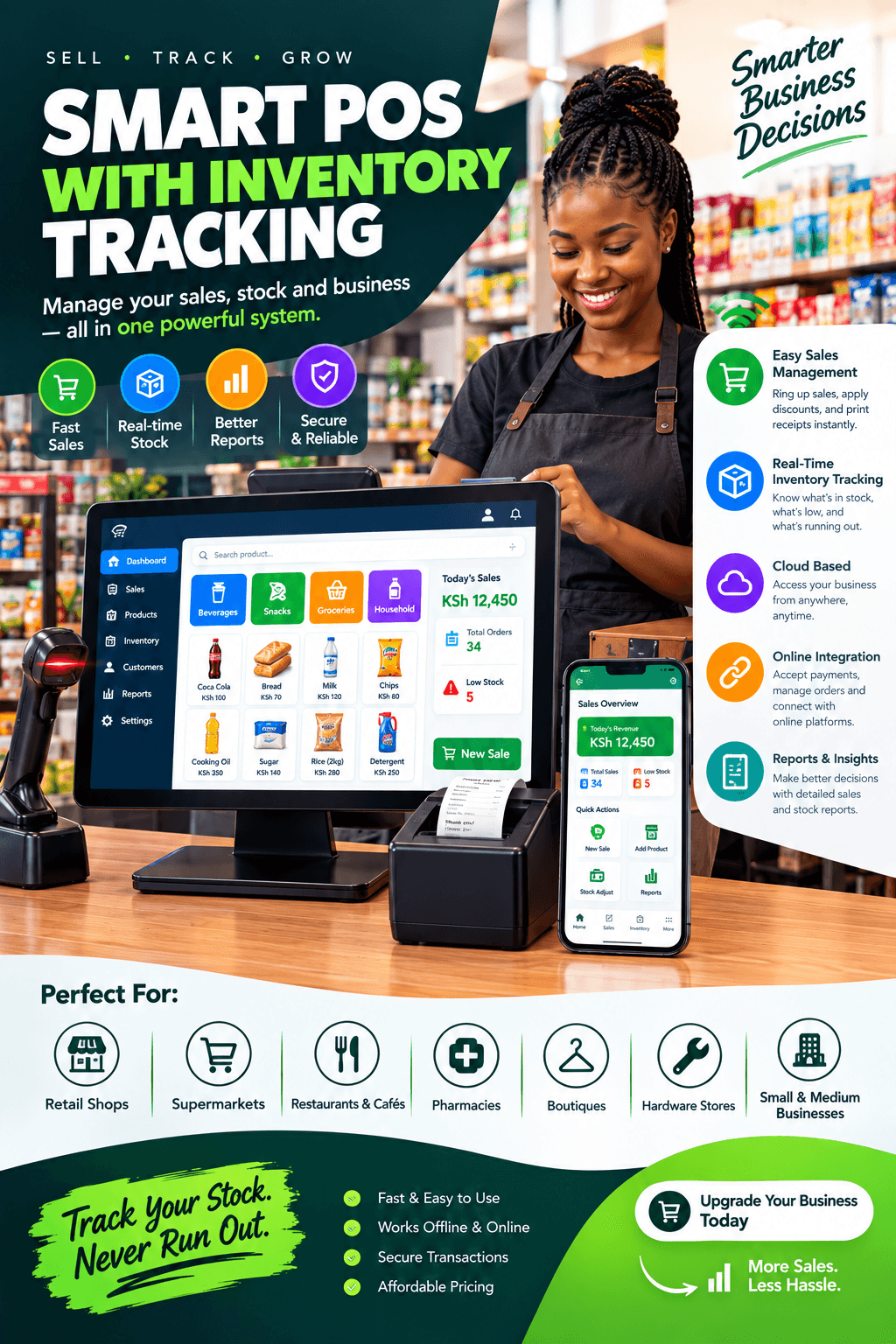
POS with inventory tracking is the feature that separates a shop owner who knows their business from one who hopes about it.
Wanjiru learned ths on a Sunday in January, counting her mini-supermarket’s shelves for the annual stock-take her accountant insisted on.
By evening the arithmetic was in, and it was ugly: the books claimed goods worth one figure, the shelves held visibly less, and nobody could explain the difference.
The fast movers — milk, bread, cooking oil — had run dry by Friday every single week, while two cartons of a spread she reordered from habit had not moved since October.
Her capital was leaking and sleeping at the same time, and her only management tool was a feeling.
If any of that sounds familiar, this guide was written for your shop.
We will walk through what genuine POS with inventory tracking actually means, the features that matter, how it ends stockouts, dead stock and shrinkage, what it costs, and how to set it up so the numbers are true from the very first week.
A real system does not just record sales; it remembers every unit you own — that is the line we repeat to shop owners every day, because it decides everything that follows.
By the end, you will be able to judge any system on the market with a single question: can a POS with inventory tracking tell me, right now, exactly what I own?
The Sunday the Numbers Finally Spoke
Wanjiru’s shop was not badly run — it was blindly run, which is different and far more common.
Her cashier recorded sales in a notebook, deliveries were checked by eye against the supplier’s document, and the stock position lived partly in her head and partly in hope.
The stock-take made the hope expensive: missing stock she had absorbed as normal, a shelf of slow lotions she had over-ordered twice, and best-sellers that had been quietly finishing every second weekend.
Every one of those findings was knowable in real time, all year, with the right POS with inventory tracking running behind the counter.
That is the quiet revolution of the modern till: the stock-take stops being an annual autopsy and becomes a routine confirmation.
What Wanjiru learned the hard way, this guide will teach you the easy way.
What POS with Inventory Tracking Actually Means
Strip away the jargon and the concept is simple: the till and the stock ledger become the same document.
In a genuine POS with inventory tracking, every event that touches stock is a recorded event — every sale decrements, every delivery increments, every return reverses, and every damage or write-off is an explicit action with a name attached.
Nothing moves in secret, because movement and record are the same act.
This is what separates tracking from counting: counting tells you what was there last month, while tracking tells you what is there now.
Three properties define the real thing.
Live accuracy: the figure on screen matches the shelf because it updates at the moment of every transaction, not at month-end.
A full audit trail: every unit’s history — received, sold, returned, transferred, written off — is searchable by item, by date, and by person.
Exception visibility: when reality and records disagree, the disagreement surfaces immediately instead of hiding until the annual count.
A POS with inventory tracking without all three is just a cash register with opinions.
A note on what it is not: it is not a spreadsheet updated on Sunday evenings, and it is not a monthly counting app — those are counting tools wearing tracking costumes.
The distinction matters because decisions are made daily, and only a POS with inventory tracking answers daily questions with daily truth.
The version of the truth you want is live — the POS with inventory tracking standard is now, not last month.
The Real Cost of Not Knowing
Unknown stock does not stay a neutral fact; it charges you in four currencies, every month.
Stockouts first: every day a best-seller sits empty, customers buy it across the street, and some never switch back.
Over-ordering second: capital that could be working sits frozen in duplicates and slow lines, bought on gut feel because no data existed to buy on.
Shrinkage third: the handful of missing units a week is invisible to a notebook and enormous across a year.
And blind pricing fourth: without cost prices tracked against sales, margins drift whenever suppliers move, and you discover the squeeze at the bank instead of the till.
Run your own arithmetic before reading further, because the numbers make the decision for you.
Estimate your monthly stockouts in lost sales, your dead stock in locked capital, and your shrinkage in missing units — then price them annually.
For most shops, that honest total comfortably exceeds the cost of a proper POS with inventory tracking several times over.
The question was never whether you can afford the system; it is whether you can keep affording the blindness.
In shops our team has configured, owners who run this arithmetic rarely haggle — the POS with inventory tracking is already cheaper than the alternative hiding on their books.
A capable POS with inventory tracking does not create a new cost so much as retire an old, invisible one.
The Features That Define a Real System
Feature lists are where vendors blur, so here is the honest checklist — every item earns its place daily.
Barcode scanning that never guesses. Scanning is what makes real-time possible at counter speed; typing names and picking from lists is where stock records go to die.
Test the scanner on your crushed cartons and shiny packaging — a serious POS with inventory tracking bundle arrives with hardware chosen for real shelves, not demo tables.
Instant decrement on every sale. The stock figure must move the moment the receipt prints, offline included, with no refresh and no delay.
Low-stock alerts and reorder points. Set a minimum per item; the system flags products before they run dry, turning stockouts from weekly surprises into scheduled deliveries.
Purchase orders and receiving. Order from the data, receive by scanning against the order, and let shortages surface the same morning the truck arrives.
A disciplined POS with inventory tracking makes the receiving bay the beginning of accuracy, not the end of it.
Stock counts that fit real life. Full counts quarterly, cycle counts weekly on fast movers, and spot counts whenever a number looks odd.
Variants, units, and pack sizes. The same item in three sizes, or sold as single and carton, must be tracked as distinct positions that never silently merge — a POS with inventory tracking keeps shades, sizes, and packs separate for life.
Cost prices on every line. Your margin reports are only as honest as the costs entered the day the truck offloaded — a POS with inventory tracking carries those costs on every line, every day.
If a candidate fails more than one of these, it is not a POS with inventory tracking in any sense that will survive a busy month.
Insist on seeing all seven demonstrated on your own products — the section below turns that insistence into a script.
Reordering From Evidence Instead of Memory
Reordering is where tracking pays its rent, and the change is felt within the first month.
Before a system, reordering is a feeling: the shelf looks light, the supplier’s van is coming, so order two cartons and hope.
After a POS with inventory tracking, reordering is a reading: this item sells nine units a week, you hold eleven, the supplier takes three days, therefore order today.
Sales velocity, current stock, and supplier lead times combine into a decision that takes seconds and survives holidays, promotions, and rainy seasons.
The purchase-order trail completes the discipline: what you ordered, what arrived, what you paid, and what it did to your margin — all linked, all searchable.
Suppliers behave differently when receiving is recorded; short deliveries surface on the spot instead of dissolving into general shrinkage.
And the reorder report does the remembering for you — a POS with inventory tracking flags what to buy while you are still busy running the shop.
Owners describe the me transition in the same words: buying stops being a weekly worry and becomes a weekly glance.
That reclaimed worry, multiplied across every product you stock, is the daily return of a proper POS with inventory tracking.
Dead Stock: The Capital Sleeping on Your Shelves
Every shop carries it: the line of goods that arrived with optimism and never left.
Dead stock is invisible in notebooks because nothing about it ever happens — no sales to notice, no drama, just capital standing very still.
A POS with inventory tracking makes it impossible to ignore, which is exactly the point.
The slow-mover report ranks your shelves by what has not sold in thirty, sixty, ninety days — and the results are usually humbling.
Two cartons of Wanjiru’s October spread appeared on that list in her first week, priced to clear by Friday, and the cash was in the till by Sunday.
Cleared dead stock does double duty: it returns working capital and frees shelf space for something that actually turns.
The deeper discipline is prevention: velocity reports change what you buy next, because the gut that ordered the spread finally meets the data that watched it fail.
In shops we configure, the slow-mover report of a POS with inventory tracking becomes the most-read page within a month — more read than takings, because it explains the takings.
A POS with inventory tracking turns your shelves from a museum into a market.
Shrinkage and the Stock Count
Shrinkage thrives on darkness, and tracking is simply the light.
When every unit is a recorded event, missing stock stops being a vague annual ache and becomes a specific, dated, nameable discrepancy.
The mechanics are simple: the system knows what should be on the shelf, the count says what is, and the variance is flagged by item and by shift.
Cycle counts do the policing — the top fifty items weekly, a section monthly, everything quarterly — so problems surface in weeks instead of years.
The exception report adds the second layer: unusual voids, refunds without matching returns, discounts beyond the norm, sales at strange hours.
A POS with inventory tracking with per-user logins attaches every one of those actions to a name, and names change behaviour faster than any speech about honesty.
Most shops find shrinkage does not vanish when tracking arrives — it becomes visible, and visible losses are the only kind that can be managed.
Recovered shrinkage alone typically covers the cost of a proper POS with inventory tracking inside the first year; everything after that is a bonus.
The annual stock-take, the dread of every owner, becomes what it always should have been: a quick confirmation that the numbers still tell the truth.
A POS with inventory tracking does not need to accuse anyone; it just needs to remember everything.
Suppliers, Receiving, and the Purchase Order Trail
Stock accuracy is born at the receiving bay, not the counter — a truth most setups learn too late.
Receiving by scanning against a purchase order means the truck’s contents are checked, not glanced at, and a shortfall is recorded while the driver is still standing there.
Suppliers notice when you notice; short deliveries quietly stop being your problem.
The purchase-order history also becomes negotiating leverage: volumes per supplier, price movements over months, delivery reliability — all in one report.
A POS with inventory tracking turns supplier management from a shoebox of delivery notes into a ranked list of partners.
Cost prices deserve equal vigilance: when a supplier’s price moves, the new cost is entered at receiving, and your margin report reflects reality from that minute.
Owners who track costs faithfully catch supplier creep — the two-shilling monthly slide that a POS with inventory tracking surfaces before it becomes a trend.
And when a delivery is wrong, the conversation is short: here is the order, here is what arrived, here is the difference.
That single capability — a quiet, documented word with suppliers — is worth more than most owners ever expect from a POS with inventory tracking.
Batch Numbers and Expiry Dates
Some trades cannot track honestly without batches: pharmacies, cosmetics, food, and anything with a shelf life.
Expiry-aware tracking records the batch and expiry at receiving, sells first-expire-first-out by default, and warns you while there is still time to promote or return the stock.
The alternative is the industry’s oldest quiet loss: the carton at the back that expires unwatched and becomes a write-off nobody scheduled.
A POS with inventory tracking with batch depth turns expiry from a funeral into a diary.
Regulators and suppliers ask batch questions after the fact; a system with batch history answers in minutes instead of an afternoon of box-opening.
Recalls, rare but real, become a lookup instead of a panic — that is the hidden value of a POS with inventory tracking that remembers batches.
If your trade touches anything with a date on it, batch capability is not an advanced feature — it is the reason you are shopping at all.
Insist on the demo: receive two batches, sell from the older one, and watch the expiry report — a serious POS with inventory tracking performs this smoothly on your own stock.
Different Shops, Different Tracking Needs
Tracking depth scales with what you sell; four quick portraits.
Groceries and mini-marts. Velocity is everything: fast decrement, reorder alerts on daily essentials, and weekly cycle counts on the top fifty movers.
For a grocery, a POS with inventory tracking earns its keep by turning Friday’s empty bread shelf into a Wednesday delivery.
Pharmacies and chemists. Batch, expiry, and first-expire-first-out rule the trade, with audit trails deep enough for regulators.
Cosmetics and boutiques. Variants dominate — shades and sizes as distinct stock positions, so the fast shade is never stranded behind the slow one.
Variant-blind tracking is how best-sellers go missing while their slower siblings pile up; a POS with inventory tracking that sees shades individually ends that quietly.
Hardware and building materials. Units of measure rule: the same item sold by piece, dozen, and carton, with cut lengths decrementing the parent roll.
The pattern generalises: list the two ways your stock behaves unusually, and make any candidate prove it handles both on your goods.
A generic demo proves nothing; your products are the only syllabus that counts for a POS with inventory tracking.
Choosing a POS with Inventory Tracking: The Demo Test
Bring this script to every demonstration, and let behaviour decide.
Sell and watch the shelf. Ring up three units of a real item and open its stock card — the figure must have moved by three, instantly.
Any POS with inventory tracking that needs a refresh, a sync, or an apology here has failed the first test.
Receive against an order. Take a delivery of two items short of the order and watch the discrepancy surface without anyone hunting for it.
Set a reorder point, then break it. Sell below the minimum and show me the alert — alerts requiring a technician’s visit next week are alerts you will never see.
Count a section live. Spot-count ten items, including one deliberately miscounted, and watch the variance flag with a name and a time.
Unplug the internet mid-sale. Offline trade must decrement stock locally and sync cleanly on reconnection — in our market this is non-negotiable.
A POS with inventory tracking that freezes at the router will fail on the day the router fails, which is always a Saturday.
Pull the three reports that matter. Slow movers, stock valuation, and margin per item — on your own data if the vendor allows a trial load.
Then ask for two references, one question each: what surprised you after a month?
The answers from owners running a real POS with inventory tracking will teach you more than the entire demonstration.
Setting Up a POS with Inventory Tracking the Right Way
The system can only be as accurate as its beginning, and beginnings are where accuracy is won.
Clean the catalogue before importing. Merge duplicates, standardise names, define units and pack sizes — dirty imports become permanent residents.
A patient POS with inventory tracking onboarding team will insist on this with you; a rushed one will import your mess with a smile.
Count with the system live. Enter the opening count directly into the system, section by section — never transcribe from paper afterwards.
Enter cost prices on every line. Day-one margins depend on day-one costs; missing costs make every margin report a fiction.
Set reorder points after the first month. Thirty days of real sales is enough data to set minimums and let the alerts start working.
Assign logins before the first sale. Every adjustment from day one should carry a name; a POS with inventory tracking keeps accountability alive only if anonymity never starts.
Book the week-one review. Reconcile, correct the small drifts, coach the wobbles — while they are still small, and while support is still close.
A structured POS with inventory tracking setup runs one to two weeks for a typical shop, with trading continuing throughout.
Owners who shortcut the opening count spend the next year apologising for their reports; owners who count properly spend the year trusting them.
The setup fee, examined this way, is really the price of trustworthy numbers — and trustworthy numbers are the whole product.
Mistakes That Corrupt Inventory Data
Five habits quietly ruin tracking; learn them here for free.
Receiving by eye. The truck is checked against the document in someone’s head instead of the system — and the gap between the two is where accuracy leaks.
Every disciplined POS with inventory tracking household makes scanning the delivery a reflex, not a ceremony.
Unrecorded movements. The damage written off verbally, the staff purchase forgotten, the transfer that lived in a pocket — every unrecorded movement is a small lie the next count will find.
One login for everyone. Adjustments without names are adjustments without accountability, and the exception report becomes wallpaper.
Ignoring the alerts. Reorder notifications dismissed during a busy week become Friday stockouts the following one.
Counting only once a year. The annual count finds everything and fixes nothing; cycle counts find things early, while the trail is still warm.
Owners who avoid these five get the outcome every POS with inventory tracking promises: numbers that match the shelves, every week, without drama.
POS with Inventory Tracking vs Spreadsheets and Notebooks
Let us be fair to the spreadsheet, because many owners run decent operations on one.
Spreadsheets count well — on the day you sit down to count.
They track poorly, because nothing updates them at the moment of the sale; the till and the sheet are two documents with a growing disagreement between them.
A POS with inventory tracking closes that gap by deleting it — the sale and the stock record are the same action.
The comparison that matters is weekly hours: the spreadsheet shop pays someone to reconcile on Sunday evenings forever, while the tracked shop glances at a dashboard.
Error behaviour differs too: a spreadsheet error compounds silently for months, while a tracked system surfaces variances within a cycle count.
And history: spreadsheets keep versions, while systems keep provenance — who, what, when, on every line.
For a single stall with thirty products, a spreadsheet is honest enough.
For a real shop with hundreds of lines, staff, and daily trade, a POS with inventory tracking is simply the adult version of the same idea.
Most owners keep the spreadsheet habit for months after switching, then notice one Sunday they have not opened it in weeks — the system became the truth they used to reconstruct.
That is the whole argument in one sentence, and a POS with inventory tracking makes it without a salesperson in the room.
What a POS with Inventory Tracking Is Worth
Let us price the return honestly, in the four currencies it pays.
Recovered shrinkage: visible losses are manageable losses, and shops typically recover a meaningful share within the first full stock cycle.
Freed capital: cleared dead stock and right-sized reordering release money that was standing still on shelves.
Recovered sales: every stockout prevented is a sale that no longer walks across the street.
Saved hours: no more Sunday reconciliation marathons — the books are the till, and the till is always current.
Run the arithmetic on your own shop: even modest figures across those four lines usually cover a proper POS with inventory tracking within the first year.
The compounding line is decision quality: margins tracked daily change what you buy, price, and promote — and those decisions compound for as long as you trade.
Frame the purchase the way serious retailers do: not as software, but as the nervous system of the shop.
On that framing, the quote for a capable POS with inventory tracking stops being a cost and becomes infrastructure — the last unclear number in a business that finally runs on facts.
Frequently Asked Questions
Does a POS with inventory tracking work offline?
A properly engineered one does: sales decrement stock locally during outages, and everything syncs in order when the connection returns.
Insist on the unplugged test during the demo — a POS with inventory tracking that cannot trade offline will fail on your busiest Saturday.
How accurate will the stock figures be after setup?
As accurate as your opening count and your receiving discipline — the system is faithful, not magic.
Shops that count properly at setup and scan deliveries reliably hold figures within a handful of units between counts, which is the everyday standard of a POS with inventory tracking.
How long does a full stock-take take with a system like this?
A guided count with the system live typically runs a day for a mid-sized shop — and weekly cycle counts keep it from ever being needed as an emergency again.
Can it handle items sold in different pack sizes?
Yes — piece, dozen, and carton as linked positions with clean conversion is core functionality, and the vendor should prove it on your own items before you sign.
What happens when the physical count disagrees with the system?
The variance is recorded, stamped with who counted and when, and adjusted explicitly — visible, named, and learnable rather than quietly absorbed.
Is this affordable for a small shop?
Systems in this class are priced for single shops as well as chains, and the arithmetic usually favours them by the second or third prevented stockout.
Run the four-currency calculation from the section above — most small owners find a POS with inventory tracking pays for itself well inside the first year, and a well-supported POS with inventory tracking rollout keeps the shop trading normally through the entire changeover.