POS system price Kenya searches often show prices that cannot be compared fairly. One offer may cover software for a month, another may include a printer and scanner, and a third may quote installation without ongoing support. Before choosing the lowest number, identify exactly what the business receives and what it will still need to pay for.
This guide shows how to build a practical twelve-month POS budget for a Kenyan shop. It separates one-time purchases, recurring subscriptions and your own preparation work. You will also learn how to compare quotations, plan a trial and avoid paying for a package that does not match your transaction volume or daily workflow.
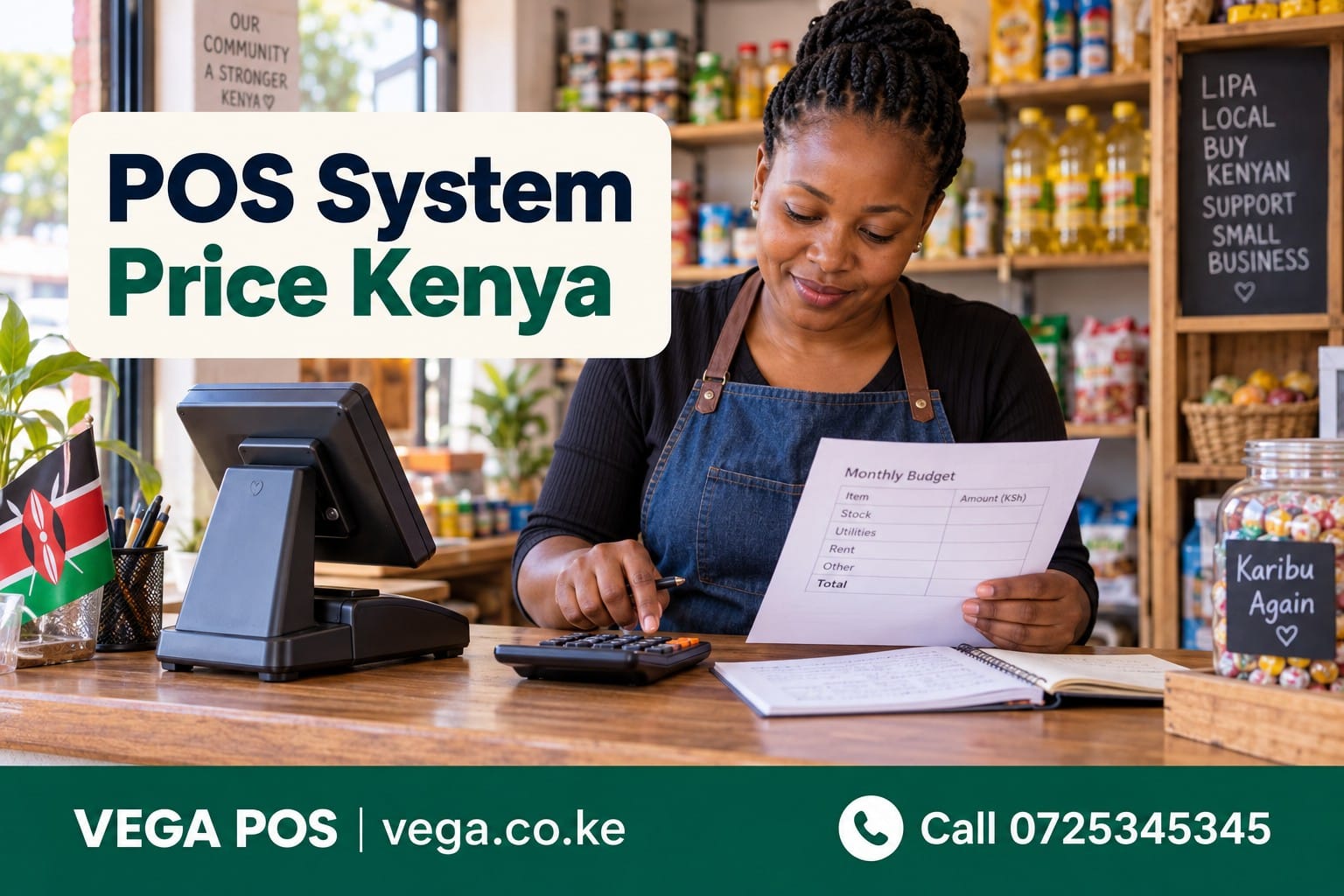
POS system price Kenya: define the package first
Begin by describing the system you intend to operate. List the number of checkout counters, staff accounts, product records, payment methods and reports you need. Identify any existing equipment you want to retain. Without that brief, suppliers may price very different arrangements while using similar descriptions such as complete POS solution.
Request a written list of included items. Separate the software licence or subscription from the device, printer, scanner, cash drawer, installation and support. Ask which components belong to you and which are provided under a continuing service agreement. Keep the answer with the quotation so a future renewal or equipment failure does not create confusion.
Compare the cost of a usable arrangement, not an isolated price tag. A software-only offer may be sensible if your existing equipment is compatible. A bundle may be convenient if you are starting from nothing. The right comparison depends on what your shop already has and what it can reasonably maintain.
Build a POS system price Kenya budget worksheet
Use four headings: initial purchases, recurring services, implementation work and a contingency allowance. Under each, record the item, quantity, unit cost, payment timing and supplier. Add a column for assumptions that still need confirmation. An incomplete quotation becomes much easier to discuss when you can point to a specific unanswered item.
Do not hide uncertain costs inside one miscellaneous total. A missing printer price and an unclear payment-service charge require different follow-up questions. Mark each as pending until you have a written answer. Your budget should explain how the total was built so another person can review it without repeating every supplier conversation.
The Vega POS pricing overview provides related context for comparing packages. Use current quotations for final decisions. Prices in an older article may not reflect the package, limits or support arrangement offered to your business today.
Understand the software subscription
Ask what determines the plan: completed sales, users, locations, features or another measure. Clarify how the supplier counts usage and what happens if your shop exceeds a limit. A plan that fits an ordinary month may need review before a seasonal peak. Record upgrade and downgrade arrangements alongside the advertised monthly price.
On 21 September 2026, the published Vega plans listed Starter at KES 1,000 per month, Standard at KES 2,000 and Pro at KES 3,500. The site uses monthly completed sales as the main guide, with staff size also considered. Final billing and activation details are settled during onboarding, so confirm your specific arrangement directly.
At unchanged monthly rates, twelve months of those subscriptions would be KES 12,000, KES 24,000 or KES 42,000 respectively. These are simple subscription calculations, not complete shop setup quotations. Hardware, implementation, connectivity and any separately charged services need their own lines before you can compare the full first-year cost.
Separate equipment needs from optional upgrades
List the equipment required for your chosen workflow. A counter may need a supported computer or terminal, a receipt printer and a barcode scanner. Other shops may have different needs. Ask the provider to confirm exact compatibility before buying, especially if you intend to reuse a printer or device from an older setup.
Include connection cables, power arrangements, receipt paper and any required accessories. Small missing items can delay a launch even when the main hardware has arrived. Ask who installs and tests each device. A delivery receipt proves that equipment arrived; it does not prove that the complete checkout process works with your software.
Treat upgrades as separate decisions. A larger display, additional printer or second counter may be useful later, but each should solve an identified operational problem. Document the essential launch setup first. This prevents a convenient hardware bundle from becoming the reason you buy components that staff will rarely use.
Account for setup and data preparation
Product records often require more work than expected. Names, selling units, barcodes, prices and opening quantities must be consistent before import. Ask whether the supplier will clean the data, provide a template or simply import the file you submit. These are different services and should not be treated as interchangeable.
Prepare a sample containing ordinary products and difficult cases, such as pack-and-unit sales or similar variants. Test it before cleaning the entire catalogue. The POS implementation guide can help frame the work. Keep a dated original file so you can trace corrections and avoid losing the source of an opening figure.
Assign a staff member to review the imported results. Even when migration assistance is included, the business must confirm that products and quantities are correct. Estimate the time needed for that review and schedule it away from the busiest selling period. Unplanned preparation work can make an apparently quick launch stressful and unreliable.
Include training and the cost of staff time
Ask who will be trained, which tasks the training covers and whether another session is available for absent staff. Reception-style demonstrations are not enough for retail cashiers who must handle returns, mixed payments and shift closing. Training should use examples that reflect your shop rather than only the simplest possible sale.
Count the internal time involved as an operational cost, even when nobody sends an invoice for it. Staff may need protected time to practise, managers may need to check reports and the owner may need to approve role settings. Planning that time makes it easier to launch without asking everyone to learn during a queue.
Prepare a short reference sheet for common exceptions and identify the person who maintains it. The value of training lasts longer when instructions remain accessible after the initial session. Ask the supplier how future staff can learn the system and whether onboarding a new cashier creates an additional charge.
Check payment and communication charges separately
A POS subscription does not automatically include every service connected to payments or messaging. Ask what is manual, what is automated and which organisations provide the external service. Confirm setup requirements and fees for the actual arrangement you intend to use. Do not assume that a payment-method field means a complete integration has been activated.
Use a sample mixed-payment transaction during the demonstration. Check how the record is reviewed and corrected, then ask which parts of that process are included in the quoted plan. If messages or digital receipts are charged separately, estimate the likely usage rather than assuming an unlimited allowance.
For general account and device protection, consult CISA’s Secure Our World resources. Include responsibility for maintaining devices and access in your operational plan. An inexpensive subscription still needs sensible account practices and a clear process for removing access when staff leave.
Add connectivity and continuity costs
Find out which functions need an active connection and what happens during an interruption. Budget for the connectivity arrangement your premises require, including recurring service and any necessary equipment. A shop should not discover after installation that the connection used for occasional browsing is unreliable during its busiest checkout periods.
You can explore Spacekits connectivity services as a separate enquiry and confirm location suitability directly. Compare the complete recurring cost with other appropriate options. The software provider and connectivity provider may have different responsibilities, so make sure staff know whom to contact for each type of problem.
Agree on a temporary recording process for an outage. Decide who records sales, what details are essential and who reconciles them when the system is available again. The cost of continuity includes preparation and training, not just buying an extra device. A clear procedure helps avoid duplicate transactions and missing payment references.
Use a worked POS system price Kenya example
Consider a purely illustrative shop budget using a KES 2,000 monthly subscription. Twelve months would cost KES 24,000. Suppose the shop allocates KES 18,000 to equipment, KES 6,000 to setup and training, and KES 12,000 to additional annual connectivity. The first-year total would be KES 60,000 before any other applicable quoted charges.
Those equipment, training and connectivity figures are examples, not Vega offers or market averages. Replace them with your own confirmed quotations. The exercise shows why comparing only KES 2,000 per month can miss a large part of the initial commitment. It also separates spending that may not recur from spending that continues every year.
Build a second-year estimate with the same structure. Remove genuinely one-time costs and add expected renewal, maintenance or replacement items. Avoid assuming that every first-year expense repeats, or that hardware will never need attention. A transparent worksheet lets you discuss both affordability today and the arrangement you can sustain later.
Compare POS system price Kenya quotations fairly
Send each supplier the same brief and request answers in the same categories. Compare transaction limits, staff access, essential features, equipment, migration, training and support. Mark a feature as demonstrated only after you have seen the relevant workflow. A quotation should not receive credit for a capability that appears only in a general marketing statement.
Use the POS free-trial preparation guide to organise a controlled evaluation. Test a sale, return, stock movement and daily review using sample data. Record unresolved questions with a named owner and deadline. Your final decision should combine working evidence with a complete price, rather than depend on either one alone.
Ask how future changes are priced. Adding staff, increasing transaction volume, introducing a new product category or replacing equipment may affect the arrangement differently. Keep any assumptions about growth explicit. A small shop benefits from knowing the next step before its current plan becomes a bottleneck.
Keep unrelated business budgets separate
If you also operate a salon, rental business or savings group, review PRIM salon software, RentalDesk and TAS chama management against those separate requirements. Their costs should not disappear into the retail POS budget simply because one owner pays the invoices. Separate records make the purpose of each service easier to understand.
For other enquiries, explore Zama business systems, the Saseni marketplace and the Awasam website. Confirm current offerings and charges directly. These references do not establish automatic integrations, bundled pricing or a requirement to purchase additional services before using Vega.
Frequently asked questions about POS system price Kenya
Is the cheapest system always the best starting point?
No. A low-cost option is useful when it meets essential needs and the remaining responsibilities are clear. Compare the work your team must perform, the support available and the full operating cost. An affordable system should remain usable when a normal exception occurs, not only during a simple demonstration.
Should I buy hardware before choosing software?
Confirm compatibility first. Give the provider exact device models and ask for a practical test where possible. Buying a printer or terminal because it is described as a POS device can create avoidable replacement costs if it does not support the required connection or workflow.
How should I budget for growth?
Estimate ordinary and busy-month usage, then ask how the plan changes at each level. Keep expansion costs separate from the initial launch. Review the budget when you add a counter, staff members or a materially different selling process so assumptions remain current.
Turn a price search into a complete buying decision
POS system price Kenya comparisons become useful when every number has a clear scope. Build the twelve-month worksheet, test the essential workflows and obtain written answers for unresolved costs. Keep the quotation and acceptance checklist together so the team understands what the business has purchased and what it must maintain.
Call Vega on 0725345345 to discuss a plan for your shop. Prepare your expected monthly sales volume, staff count, existing hardware and product list. Those details make it easier to receive a relevant quotation and compare it fairly with the other options you are considering.