 Vega
VegaA retail opening checklist helps the first shift prepare the shop before customers begin arriving. It turns but checks into a shared routine: the correct outlet is selected, essential devices work, the till float is recorded and unresolved issues from yesterday have an owner. A calm opening makes it easier to spot problems before the counter becomes busy.
Use this guide to create a routine suited to your branch, staffing and equipment. The examples are planning suggestions, not claims that every step is automatically configured in your software. Vega POS connects sales, stock and outlet operations. Call 0725345345 to discuss the workflow your team needs.
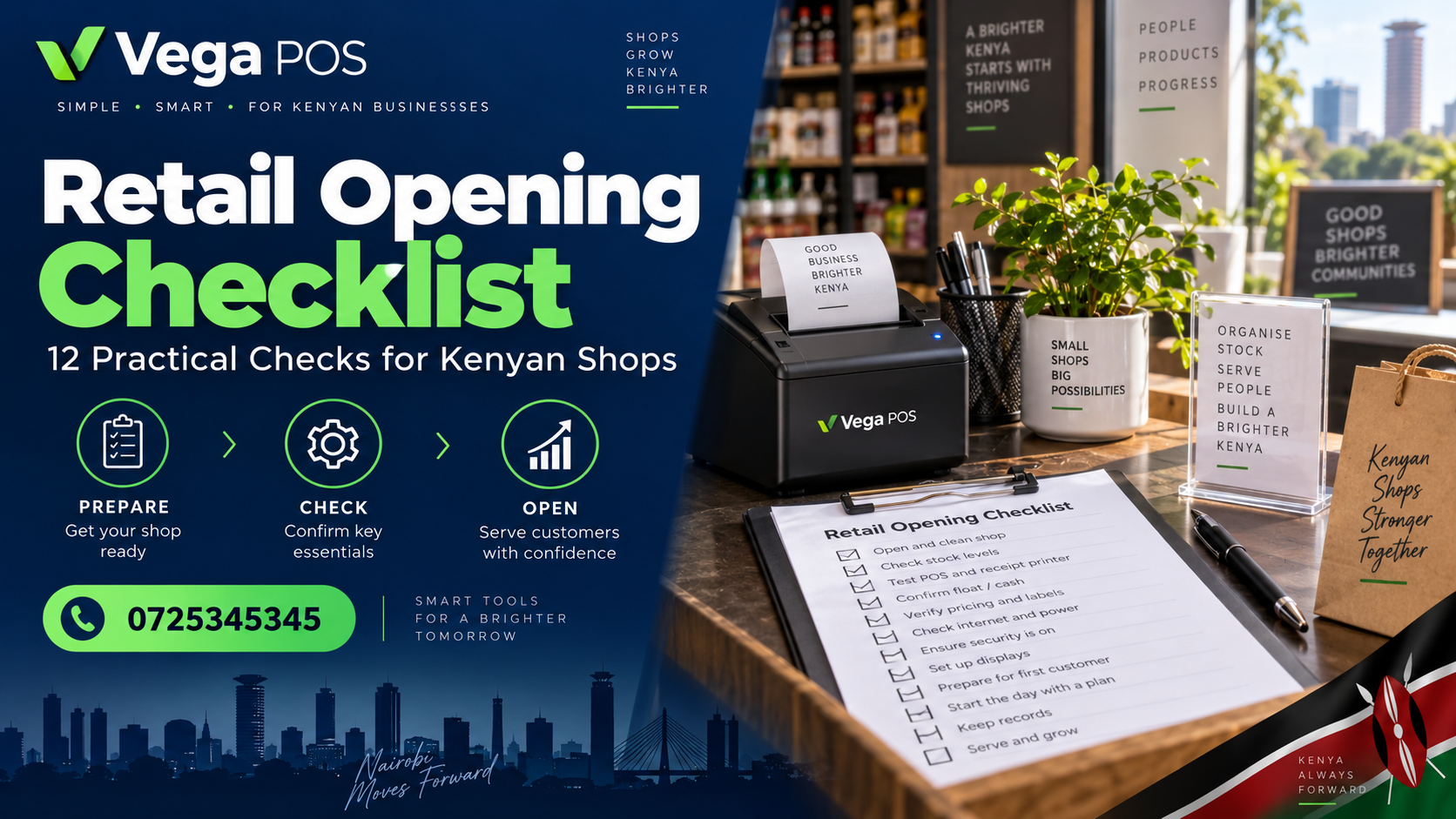
1. Give the retail opening checklist an owner
Name the person responsible for opening and a backup person for absence. Responsibility includes reviewing exceptions, not ticking boxes. Record the branch, date, shift and checker so a later supervisor can understand who completed the routine. Avoid a shared unsigned sheet that nobody feels accountable for.
Split tasks sensibly when several people are present. One person may prepare the counter while another checks displays, but somebody should confirm the overall result. Keep the sequence enough for use. Important unfinished checks should remain visible when the shop opens, with a clear decision about how they will be handled.
2. Read the previous shift’s handover
Review unresolved stock differences, equipment problems, customer collections and supplier deliveries expected today. A handover should identify an action and owner, rather than simply saying there was an issue. Ask for clarification when a note is ambiguous, especially if it affects what staff can sell or promise.
Separate urgent opening blockers from work that can continue during the day. A printer issue may need an immediate approved workaround, while a supplier enquiry may wait for office hours. Retain the original note and add the new decision so the record explains how the situation progressed between shifts.
3. Confirm the correct outlet and user account
Check the branch shown in the system before starting work. Multi outlet businesses can make avoidable mistakes when staff assume that yesterday’s selected outlet is still correct. Use individual accounts and the permissions assigned to the person’s role. Do not share a supervisor password to make opening faster.
Ensure the person covering an absent colleague has authorised access before customers arrive. If a required function is unavailable, follow the escalation route. The cashier training checklist provides a basis for practising login, product lookup and approval requests.
4. Retail opening checklist: Check the counter equipment safely
Confirm that the computer or tablet, scanner and receipt printer are ready for normal use. Check paper, cables and the counter arrangement. Use the manufacturer’s checks and your organisation’s approved support procedure; do not improvise repairs to electrical equipment.
Test printing or scanning through the available diagnostic or enquiry function where possible. Avoid creating a real customer sale merely to see whether a printer works. Record repeated equipment problems with enough detail for support to investigate. A recurring fault needs an owner and resolution plan, not a new handwritten workaround every morning.
5. Verify connectivity and the interruption plan
Check that the required services are reachable and that staff know the approved process for an interruption. Do not assume offline selling is available simply because the system runs in a browser. Confirm the capabilities of your setup during training and document what staff should do if a connection fails.
Keep support contacts accessible through a method that does not depend on the failed device. Explain how pending work will be reconciled after service returns. The opening check should confirm readiness and understanding, rather than asking staff to disable safeguards or experiment with live transactions.
6. Retail opening checklist: Count and record the opening float
Use the shop’s approved float amount and count the physical cash before assigning the drawer. Record the amount, responsible cashier and any difference. If the previous shift’s closing process is incomplete, escalate that separately rather than treating an unexplained balance as the new opening figure.
Keep cash movements distinct from sales. A float top up is not revenue, and removing cash for an approved purpose needs its own record. The exact accounting process depends on your organisation. The opening objective is that the cashier and supervisor agree on the starting amount and can explain subsequent movements.
7. Inspect essential products and displays
Check that priority products are available where customers and staff expect them. A positive stock figure is not enough if the item remains in a back room or belongs to another branch. Look for obvious identity, condition and display problems and assign follow up when a count is uncertain.
Use cycle counting guidance for targeted checks instead of attempting a full stocktake every morning. Keep damaged or uncertain goods apart through the quarantine process. The opening routine should identify exceptions without rushing unsupported stock adjustments.
8. Retail opening checklist: Confirm prices and today’s promotions
Review offers starting or ending today and check the shelf signs. Confirm product identity, selling unit and any offer conditions. Staff should know where the authorised price comes from and who can answer a customer query if the shelf and system disagree.
Prioritise recently changed prices rather than checking every item before opening. Record missing or unclear labels as findings even when the till amount is correct. Remove outdated signs through the agreed process. Clear labels reduce the number of decisions that must be made while customers are waiting at the counter.
9. Review reservations and customer collections
Identify orders or reserved goods expected for collection. Confirm the product, quantity, storage location and status. Keep the information staff need to fulfil the collection without displaying unnecessary customer details on a public counter. A handwritten promise should be checked against the record before stock is released.
The stock reservation control guide explains why reserved and available quantities need clear definitions. Escalate expired or unclear reservations to the responsible person. Do not release stock simply because a new shift cannot find the original note.
10. Retail opening checklist: Prepare for deliveries and receiving work
Check which suppliers are expected and who will receive their goods. Make the approved order information available and prepare enough space to avoid mixing new arrivals with existing stock. If a delivery arrives during a busy period, staff should know who takes over the counter and who checks the goods.
Review purchase order matching and the supplier returns checklist when relevant. Keep planned collections of rejected goods visible too. Opening preparation can prevent an important return being forgotten when the driver arrives.
11. Brief the team on exceptions
Use a short opening briefing to cover what is different today: absent staff, a promotion, a device issue or an expected delivery. Share the action owner and escalation contact. Avoid reading the whole checklist aloud when the team only needs the exceptions and priorities.
Ask staff to repeat back critical instructions in their own words when confusion is possible. A briefing is useful only if people understand what they must do. Record decisions that change the routine so the next shift does not depend on somebody remembering a verbal conversation.
12. Sign off and improve the checklist
Complete the retail opening checklist with the actual time and unresolved items. Do not mark everything passed because the doors are open. If the manager accepts a temporary workaround, record its scope and the planned follow up. Keep that decision separate from the original failed check.
Review recurring problems at the end of the week. Remove checks that add no useful information, clarify confusing wording and add a targeted check where an incident revealed a gap. A practical retail opening checklist evolves with the shop while preserving a consistent record of readiness and responsibility.
A practical example to discuss with your team
In an illustrative branch opening, the scanner works but the printer has no paper and yesterday’s customer collection is unclear. The supervisor assigns paper replacement to the counter assistant and checks the reservation record before promising collection. Both actions are recorded. The shop opens with a known starting position instead of discovering the same problems during the first customer queue.
Questions about retail opening checklist
How long should opening checks take?
There is no universal time limit. The routine should fit the branch’s equipment, staffing and risks. Measure the first few openings, remove duplication and schedule deeper checks separately. Do not shorten the process by skipping unresolved issues that affect accurate selling or accountability.
Make the retail opening checklist easy to hand over
Design the checklist around the order in which work actually happens. Staff should not walk repeatedly between the stockroom, office and counter because related checks are scattered across the page. Group equipment tasks together, then stock and display checks, followed by the team briefing and final sign off. Test the sequence during an ordinary opening before standardising it.
Use clear completion options such as passed, failed and not applicable, with an explanation required for exceptions. A blank box should not mean several different things. Where a task was not completed, record why and who will follow it up. This keeps the document useful to a manager who was not present when the shop opened.
Keep a separate space for information passed to the next shift. An opening issue may remain unresolved into the afternoon, and the new cashier should not have to discover it again. Transfer the reference, current status and responsible person. Do not copy private customer information into a general checklist when a secure order reference is sufficient.
Review the retail opening checklist after staff changes or equipment replacement. A familiar instruction can become inaccurate when the printer, payment arrangement or branch process changes. Ask the people performing the checks which steps are unclear or duplicated. Update the current version and make the change visible, so old copies do not continue circulating beside the revised instructions.
Good handovers preserve facts, decisions and ownership. They help staff begin work with a shared understanding instead of several conflicting assumptions.
Putting the routine into everyday use
Start with a short pilot at one outlet. Agree who prepares the record, who reviews exceptions and who confirms that an action is complete. Use a normal working day, rather than a specially arranged demonstration where every product and document has already been checked. Keep a record of interruptions and confusing steps; these are useful evidence for improving the process.
Give each one an owner and a follow up date. If staff have created a workaround, understand why before banning it. A missing permission, unclear instruction or slow approval can cause people to work outside the intended process. Correct the underlying obstacle and repeat the relevant part of the test.
Train a second person to complete the same task using the written instructions. This checks whether the routine depends on one experienced employee’s memory. Keep the current version where staff can find it, retire older copies and explain what changed. Review the process again when you add a branch, alter product units or introduce a different supplier arrangement.
Related systems for different business activities
A retailer may also need tools outside the shop counter. Prim supports salon and spa operations, PMS focuses on property management and TAS serves chama management. Each activity has different records, owners and approval needs. Assess the relevant service independently before deciding how it fits your business.
For other digital requirements, explore Zama Web Experts, JAAT’s digital mall, Dereva’s driver marketplace and Saseni’s order management platform. These working external links provide further context; they do not imply an automatic integration with your POS or an endorsement of every available service.
Discuss your workflow with Vega
Review Vega’s current features and available plans, then bring a small set of realistic examples to a demonstration. Ask the team to show the exact stock, purchasing and permission steps your staff will use. Confirm which parts are included and which require a different configuration. For help planning retail opening checklist, call 0725345345. Clear ownership makes each opening easier.