 Vega
VegaPrice change approval is the process of checking and authorising a new selling price before staff apply it. Price change approval connects the commercial decision with the product record, branch, effective time and shelf label. Without that connection, a reasonable pricing decision can create confusion at the counter and conflicting instructions across the shop.
This guide helps Kenyan retailers organise price change approval without turning every routine update into a long meeting. Vega POS provides retail selling and stock tools. Call 0725345345 to discuss the permissions, product records and reports available for your setup, and demonstrate the workflow before adopting it.
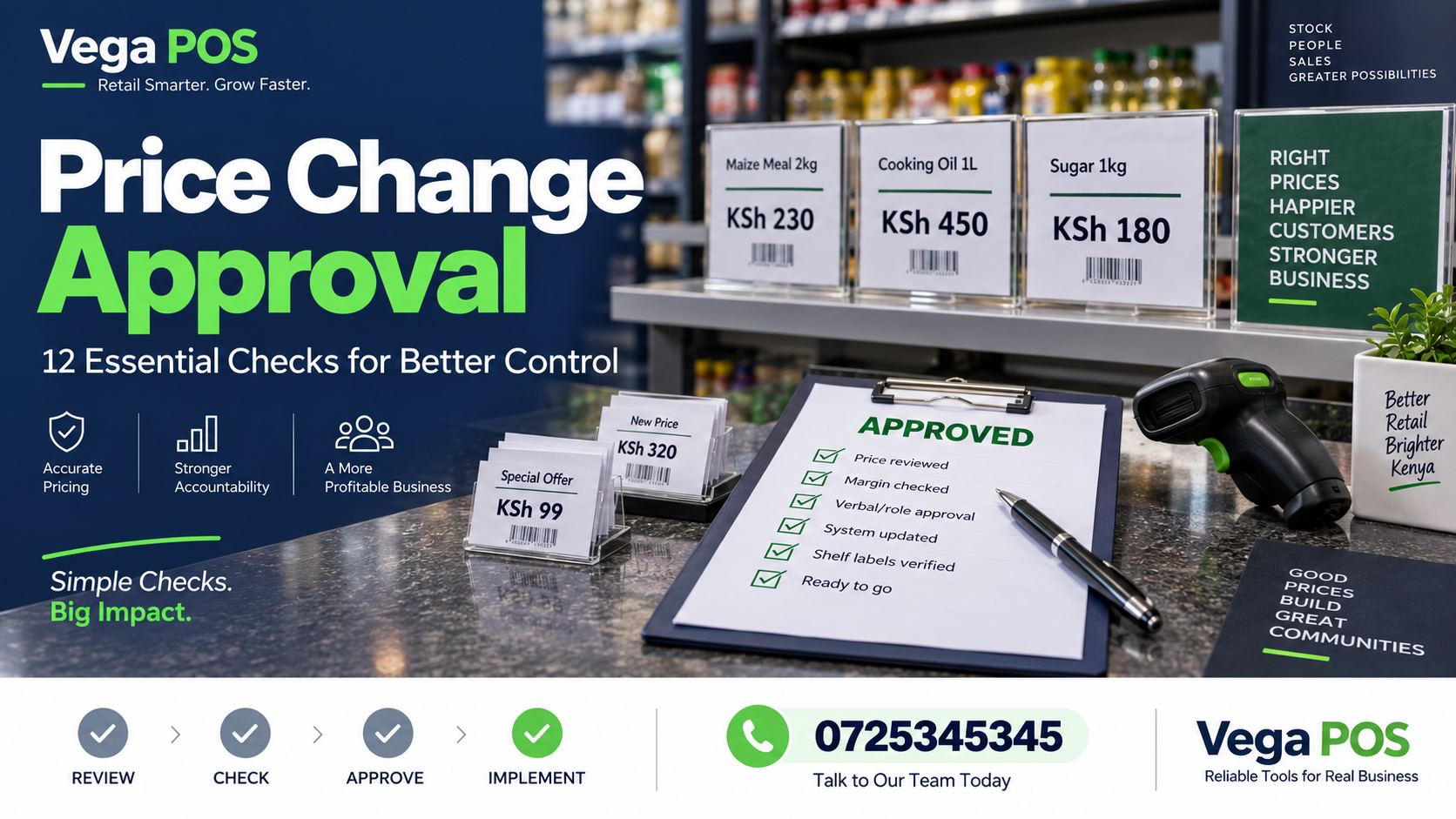
1. Start price change approval with a clear request
Write down what is changing and why. A price change approval request should identify the product, current amount, proposed amount, branch or branches, requested start time and person responsible. Include whether the change is permanent or temporary. An informal instruction such as change the soap price leaves too much room for interpretation.
Use a product reference and description together. A manager should be able to find the exact item without guessing from a brand name. If several sizes are affected, list them individually or attach a checked schedule. Avoid approving a broad category update when only selected products are intended to change.
2. Confirm the selling unit
Check whether the amount applies to one piece, a packet, a carton or another unit. A correct price attached to the wrong unit can create a much larger problem than a small typing error. Include the unit in price change approval, especially when a supplier recently changed packaging.
Review the product unit conversion guide where goods are purchased in one unit and sold in another. Do not infer a selling price merely by dividing a carton amount. The authorised decision must reflect the actual selling unit and your business’s pricing approach.
3. Check the evidence behind the proposal
A request may follow a supplier update, a promotion, a corrected catalogue error or a deliberate commercial decision. Attach the relevant evidence and its date. Distinguish a confirmed supplier change from a quotation that has not been accepted. Review whether the decision affects existing stock, future deliveries or both.
The price change approval reviewer should understand the source without having to search through personal messages. Keep supporting files with the request, using references that another authorised employee can retrieve. Avoid including unrelated customer information in the approval record. The evidence should explain the proposed change, not become a general collection of business documents.
4. Define price change approval responsibilities
Agree who prepares the request, who authorises it and who enters the approved amount. In a small shop, one person may perform several roles, but the decision and completion should still be recorded. A second check is useful for changes affecting many products or outlets.
Confirm the actual permissions in your POS rather than assuming every employee can edit prices or every edit requires an approval screen. If part of the process happens outside the system, keep the reference visible in the working record. A written policy has little value when staff cannot follow it using their available access.
5. Decide the scope across branches
Specify whether the amount is common to all outlets or limited to a particular branch. A staff member updating a central catalogue may not realise that a request was intended for one location. Likewise, a branch update may leave other outlets using a different price when consistency was intended.
During price change approval, confirm the scope before saving. Use a branch list for larger updates and record which locations were checked. Where the software supports different price lists, demonstrate how the correct list is selected during checkout. Do not rely on similar names or remembered settings.
6. Give price change approval an effective time
Record when the new amount should start and, for a temporary promotion, when it should end. Coordinate the system update with customer facing labels and staff instructions. A change applied early in one place and late in another can generate disputes even when both amounts were properly authorised.
Use an unambiguous date and time format. If a promotion runs across several days, identify the final day and the return price. Confirm who checks that the previous amount is restored or replaced at the end. Temporary changes often create lasting errors when nobody owns the expiry step.
7. Review related promotions and exceptions
Check whether a discount, bundle, loyalty rule or manual override already affects the item. A new base price can interact with these arrangements in unexpected ways. Test the final customer amount through the normal selling process rather than checking only the product editing screen.
Document intended combinations during price change approval. If a rule is unclear, send it back for a decision before making the update. Staff should not improvise promotion rules at checkout. Use realistic examples, including a sale with no offer, one eligible offer and a transaction that should not qualify.
8. Apply price change approval with a checked schedule
For multiple products, prepare a schedule containing product reference, unit, old amount, new amount and scope. Review a small sample before processing the whole set. Check for repeated rows, missing identifiers and amounts entered into the wrong column. Keep the approved version separate from a working draft.
After entry, compare the saved values with that approved schedule. A successful import message proves that a file was processed, not that every business decision was correct. If the system reports rejected rows, investigate them before declaring the update complete. Partial completion needs a clear status and owner.
9. Check the shelf and the checkout together
Scan the product through the normal till flow and compare the amount with the new shelf label. Include any relevant branch or promotion condition. A catalogue screenshot alone will not reveal a label left on a secondary display or a cashier using the wrong item reference.
Use the shelf price audit to structure this check. Record mismatches and resolve their cause. Sometimes the label is wrong; sometimes the saved amount or scope is wrong. Do not automatically change one to match the other without confirming the authorised decision.
10. Retain price change approval evidence
Keep the request, approval, effective time and completion check together. Record the person who entered the change and the person who verified it. Where the POS provides an activity history, confirm how to find the relevant record and how long it remains available under your arrangement.
Preserve the old and new amounts in the approval record. This helps explain what happened when a later question refers to a particular date. Do not rewrite older records to make a mistaken update look correct. Document the error, the corrective decision and the successful recheck.
11. Prepare a price change approval correction route
Staff need a clear action when the expected price does not appear or a customer disputes an amount. Identify who can decide, what evidence they need and how the outcome is recorded. The immediate customer conversation and the catalogue correction are related but separate tasks.
Practise the escalation route using the cashier training checklist. Avoid sharing accounts to make an urgent edit. An authorised person should make the decision through the agreed process. Review repeated exceptions to identify whether the cause is unclear requests, delayed labels or incorrect product selection.
12. Review price change approval after a normal update
Choose a recent change and follow it from request to checkout. Check how long each stage took, where information was missing and whether the final amount matched the approved scope. Look for unnecessary handoffs as well as missing checks. The process should be proportionate to the size and impact of the change.
Use the findings to improve the request form and instructions. Add a reminder to the retail opening checklist when a price change takes effect before trading. Review the routine after adding branches, changing catalogue responsibilities or introducing a different promotion method.
A controlled price change approval example
Imagine a shop changing the price of a particular notebook pack for a weekend offer. The request names the exact pack, two participating branches, the start and end times and the amount to use afterwards. The manager approves that schedule, and the employee entering the update checks both locations.
The till test reveals that one secondary display still carries an old label. The team replaces it and retests the offer through checkout. The request remains open until the expiry responsibility is assigned. This example illustrates a process; it is not a measured result or a claim about a specific Vega customer.
Questions about price change approval
Must every small change wait for a meeting? No. Establish a proportionate approval route with clear authority and evidence. Routine requests can be handled promptly when the product, reason, scope and timing are complete. Unclear or unusual changes need more investigation before entry.
Can the cashier decide the new catalogue price? Only if that responsibility and access have been explicitly assigned. The ability to resolve a customer query does not automatically mean authority to change a permanent product amount. Make that distinction clear during training.
What happens when an update is wrong? Preserve the original record, obtain a corrective decision and verify the corrected result. Communicate the practical impact to affected staff. Use the incident to improve the process without hiding the sequence of events or changing historical evidence.
A practical price change approval worksheet
Use a worksheet that separates the request from the completion check. The request area should contain the product reference, description, unit, current amount, proposed amount, reason, branch scope and effective period. The decision area should record the approver and any conditions. The completion area should show who entered the update, when it was checked and which exceptions remain open.
For a promotion, add the intended end action explicitly. Restore the previous amount is different from apply a newly approved amount. Name the person responsible for checking the end of the offer, particularly when it falls on a weekend or during a shift change. Keep the customer facing display work visible in the same schedule so it is not forgotten after the system update.
Test the worksheet with two examples before adopting it. Use a single product change and a small branch specific promotion. Ask the employee entering the update to explain the request without help from its author. If they have to guess the unit, timing or scope, the request is not ready. Improve the wording and repeat the exercise. Review the final checkout amount and labels together, then retain the completed record where another authorised supervisor can find it. This makes price change approval useful beyond the initial decision.
Keep the written request available during the update so staff can check the approved details without relying on a remembered conversation or message.
Related Kenyan business platforms
Different operations need different records. Prim provides a starting point for salon and spa workflows, while TAS focuses on chama management. JAAT presents a digital mall, and Dereva focuses on connecting customers with professional drivers. Review each service against the activity you actually need to manage.
You can also explore Saseni for its current business offering. Zama Web Experts is relevant when a business needs a website, portal or custom system. These links are resources for comparison; they do not mean that every platform automatically exchanges information with the others. Confirm the scope, permissions, support and any integration separately before committing to a setup.
Plan your next step
Bring one ordinary example and one difficult exception to your discussion. Ask the team to demonstrate the complete journey, including who makes a decision, what evidence remains and how another employee finds the result.
Review Vega’s current offering and agree the next step with the team. For help planning price change approval, call 0725345345. Confirm the available features and responsibilities before introducing a new routine. Start with a manageable pilot, collect observations and use those findings to improve the practical daily instructions.