 Vega
VegaSupplier catalogue cleanup checks the product information used when ordering and receiving goods. It brings supplier references, internal product codes, descriptions and units into a consistent record. For Kenyan retailers, this helps staff distinguish a genuine new item from an existing product that arrived with a different description or packaging.
Supplier catalogue cleanup makes purchasing information dependable without erasing useful history. Vega POS supports retail stock and purchasing workflows. Call 0725345345 to discuss your catalogue and confirm how supplier references, units and permissions are handled in the setup available to your business.
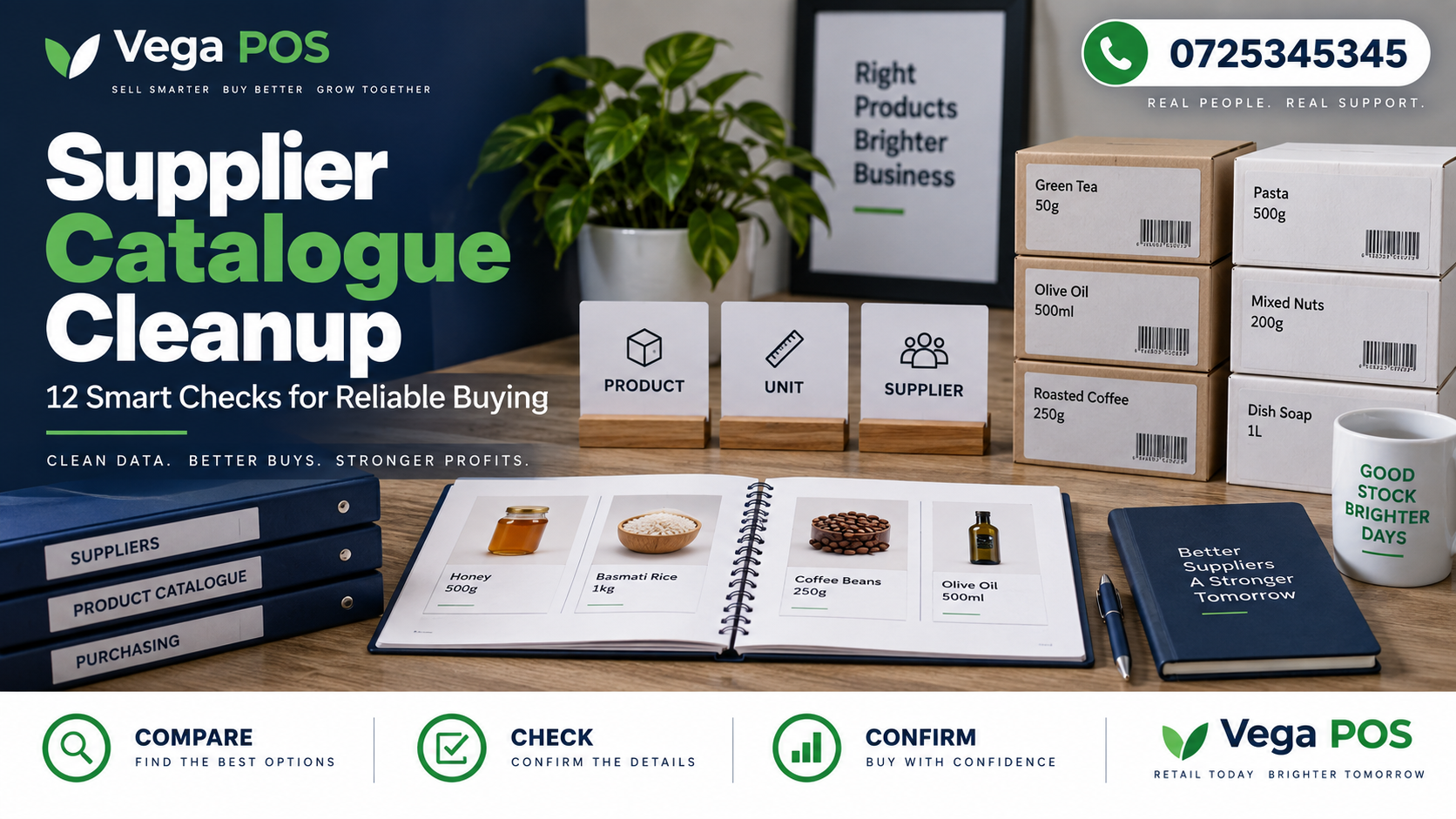
1. Give supplier catalogue cleanup a defined scope
Begin supplier catalogue cleanup with a manageable scope, such as one supplier or a product range with frequent receiving questions. Identify which fields need attention and why. Trying to redesign every product record at once makes it difficult to separate useful corrections from unnecessary changes.
Write down the intended result. You may need reliable supplier references, fewer confusing descriptions or clearer carton quantities. Keep those objectives distinct from changing prices, replacing suppliers or adjusting stock. Related work may be necessary later, but it should have its own decision and evidence.
2. Preserve the original information
Keep a dated copy of the information you are reviewing, using an authorised export or other supported method. Record where it came from and who prepared it. This lets the team compare proposed corrections with the starting point and investigate a question without relying on memory.
Do not treat a backup as permission to make uncontrolled changes. Agree supplier catalogue cleanup responsibilities first. If the system offers an import preview or testing environment, demonstrate it before using a large file. Confirm the recovery process with the person responsible for the system rather than assuming every field can be rolled back independently.
3. Separate supplier references from internal product identities
A supplier’s code and your product code serve different purposes. Two suppliers may use different references for the same item, while similar supplier descriptions may refer to different sizes. Keep the mapping explicit instead of replacing your internal identity every time a supplier changes its catalogue.
During supplier catalogue cleanup, match descriptions, sizes, units and relevant brands. Do not rely on a short text similarity alone. An apparently duplicate row may represent a different pack configuration or a discontinued version that still has transaction history.
4. Check units during supplier catalogue cleanup
Confirm whether the supplier sells pieces, packets, cartons or another measure. Record the contents of a purchasing unit separately from the unit used at your counter. A catalogue that mixes these concepts can make a correct delivery look short or produce an unsuitable order quantity.
Review the product unit conversion guide and test a real example. If one carton contains twelve packets, make that relationship explicit and verify it against current supplier information. Recheck when packaging changes. Do not carry an old conversion forward simply because the product name remains similar.
5. Standardise descriptions without hiding differences
During supplier catalogue cleanup, standardise meaningful details, such as item name, size and pack type. Remove accidental spacing and spelling inconsistencies where they obscure searches. Keep abbreviations understandable to the staff who order, receive and sell the product.
Avoid shortening descriptions so aggressively that distinct items become indistinguishable. Supplier catalogue cleanup should clarify records, not merely shorten descriptions. Test the revised wording with someone who did not prepare the file. They should be able to select the intended product without opening several unrelated records or asking the author what a code means.
6. Review duplicates in supplier catalogue cleanup
During supplier catalogue cleanup, list possible duplicates before considering merges. Compare supplier references, internal codes, units and transaction history through the authorised screens. Ask whether the records represent the same item, a variant, a replacement or a historical entry that should remain identifiable.
Where a merge or retirement is appropriate, confirm the supported procedure and its consequences. Do not delete records simply because current stock appears to be zero. Open orders, returns or historical reports may still refer to them. Preserve a mapping from the old reference to the retained record when the process supports it.
7. Distinguish active, unavailable and discontinued items
An item that is temporarily unavailable is not necessarily discontinued. Record the supplier’s confirmed status and the date of confirmation. Agree how the purchasing team will treat items that can no longer be ordered but still remain in stock or appear in older documents.
Use clear statuses and supplier catalogue cleanup review dates. Avoid keeping an item indefinitely blocked because one delivery was delayed. Equally, do not repeatedly reorder a product that the supplier has replaced. The record should help the buyer make the next decision, not merely describe what happened several months ago.
8. Verify supplier catalogue cleanup against recent documents
Compare proposed corrections with a small set of recent orders, delivery documents and accepted supplier updates. Check the exact product and unit rather than only the amount. Differences may reflect a changed pack size, an old reference or a genuine delivery problem.
Connect unresolved questions to the supplier delivery variance guide. Keep the evidence and the question together. A catalogue cleanup should not silently rewrite the record to make a disputed delivery appear correct. Resolve the business issue through the appropriate process before treating the information as confirmed.
9. Separate catalogue corrections from price decisions
A spelling correction, a supplier mapping and a new selling price require different checks. Keep the change type visible in the schedule so an approver understands what they are authorising. A file described as cleanup should not contain unexplained commercial changes.
If updated supplier information affects purchasing costs or selling decisions, route those questions to the responsible person. Confirm effective dates and scope separately. Staff entering catalogue corrections should not infer new prices from a description change or an unfamiliar pack quantity.
10. Apply supplier catalogue cleanup in small batches
Use a checked schedule with a unique reference for each intended change. Start with a limited batch and inspect the saved result before continuing. Confirm how blank cells, repeated rows and unrecognised references are handled by the actual import or editing process.
Keep rejected or uncertain entries out of the completed list until resolved. Record which rows were applied and which remain open. A partly successful update needs a clear status. Otherwise the next employee may rerun the whole file and create a second problem while trying to finish the first.
11. Test ordering and receiving after the update
Ask a buyer to find an item using the revised information and prepare the relevant order through your normal process. Then check how a receiving employee identifies that same item from the supplier document. Both should arrive at the intended internal product and unit.
Use the purchase order matching guide to test the relationship between the documents. Include a similar looking product and a changed pack size in the sample. Testing only the easiest item will not reveal the selection mistakes that originally caused concern.
12. Maintain the catalogue after cleanup
Assign an owner for new supplier items and later changes. Require enough information to identify the product, purchasing unit and internal mapping before adding it. Keep a route for receiving staff to report unclear descriptions without creating unofficial replacement codes.
Review recurring catalogue questions during normal purchasing work. The supplier lead time tracking guide can support separate delivery planning, while the catalogue remains focused on product identity and ordering information. Clear ownership prevents the same disorder from returning after the initial cleanup.
Supplier catalogue cleanup example: similar descriptions, different packs
Imagine a shop receiving two supplier rows described simply as blue pens. One reference represents individual pens; the other represents a box. The buyer has been selecting whichever row appears first in search. The cleanup confirms the supplier references and pack contents, then gives each record an understandable description and mapping.
The team does not merge the rows merely because the words are similar. A buyer tests an order using the correct unit, and a receiving employee checks the document against the physical pack. The result is a clearer selection process. This is an illustrative example, not a reported performance result from a customer.
Questions about supplier catalogue cleanup
Should old products be deleted? Do not delete them casually. Confirm the supported retirement process and check whether transaction history or open work depends on the record. A clearly inactive item can be safer than an unexplained gap in historical references.
Can supplier spreadsheets be imported directly? Only after checking their structure, identifiers and unit meanings against your system. A supplier’s file may be accurate for its own processes but unsuitable for yours. Test a small authorised sample and review the saved result before a wider update.
How often should the catalogue be reviewed? Use the rate of supplier changes and the problems observed by staff. Add checks when packaging changes, a supplier replaces an item or receiving questions repeat. A small ongoing review is usually easier to maintain than waiting for a large backlog.
A practical supplier catalogue cleanup worksheet
Include the internal code, supplier reference, current description, proposed description, purchasing unit, pack quantity, evidence date and change type. Add the reviewer, decision and completion result. Keep uncertain rows visibly separate from approved corrections. This helps the person entering the changes work from a clear schedule instead of interpreting comments while editing live records.
Ask another employee to review a few rows without explanation from the preparer. They should be able to identify the item and understand the proposed correction. If they cannot, improve the evidence before applying the change. Keep the original and approved versions together so later questions can be answered from the record.
Keep supplier catalogue cleanup questions specific
When asking a supplier to clarify an item, include its reference, the description on the document and the exact question. Ask whether a pack contains a stated number of pieces, whether a replacement reference supersedes an old one or whether an item is temporarily unavailable. A precise question is easier to answer than a request to send a better catalogue.
Record the reply date and the person who confirmed the information through your approved communication channel. If the response conflicts with the physical delivery, keep the discrepancy open and follow the receiving process. Do not choose whichever version makes the spreadsheet easier to complete. Share the confirmed change with purchasing and receiving staff, because both teams rely on the same mapping.
After supplier catalogue cleanup, review deliveries affected by pack or reference changes. Check that the updated description helps staff identify the goods correctly. If confusion continues, revise the wording or mapping rather than adding another unexplained duplicate row to the catalogue.
Ask another employee to confirm that the revised record identifies the intended product clearly. Verify uncertain details before applying changes.
Related Kenyan business platforms
Different operations need different records. Prim provides a starting point for salon and spa workflows, while TAS focuses on chama management. JAAT presents a digital mall, and Dereva focuses on connecting customers with professional drivers. Review each service against the activity you actually need to manage.
You can also explore Saseni for its current business offering. Zama Web Experts is relevant when a business needs a website, portal or custom system. These links are resources for comparison; they do not mean that every platform automatically exchanges information with the others. Confirm the scope, permissions, support and any integration separately before committing to a setup.
Plan your next step
Bring one ordinary example and one difficult exception to your discussion. Ask the team to demonstrate the complete journey, including who makes a decision, what evidence remains and how another employee finds the result.
Review Vega’s current offering and agree the next step with the team. For help planning supplier catalogue cleanup, call 0725345345. Confirm the available features and responsibilities before introducing a new routine. Start with a manageable pilot, collect observations and use those findings to improve the practical daily instructions.