 Vega
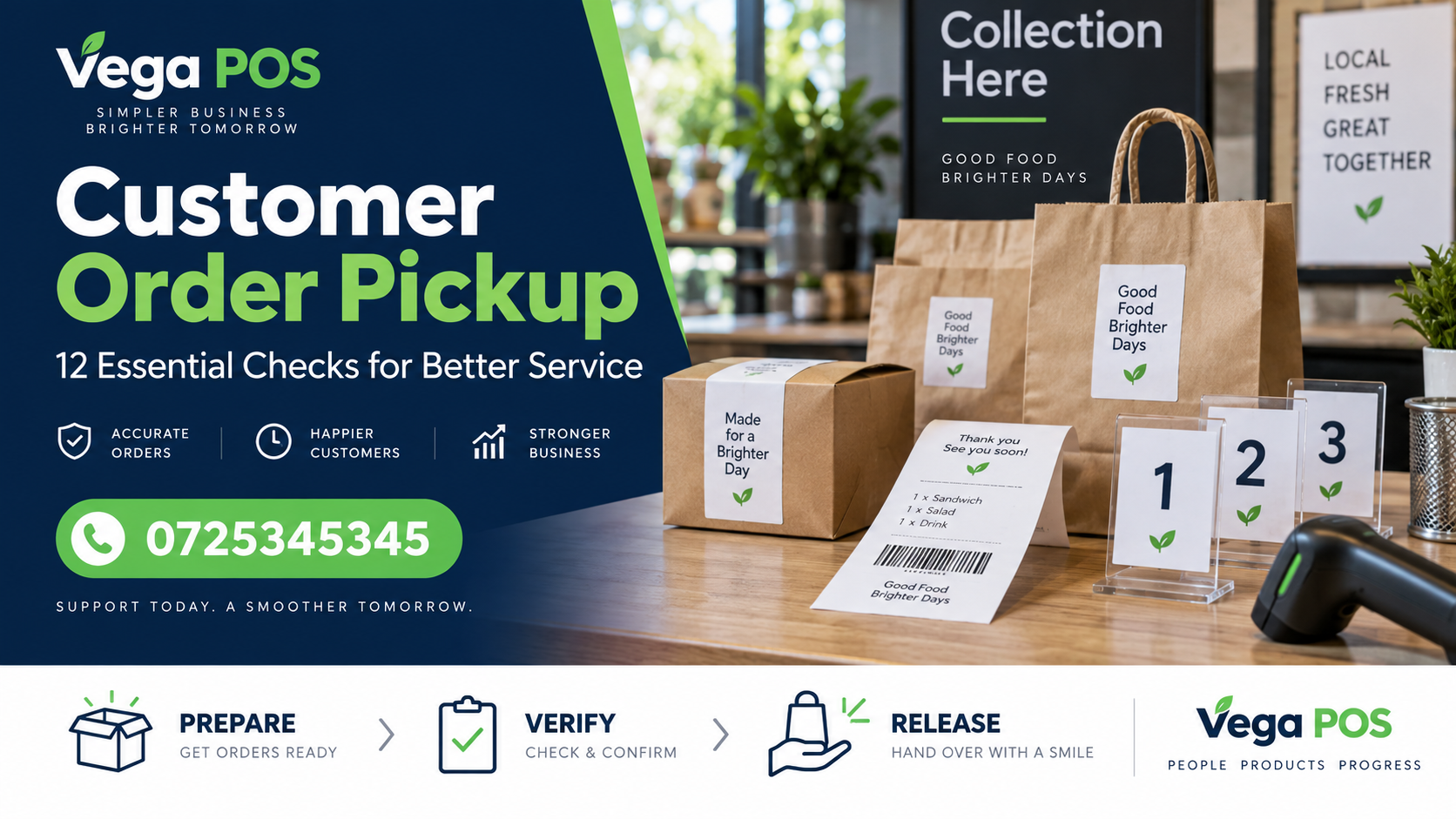
VegaCustomer order pickup is the point where a prepared order is checked and handed to the person collecting it. Customer order pickup connects the original request, the goods set aside, any outstanding decision and the final collection record. For a busy Kenyan shop, clarity at this stage helps prevent incomplete handovers and repeated searches for prepared orders.
This customer order pickup guide covers shop counter and collection desk checks. Vega POS supports retail selling and stock records. Call 0725345345 to discuss your order process and confirm how reservations, customer references and collection steps can be handled in the available setup.
1. Give customer order pickup a unique reference
Use a clear order reference from the moment the request is accepted. The reference should help staff find the intended order without searching through several similar customer names. Include it on the picking instruction and the prepared package according to your shop’s information handling rules.
Avoid exposing unnecessary personal details on packages visible to other customers. A collection reference can identify the order while private contact information stays in the authorised record. Make sure staff know which reference they should request at the counter and how to find an order when the customer cannot provide it.
2. Confirm what the order contains
For customer order pickup, record product identities, quantities and units clearly. Note any approved substitution rather than leaving a verbal instruction with one employee. Similar colours, sizes or pack types can make a prepared order look correct even when it contains the wrong variant.
Review the product unit conversion guide if goods may be ordered by carton and collected by piece. The customer’s request, picking record and final handover should describe the same quantity. Resolve ambiguous units before the order reaches the collection desk.
3. Distinguish reserved stock from a completed sale
Agree when stock is set aside, when the transaction is completed and when collection is recorded. These events may happen at different times. Staff should not assume that a package on the collection shelf has already been paid for or that an order reference proves it is ready.
Use the stock reservation control guide to review how held goods remain identifiable. Confirm the behaviour of your actual software during a demonstration. Do not invent a separate manual quantity that conflicts with the official stock record.
4. Prepare customer order pickup in a clear location
Choose a designated customer order pickup area and label its storage positions. Keep prepared orders separate from ordinary saleable stock and goods awaiting inspection. A worker should be able to locate an order without opening every package or relying on the person who packed it.
Record the storage position where useful. If a package moves, update the reference promptly. Avoid using a vague note such as behind the counter when several employees use the same space. Check that the arrangement remains practical during busy periods and does not obstruct normal work or access routes.
5. Check completeness before announcing readiness
Compare the prepared goods with the authorised order. Check product, variant, unit, quantity and condition. Mark shortages or unresolved substitutions clearly. Do not tell a customer that an order is ready simply because part of it has been packed.
If a partial collection is appropriate, agree it with the customer through your normal process and record what remains outstanding. The collection team should understand whether it is handing over the full order or one approved part. Clear customer order pickup rules reduce repeat visits caused by incomplete preparation.
6. Communicate customer order pickup instructions
Tell the customer where to collect, when the order is ready and what reference or verification your shop requires. Keep the instructions consistent across staff and communication channels. A customer should not receive one collection location from the sales team and a different instruction from the store room.
Make realistic commitments. If readiness depends on an incoming item or an unresolved decision, state that clearly instead of promising a time without evidence. Record the message and any agreed change so the next shift understands what the customer expects.
7. Verify the collector through the agreed process
Follow the shop’s customer order pickup verification procedure before releasing goods. An order reference helps locate the record, but your policy may require additional confirmation, especially when someone collects on another person’s behalf. Explain the requirements in advance so staff do not invent them during the handover.
Collect only the information needed for the process and keep it in the authorised record. Do not photograph identity documents or copy personal details simply because it seems convenient. If the collector cannot satisfy the agreed requirement, refer the decision to the responsible supervisor rather than improvising an exception.
8. Check the customer order pickup status before release
Open the current order and confirm that it has not already been collected, cancelled or changed. Check any outstanding requirement through the official record. A printed note or message may be outdated if another employee processed a change after it was prepared.
Where payment or approval is required before release, use the shop’s authorised confirmation process. Do not treat an unverified message or a customer’s statement as proof that an internal requirement has been completed. Explain unresolved issues calmly and involve the person authorised to make the decision.
9. Review the goods with the customer
During customer order pickup, confirm the items and quantities where practical. Draw attention to an agreed substitution or partial collection so the customer understands what is being received. Keep the conversation focused on the actual order rather than assuming the package speaks for itself.
If the customer identifies an error or damaged item, pause the handover and follow the relevant process. The damaged stock quarantine guide can help keep questionable goods separate while a decision is made. Do not quietly return them to normal selling stock.
10. Record customer order pickup immediately
Update the collection record at the point of release. Include the time, responsible employee and any partial quantity or approved exception required by your process. Delaying the update until the end of the day creates a period when another worker may believe the order is still waiting.
Give the customer the appropriate receipt or confirmation through the normal workflow. Avoid creating a second informal record with different quantities. The order, selling record and collection status should tell a consistent story that another authorised employee can understand later.
11. Manage uncollected orders and changes
Include uncollected orders in your customer order pickup review routine. Check the promised collection arrangement, contact history and current status before deciding what to do next. Staff should not release held goods back into ordinary stock merely because a package has been waiting for several days.
Follow the agreed cancellation, refund or stock release procedure where relevant. Record the decision and update both the physical position and the official record. Review orders with changed contents carefully; an old package may no longer match the current request even though the reference remains the same.
12. Carry open collections into the next shift
Include ready orders and unresolved customer order pickup decisions in the handover. Identify the next action and owner. A package that is visible to one team can become difficult to explain when the person who prepared it leaves for the day.
Use the retail opening checklist to confirm the collection area is organised before trading. Review recurring problems with the team and adjust the process. The aim is a consistent handover from order preparation to customer service, even when different employees complete each stage.
Example: a partial order collected in two visits
Imagine a customer ordering three identical packs, but only two are ready. The shop agrees a partial collection and records that one pack remains outstanding. At the first visit, staff verify the current order, hand over two packs and record the partial quantity immediately. The remaining item stays visible as open work.
At the second visit, the collector uses the same order reference. Staff check the earlier collection record and release only the final pack once the outstanding conditions are satisfied. The order is then marked complete. A single clear history prevents the second employee from relying on memory or handing over the full quantity again.
This scenario is illustrative. Confirm how your specific system represents partial collection before using the process with customers. If the software does not support the workflow directly, agree an authorised alternative with the responsible team and test how the records remain consistent.
Questions about customer order pickup
Can another person collect an order? Your shop should define the authorisation and verification needed, explain it in advance and record the decision appropriately. Do not let each employee create a different rule at the counter. Escalate unusual cases through the agreed supervisor route.
Should a collection shelf show customer names? Use the minimum information necessary for staff to identify the package. A reference may be sufficient. Keep private contact details and sensitive notes in the authorised order record rather than on a publicly visible label.
What if a customer arrives before the order is ready? Check the current status and explain what remains outstanding. Do not change the record to ready simply to shorten the conversation. Give a realistic next step based on the available evidence and record any revised agreement.
Test the complete customer order pickup journey
Run a small trial with an ordinary order, a similar looking variant, a partial order and a collection by an authorised representative. Ask different staff members to prepare and release the goods. Observe whether the incoming person can find the current record and package without extra explanation.
Include a changed order and an already collected reference in the test. These cases reveal whether staff check status before release or rely only on the package label. Use test records through the approved process, and avoid creating misleading live transactions. Review the findings before introducing the routine more widely.
Keep the customer order pickup area understandable
Use a simple position list when prepared orders occupy several shelves or rooms. The list should identify the order reference and current location, while the authorised order record holds the full detail. Update the position when a package moves. A location that was accurate yesterday may mislead the next employee after a busy receiving period.
Check the area during opening and shift handover. Look for packages with unclear references, orders already marked collected and goods awaiting a decision. Investigate each mismatch before moving the package or changing its status. Do not use the collection shelf as general overflow storage. Keeping the area’s purpose clear helps staff distinguish a customer commitment from ordinary stock. Assign one person to review unresolved packages and carry the outcome into the next handover so the same uncertainty does not return every day.
Confirm the customer order pickup record before releasing prepared goods.
Related Kenyan business platforms
Different operations need different records. Prim provides a starting point for salon and spa workflows, while TAS focuses on chama management. JAAT presents a digital mall, and Dereva focuses on connecting customers with professional drivers. Review each service against the activity you actually need to manage.
You can also explore Saseni for its current business offering. Zama Web Experts is relevant when a business needs a website, portal or custom system. These links are resources for comparison; they do not mean that every platform automatically exchanges information with the others. Confirm the scope, permissions, support and any integration separately before committing to a setup.
Plan your next step
Bring one ordinary example and one difficult exception to your discussion. Ask the team to demonstrate the complete journey, including who makes a decision, what evidence remains and how another employee finds the result.
Review Vega’s current offering and agree the next step with the team. For help planning customer order pickup, call 0725345345. Confirm the available features and responsibilities before introducing a new routine. Start with a manageable pilot, collect observations and use those findings to improve the practical instructions.