 Vega
VegaBarcode label checks confirm that a scan identifies the product a customer is actually buying. A label can look tidy and still point to the wrong size, pack or colour. For a Kenyan shop, the useful test is therefore bigger than whether the scanner beeps. Staff should compare the physical item, the record selected on screen and the selling unit before accepting a label for daily use.
Use this guide to plan barcode label checks with the people who receive, label and sell stock. Vega POS provides a starting point for discussing your retail workflow. Call 0725345345 and bring sample products to confirm the available barcode, printing and product matching options in your setup.
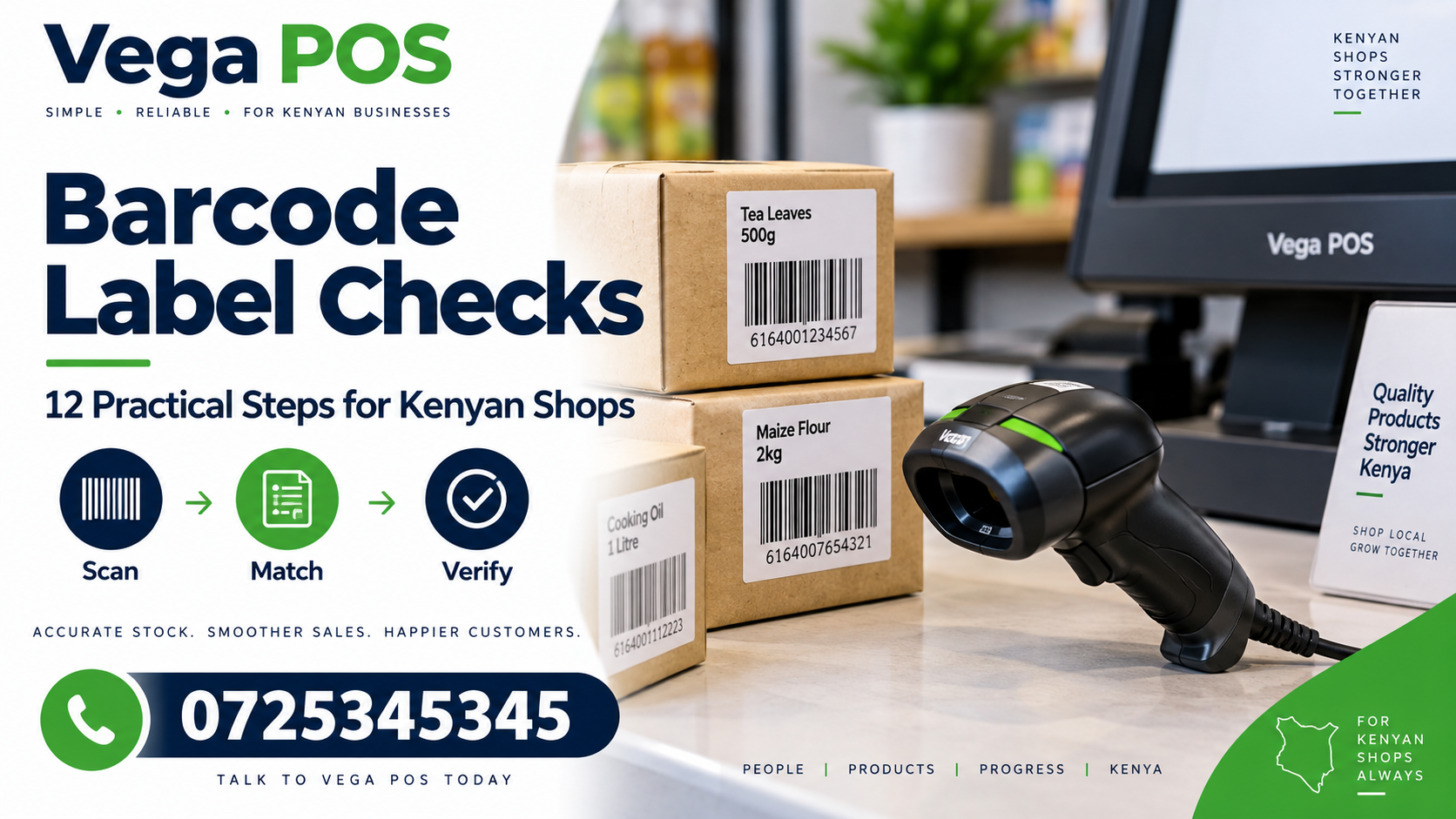
1. Define the purpose of barcode label checks
Decide whether you are checking newly received goods, replacement labels or an entire shelf. Each situation needs a clear boundary. A receiving check asks whether the supplier’s product matches your record. A replacement check asks whether the printed label preserves the intended identity. A shelf review looks for mistakes that may already affect sales.
Record the location, product range and person responsible. Start with one manageable group rather than printing labels for everything immediately. Include products that staff frequently confuse. The point of barcode label checks is to discover incorrect matches before they spread across a full delivery or a busy counter.
2. Compare the item with its product record
Read the description on the physical package and compare it with the selected record. Check the meaningful differences: size, variant, quantity and selling unit. Similar names do not prove that two products are interchangeable. Two bottles may share a brand while containing different amounts, and a box may carry a different code from an individual piece.
Keep the existing record visible while checking the item. Avoid creating another product simply because a scan initially fails. A spelling difference, missing reference or inactive record may explain the problem. The supplier catalogue cleanup guide offers a related way to review identities before making changes.
3. Separate product labels from shelf information
A product barcode identifies an item or unit within the agreed process. A shelf label may also show a price, location or promotional message. Treat those functions separately during barcode label checks. An accurate shelf description does not prove that the product sticker underneath it belongs to the same record.
Walk from the shelf to the counter with a sample. Compare what a customer sees with what the cashier selects. If several variants occupy adjacent spaces, make their shelf descriptions distinguishable. Where location references are used, the stock location labels guide helps separate the storage address from the product identity.
4. Confirm the selling unit before printing
Write down whether staff sell a piece, packet, pair, carton or another unit. Confirm how the supplier’s packaging relates to that unit. Do not copy a carton label onto individual items without checking what the resulting scan means in your system. A successful scan can still select a quantity that the cashier did not intend.
For barcode label checks, include a realistic mixed example. Scan one loose item and one unopened pack, then compare the selected descriptions and quantities. Ask the provider how different units should be represented. Use the supported method rather than inventing a naming convention that only the employee doing the printing understands.
5. Print a small sample first
Print a few labels using the actual printer, label material and intended settings. Inspect whether text is readable and whether the barcode fits without being clipped. Check the edges and the space surrounding the printed code. Do not assume that an image which looks clear on a laptop will remain usable on the smallest label roll.
Keep the approved sample with the job instructions. Record the printer and label stock used so another employee can reproduce the result. If settings change, repeat the sample check. Barcode label checks work best before a large print run, when correcting a layout takes minutes instead of relabelling many products.
6. Test scans at the actual counter
Use the scanner and counter position that staff normally use. Try the label on the real package, not only as a flat sheet held close to the device. Curved packaging, shiny surfaces and awkward placement can make a label harder to read during normal handling.
Observe the result on screen after every test. Confirm the product name and unit, then clear the test transaction through the approved process. Never leave a test sale mixed into ordinary trading records. Include another cashier in barcode label checks so the result does not depend on one person’s carefully practised scanning angle.
7. Investigate repeated or conflicting matches
If a code selects an unexpected record, stop that label batch and record the observed result. Compare the printed characters with the intended reference. Check whether a different item has been given the same internal code or whether the wrong template was selected. Avoid fixing the problem by changing several records at once.
Use an authorised product maintenance process and preserve the original evidence. After a correction, repeat barcode label checks on the affected item and a neighbouring variant. This confirms both that the intended match now works and that the correction has not moved the mistake onto another product.
8. Place labels where people can use them
Agree a sensible label position for each packaging type. Staff should find it without covering important product information or opening the package. Avoid folds, seams and places likely to rub against shelves. If a supplier code remains visible beside your own label, demonstrate which code staff should scan and why.
Check how the item looks after normal shelf handling. A label that peels during the first day needs a different placement or suitable material. Barcode label checks should include physical durability, not only the original print quality. Keep unsuitable labels away from approved stock so they are not applied accidentally.
9. Keep price changes under separate control
A correct barcode match does not authorise a new selling price. Where labels include prices, compare the price against the approved change and its effective date. Confirm whether an old promotional sticker needs removal. Staff should not guess which price applies when the shelf, package and counter disagree.
Use the price change approval guide alongside barcode label checks. Give the label job a reference that connects it to the approved price decision. This keeps a printing task from becoming an undocumented commercial change and helps the next shift explain the price shown to a customer.
10. Record failures in a useful way
Separate a code that will not scan from a code that scans to the wrong product. Also distinguish a correct product with an unexpected unit or price. These failures may need different owners. A printer adjustment will not solve an incorrect product mapping, and changing a product description will not repair torn label material.
For each failure, keep the item reference, label batch, location, observed result and next action. Use short, factual notes. Barcode label checks become easier to improve when the team can see repeated causes instead of a general complaint that the scanner is unreliable.
11. Train the exception routine
Show cashiers what to do when scanning fails during a queue. They need a supported search method and a clear way to confirm the selected item. Picking the first similar description may complete the sale quickly while creating a stock error that appears much later.
Practise with a missing label, a damaged label and two similar variants. Ask staff to explain how they know the selected record is correct. Include barcode label checks in new employee training, but keep the instructions short enough to use at the counter. Escalation should be easy when the identity remains uncertain.
12. Review after the first trading period
Check the first day’s reported exceptions after introducing a label batch. Ask receiving staff whether application was straightforward and cashiers whether scanning produced consistent matches. Inspect a small sample on the shelf again. The goal is to discover practical problems that were not visible during printing.
Assign an owner for later barcode label checks when packaging, suppliers or printer settings change. Keep approved instructions together and retire outdated versions. A simple review routine is more dependable than assuming that one successful printing session settles every future labelling decision.
Worked example: a single item and a multipack
Imagine a shop selling notebooks individually and in packs of five. The packaging looks similar, and a staff member prepares one label design for both. During testing, the individual notebook selects the pack record. The team stops the batch, confirms the product mapping and prepares separate approved labels before anything reaches the shelf.
The corrected test includes one individual notebook, one pack and a mixed basket. The cashier checks the description and quantity for each selection. Another employee repeats the exercise using the normal counter scanner. This hypothetical example shows why barcode label checks should test the complete match rather than treating the scanner’s sound as proof of accuracy.
Questions shop owners ask
Can we relabel everything in one afternoon? Start with an approved sample and a manageable batch. The time needed depends on product variety, existing records and the quality of the labels. A short pilot reveals problems before the team commits to a large run.
Should a failed scan always create a new product? No. Investigate the existing record, reference and label first. Creating unnecessary duplicates can make purchasing, stock counts and reporting harder to understand.
How frequently should barcode label checks happen? Repeat them when new items arrive, packaging changes, labels are replaced or staff report matching problems. Choose the routine around actual changes and observed issues rather than an arbitrary promise that one check is enough.
Other business workflows and useful links
Businesses with several activities may need separate tools. Explore Prim for salon workflows, TAS for chama management, JAAT’s digital mall and Dereva’s driver marketplace when those services match your work. Saseni presents writing order management services. These are separate offerings; a link does not establish an automatic integration.
For a custom website or portal connected to a broader operational process, review Zama Web Experts. Describe the records that should move between systems and ask how exceptions will be handled before agreeing an integration. Keep barcode label checks focused on the retail identity and scanning process you can demonstrate.
Keep a simple label approval record
For each batch, record the product reference, label design, printer, material, sample result and approver. Keep the approved sample identifiable so an employee does not confuse it with an earlier rejected version. Barcode label checks should leave enough evidence to reproduce a successful result without creating unnecessary paperwork.
During the first week, collect failed labels separately and review them with the person responsible for printing. Look for recurring placement, matching or material problems. If the same issue affects several products, correct the shared cause before asking cashiers to work around each item individually.
Include barcode label checks when another branch adopts the same design. Different printers, scanners and packaging conditions can produce different practical results. Ask that branch to repeat the sample test and report the selected product and unit. A shared template is useful, but local verification confirms that staff can use it in their actual working environment.
Keep the checked label sample accessible to every relevant employee.
Prepare a practical demonstration
Bring three ordinary products, two easily confused variants and one item with a difficult label. Include the label roll and scanner you expect to use. Ask the team to show product selection, printing, scanning and correction of a mistaken match. Record which steps are available in your chosen setup and which require configuration.
Review Vega’s current product information and call 0725345345 to plan the discussion. A useful demonstration ends with a clear routine your receiving team and cashiers can repeat. Keep the approved sample, nominate the person who owns later changes and schedule the first review before expanding the label run.