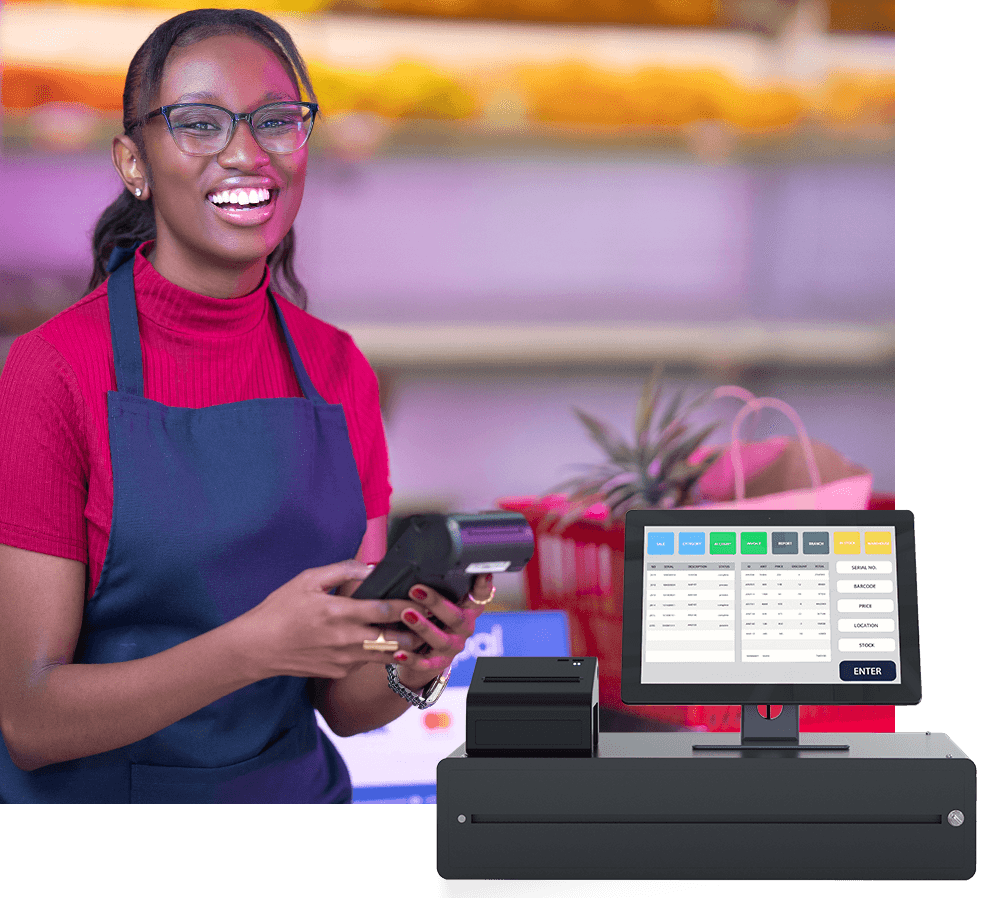
Vega POS Security Features: A Complete Guide to Safe, Secure, & Compliant Point‑of‑Sale Operations
In today’s digital economy, retailers and business owners need more than just fast checkout — they need POS solutions that protect sensitive customer data, minimize fraud, and maintain trust. With rising cyber threats targeting point‑of‑sale (POS) systems, choosing a platform built with robust security features is essential for any business that processes payments. Vega POS security features are engineered to keep your data, transactions, and business insights protected while complying with industry standards.
In this detailed guide, we’ll explore what makes Vega POS one of the most secure cloud‑based POS systems available — from role‑based access control and encryption to audit trails and real‑time monitoring — and how these elements work together to give small and medium businesses peace of mind.
What Is Vega POS? A Quick Overview
Vega POS is a cloud‑hosted point‑of‑sale system designed for retail shops, mini‑marts, boutiques, takeaways, and more. Its intuitive interface helps merchants process sales quickly while maintaining control over inventory, customers, reporting, and operations — all from any device with internet access.
While fast sales and actionable insights are core benefits, security is foundational to Vega POS. The platform incorporates data protection, user permissions, automated security updates, and system resilience into its core design. This makes it suitable not only for daily sales but also for meeting modern security expectations of customers and regulators alike.
Top Vega POS Security Features
Below are the most critical security features of Vega POS, explained in detail:
1. Cloud‑Hosted Platform With Built‑In Security
Unlike traditional on‑premise POS software that stores data on local machines, Vega POS operates in the cloud, meaning:
Data is encrypted in transit and at rest. Sensitive transaction and customer data are protected through standard encryption methods that prevent interception by unauthorized parties.
Automatic backups ensure that business data remains available and recoverable even during outages or device failures.
Automatic updates push security patches without requiring manual installation, so vulnerabilities are mitigated promptly.
This cloud‑centric model reduces the risk of local device compromise, removes the need for manual server maintenance, and helps businesses stay current with evolving security threats.
2. Role‑Based Access Control (RBAC)
One of the most impactful Vega POS security features is role‑based access control (RBAC). It enables business owners to define who can see and do what within the system.
Why RBAC matters:
Minimizes risk of insider misuse. Staff with checkout duties don’t need access to sensitive reports or system settings.
Prevents privilege creep. Permissions are granted based on roles, not guesswork.
Enforces separation of duties — for example, cashiers, managers, and administrators each have clearly defined privileges.
Permissions can be tightly configured so that only trusted users can perform critical tasks such as price overrides, refunds, or system configuration changes — dramatically lowering the risk of accidental or malicious misuse.
3. Secure Login & Authentication
Access to Vega POS starts with user authentication. While Vega supports standard password‑protected logins, additional security layers are available:
Strong passwords: Vega encourages the use of non‑default, complex passwords.
Two‑Factor Authentication (2FA): Adding a second form of verification (e.g., SMS or authenticator app code) ensures that even stolen passwords aren’t enough to access the system.
Strong authentication is a cornerstone of modern cybersecurity. Without it, POS platforms are vulnerable to unauthorized access, credential stuffing, and brute‑force attacks. Systems like Vega POS offset these risks by implementing multi‑layer authentication that requires more than just a username and password.
4. Comprehensive Audit Trails & Activity Logging
Every action taken within Vega POS is logged, time‑stamped, and associated with a specific user account. These detailed audit trails help:
Track suspicious behavior — suddenly deleted products or unusual refunds by an employee can be investigated promptly.
Identify unauthorized access attempts. Failed logins and configuration changes are logged for review.
Support compliance and accountability — auditors and managers alike can review who did what and when.
With complete system logs accessible in dashboards and reports, Vega POS helps businesses proactively detect insider fraud or policy violations before they escalate.
5. Real‑Time Monitoring and Alerts
Security is not just about preventing unauthorized access — it’s also about detecting anomalies quickly. Vega POS security features include real‑time monitoring tools that:
Alert you to unusual sales patterns or high‑value refunds.
Show live transaction data across stores and devices.
Help you spot irregular activity that could indicate fraud.
Real‑time visibility gives businesses the ability to respond fast to potential threats — instead of discovering security issues hours or days later.
6. Secure Payment Processing
Security in a POS system doesn’t end with logins and permissions — it must also ensure payment data is safe.
Though Vega POS itself doesn’t store card data permanently, it integrates with secure payment methods such as:
Card payments
Mobile money (e.g., M‑Pesa)
Split tenders
By relying on secure, third‑party payment rails and encryption protocols, Vega minimizes exposure to cardholder data. This helps reduce the likelihood of breaches and simplifies compliance with payment security standards like the Payment Card Industry Data Security Standard (PCI DSS), which applies to any business handling card payments.
Note: PCI compliance requires ongoing assessment, but Vega POS helps businesses meet the technical requirements through encryption and secure infrastructure.
7. Regular Security Patches and Updates
One of the biggest security weaknesses in legacy POS systems is outdated software. Systems that aren’t updated regularly are vulnerable to attacks that exploit known flaws. Vega’s cloud‑based architecture solves this by:
Delivering updates automatically
Patching vulnerabilities without user intervention
Rolling out new security features seamlessly to all users
This ensures that Vega’s platform evolves with the threat landscape, protecting merchants from emerging attack vectors.
8. Encrypted Data Transmission
Data transmitted between your POS terminal and Vega’s servers is encrypted. Encryption prevents man‑in‑the‑middle attacks, where an attacker intercepts sensitive data mid‑transmission. This is crucial for:
Protecting customer payment information
Safeguarding login credentials
Preserving transactional integrity
While the specific encryption algorithms aren’t publicly disclosed (they often remain proprietary or evolve), Vega’s use of standard encryption practices is part of its security commitment.
9. Multi‑Branch & Remote Management Security
For businesses with multiple locations, centralized control can create risks if not properly secured. Vega POS empowers businesses with:
Centralized access control and visibility
Branch‑level reporting without sharing sensitive credentials
Remote dashboard monitoring
Such controls ensure that managers can oversee operations without compromising security.
10. Backup and Disaster Recovery
Data loss due to hardware failure, theft, or human error can devastate a business. Vega’s cloud nature supports:
Automatic backups
Disaster recovery mechanisms
High availability (less downtime)
Regular backups — especially those stored encrypted in the cloud — help businesses restore operations quickly after disruption while maintaining data integrity.
Why Security Features Matter for Retail & SMEs
A POS system is the beating heart of a business’s commerce operations. When it’s compromised, it can lead to:
Financial loss
Customer data exposure
Reputational damage
Compliance fines
Cybercriminals often aim to infiltrate POS systems to steal credit card data or customer information. Known malware families like PunkeyPOS and BlackPOS illustrate the real danger — they target POS software to scrape memory and extract sensitive payment card data.
To defend against such threats, a modern POS platform must:
Encrypt transaction data
Limit user privileges
Log and monitor activity
Update continuously
Vega POS security features address each of these areas, helping businesses build resilient defenses that protect critical information.
Best Practices When Using Vega POS
While Vega POS offers a strong security foundation, merchants should also adopt security best practices to safeguard their systems even further:
✔ Use Unique, Strong Passwords
Never reuse default or short passwords. Use a mix of characters and update passwords periodically.
✔ Enable Two‑Factor Authentication
Add an extra layer of defense beyond passwords.
✔ Train Staff on Security Awareness
Teach your team to spot phishing, social engineering, and suspicious behavior.
✔ Secure Network Infrastructure
Ensure your Wi‑Fi or wired connections are secured with encryption, strong passwords, and firewall protection.
✔ Monitor Logs Regularly
Check logs and audit trails for unusual activity.
✔ Update Hardware Firmware When Needed
Ensure peripherals and payment terminals are up to date.
By combining Vega POS’s built‑in security features with proactive practices, businesses can significantly reduce their risk of fraud and data breach.
Conclusion: Vega POS Security Features Are Business‑Ready & Future‑Proof
In an era where digital threats continue to evolve, POS security can no longer be an afterthought. Vega POS security features — from encryption, RBAC, secure login, audit trails, automatic updates, to cloud data protection — provide a robust foundation for small and midsize retailers looking to protect their operations and customer trust.