 Vega
Vega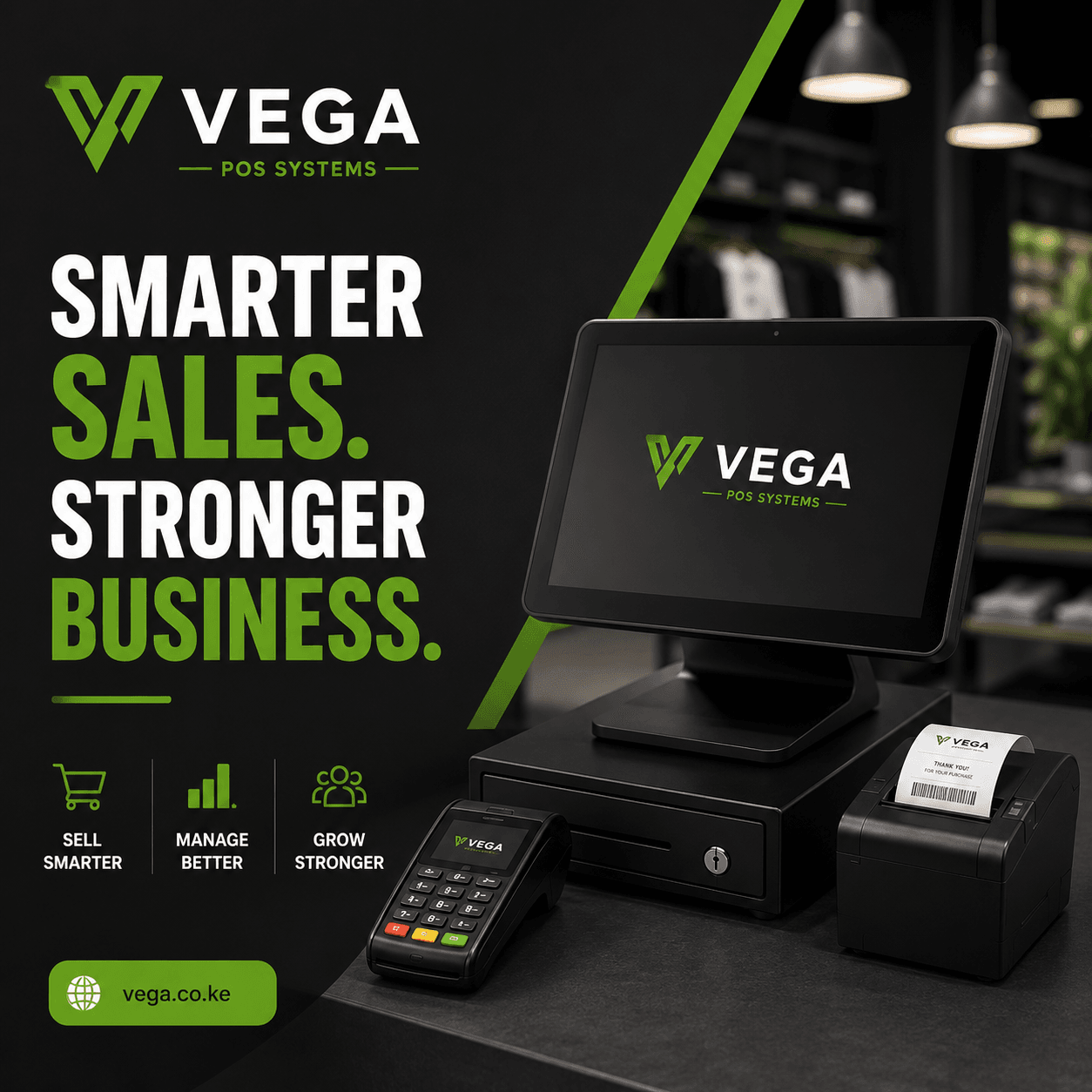
Barcode POS system Eastleigh is becoming an important solution for retail shops, wholesalers, supermarkets, boutiques, electronics stores, pharmacies, hardware businesses, and other enterprises that handle multiple products and daily customer transactions. Instead of manually searching for products, entering prices, and updating stock records, businesses can use barcode technology to identify products quickly and connect every sale directly to inventory.
For businesses operating in a busy commercial area such as Eastleigh, speed and accuracy are particularly important. Customers expect quick service, while business owners need reliable information about sales, stock levels, product movement, and employee activity. A barcode-enabled POS system can bring these activities together in one organized platform.
What Is a Barcode POS System?
A barcode POS system combines point-of-sale software with barcode scanning technology.
Each product is assigned a unique barcode. When the product is scanned at the checkout, the system identifies the item and retrieves information such as:
- Product name
- Selling price
- Stock quantity
- Product category
- SKU
- Barcode number
- Available discounts
- Tax information where applicable
The cashier does not need to manually type the product information for every transaction.
The basic process is:
Scan Product → Identify Product → Add to Sale → Receive Payment → Print or Send Receipt → Update Stock
This makes the checkout process faster while creating an automatic record of the transaction.
Why Businesses in Eastleigh Need Barcode POS Software
Eastleigh has a diverse business environment that includes retail shops, wholesale outlets, clothing businesses, electronics dealers, supermarkets, pharmacies, cosmetics stores, restaurants, and many other enterprises.
Businesses dealing with large product catalogs can find manual sales recording difficult.
For example, a shop selling hundreds of products may need employees to remember prices and manually search through spreadsheets or handwritten price lists.
A barcode POS system Eastleigh eliminates much of this manual work.
Once a barcode is scanned, the system can retrieve the correct product information instantly.
This can help businesses achieve:
- Faster checkout
- More accurate pricing
- Better inventory control
- Reduced data-entry errors
- Easier stocktaking
- Improved sales reporting
- Better employee accountability
How Barcode POS Systems Work
A barcode POS system normally consists of several components.
POS Software
The software manages sales transactions, products, customers, inventory, payments, and reports.
Barcode Scanner
The scanner reads the barcode attached to the product.
Computer or POS Terminal
The cashier uses the terminal to view the transaction and complete the sale.
Receipt Printer
The printer can produce a physical receipt where required.
Cash Drawer
The cash drawer provides secure storage for cash payments.
Barcode Labels
Products without manufacturer barcodes can be assigned business-generated labels.
These components work together to create an integrated checkout and inventory process.
Barcode Scanning at Checkout
The most visible benefit of barcode technology is faster checkout.
Without barcode scanning, a cashier may need to search for each product manually.
With a barcode POS system:
- The customer presents the product.
- The cashier scans the barcode.
- The product appears on the POS screen.
- The price is automatically retrieved.
- The product is added to the transaction.
- Inventory is updated after the sale.
For businesses processing many transactions every day, saving a few seconds per item can make a meaningful difference.
Improving Pricing Accuracy
Manual price entry can result in mistakes.
For example, a cashier may accidentally enter KSh 850 instead of KSh 580.
With barcode scanning, the POS retrieves the configured price associated with the product.
This helps maintain consistent pricing across transactions.
Managers can also control who has permission to change product prices.
Barcode Inventory Management
A barcode POS system is not only a checkout tool.
It can also become an important inventory management platform.
When a product is sold, the system can automatically reduce its inventory quantity.
For example:
Opening stock: 100 units
Units sold: 15
Remaining stock: 85 units
This gives management a more current view of available inventory.
Real-Time Stock Visibility
A barcode POS system Eastleigh can help business owners monitor inventory without physically counting every product whenever they need information.
Depending on the system, managers may be able to see:
- Current stock
- Available stock
- Sold quantity
- Incoming stock
- Reserved stock
- Damaged stock
- Reorder levels
This makes purchasing decisions easier.
Low-Stock Alerts
Running out of popular products can result in lost sales.
A barcode POS and inventory system can allow businesses to set minimum stock levels.
For example:
Product: USB Cable
Current stock: 8
Minimum level: 15
The system can alert the manager that the product needs replenishment.
This allows purchasing teams to reorder before inventory reaches zero.
Managing Product Catalogs
Businesses with hundreds or thousands of products need an organized product catalog.
The POS can store information such as:
- Product name
- SKU
- Barcode
- Category
- Brand
- Cost price
- Selling price
- Stock quantity
- Supplier
This makes it easier to search for products and manage large inventories.
Creating Barcodes for Products
Not every product comes with a barcode.
Businesses can create internal barcodes for products that do not already have one.
For example, a clothing shop can assign unique barcodes to:
- Shirts
- Trousers
- Dresses
- Shoes
- Bags
- Accessories
The labels can then be printed and attached to the products.
This allows the same barcode workflow to be used across the entire business.
Managing Different Product Variations
Retail businesses often sell products with variations.
Examples include:
- Clothing sizes
- Shoe sizes
- Colors
- Storage capacities
- Models
- Packaging sizes
A good POS system should allow businesses to distinguish these variations rather than treating every variation as the same product.
For example:
T-Shirt – Black – Medium
T-Shirt – Black – Large
T-Shirt – White – Medium
Each variation can have its own stock quantity and barcode where supported.
Managing Wholesale and Retail Prices
Some Eastleigh businesses serve both wholesale and retail customers.
The same product may therefore have different prices depending on the customer or quantity purchased.
For example:
| Quantity | Price Per Unit |
|---|---|
| 1–4 | KSh 1,000 |
| 5–19 | KSh 950 |
| 20+ | KSh 900 |
A POS system with flexible pricing can help automate these rules.
This reduces the need for cashiers to manually calculate wholesale discounts.
Customer Management
Modern POS systems can also store customer information.
Depending on the business, customer records may include:
- Name
- Phone number
- Purchase history
- Credit balance
- Previous invoices
- Loyalty information
Customer history can help businesses understand buying patterns and improve customer service.
Customer Loyalty
Retail businesses can use POS software to create loyalty programs.
Possible approaches include:
- Points
- Discounts
- Reward thresholds
- Member pricing
- Promotional offers
For example, customers could earn points based on their purchases and redeem them during future transactions.
The exact loyalty features depend on the POS platform.
Managing Credit Sales
Some businesses sell products on credit, especially wholesalers and B2B retailers.
A barcode POS system Eastleigh can record credit transactions and maintain customer balances.
The system can show:
Invoice: KSh 45,000
Payment: KSh 20,000
Balance: KSh 25,000
This is much easier to manage than relying on handwritten credit books.
Payment Management
A modern POS system can support multiple payment methods.
Depending on the software and integrations, these may include:
- Cash
- M-PESA
- Card
- Bank transfer
- Credit
- Other digital payment methods
Each transaction can be recorded according to the payment method used.
This makes end-of-day reconciliation easier.
M-PESA Sales
M-PESA is an important payment method for many Kenyan businesses.
When selecting a POS system, businesses should check whether it supports M-PESA integration or payment recording and understand exactly how the integration works.
The POS should make it easy to identify which transactions were paid through M-PESA.
This can help businesses reconcile POS sales with payment records.
Digital Receipts
Customers increasingly expect convenient transaction records.
Depending on the POS solution, businesses may be able to provide:
- Printed receipts
- SMS receipts
- Email receipts
- Digital receipts
Digital receipts can reduce paper usage and make it easier for customers to retain transaction information.
Sales Reporting
One of the biggest benefits of POS software is access to sales reports.
A barcode POS system Eastleigh can provide reports such as:
- Daily sales
- Weekly sales
- Monthly sales
- Sales by product
- Sales by category
- Sales by cashier
- Sales by payment method
- Sales by branch
These reports help business owners understand how the business is performing.
Best-Selling Product Reports
Not every product contributes equally to revenue.
A POS system can identify the products that sell most frequently.
For example:
| Product | Units Sold |
|---|---|
| Product A | 850 |
| Product B | 620 |
| Product C | 410 |
| Product D | 185 |
Management can use this information to ensure popular products remain available.
Slow-Moving Product Reports
The opposite is also important.
Products that remain in storage for long periods can tie up capital and warehouse space.
A POS system can identify slow-moving inventory.
Management can then consider:
- Promotions
- Discounts
- Bundling
- Redistribution
- Reduced purchasing
This helps businesses make better inventory decisions.
Employee Management
Businesses with multiple cashiers need accountability.
A POS system can assign individual accounts to employees.
Managers can then see who:
- Processed a sale
- Applied a discount
- Issued a refund
- Cancelled a transaction
- Changed certain records
This can improve operational accountability.
User Permissions
Not every employee should have full access to the POS.
For example:
Cashier: Process sales and issue receipts.
Supervisor: Approve selected discounts and returns.
Manager: Review reports and manage inventory.
Administrator: Configure system settings and users.
Role-based permissions reduce unauthorized changes.
Preventing Sales Errors
Barcode scanning can reduce several common transaction errors.
For example:
- Incorrect product selection
- Incorrect price entry
- Duplicate manual entry
- Incorrect stock deductions
However, businesses should still train employees and maintain proper procedures.
Technology improves control, but it does not replace good management.
Stocktaking With Barcode Scanning
Traditional stocktaking can be time-consuming.
Employees may need to count products manually and write quantities on paper.
Barcode scanning can simplify the process.
Employees can scan each product while counting.
The system can then compare physical quantities against recorded quantities.
For example:
System quantity: 250
Physical quantity: 243
Variance: 7
Management can investigate the difference.
Managing Purchases
Inventory management begins with purchasing.
A POS system connected to inventory can record:
- Supplier
- Purchase order
- Products
- Quantities
- Purchase prices
- Delivery
- Stock received
When goods are received, inventory quantities can be updated.
This connects purchasing with sales and stock management.
Supplier Management
Businesses can maintain supplier records containing:
- Supplier details
- Products supplied
- Purchase history
- Prices
- Payment terms
- Outstanding balances
This gives purchasing teams better information when placing new orders.
Stock Transfers
If a business has multiple shops or warehouses, inventory may need to move between locations.
The system can record:
Location A → Location B
along with:
- Product
- Quantity
- Date
- Sending employee
- Receiving employee
- Transfer status
This provides better control over stock movement.
Multi-Branch POS
Businesses that operate more than one shop can benefit from centralized POS management.
A barcode POS system Eastleigh with multi-branch functionality can allow management to monitor:
- Branch sales
- Branch inventory
- Product transfers
- Employee performance
- Customer activity
This makes it easier to compare locations.
Cloud POS Access
Cloud-based POS software can allow authorized users to access business information remotely.
For example, a business owner can check sales while away from the shop.
A manager can review stock levels without physically visiting the warehouse.
A regional manager can compare several branches through one dashboard.
Cloud access can therefore improve business visibility.
Why Eastleigh Businesses Should Consider Barcode POS
For businesses with high transaction volumes and large product catalogs, barcode POS technology can simplify many daily activities.
Instead of:
Manual Product Search → Manual Price Entry → Manual Stock Update → Manual Report
the process becomes:
Scan → Sell → Update Inventory → Report
This can save time and improve data accuracy.
Key Features to Look For
When choosing a barcode POS system Eastleigh, businesses should evaluate whether the system provides:
- Barcode scanning
- Product management
- Inventory management
- Sales processing
- Purchase management
- Customer management
- Supplier management
- M-PESA support
- Multiple payment methods
- Stocktaking
- Low-stock alerts
- Sales reports
- Employee accounts
- User permissions
- Returns management
- Multi-branch support
- Cloud access
- Data backup
The right features depend on the business’s size and operational requirements.
Choosing Hardware
Barcode POS software needs compatible hardware.
Common equipment includes:
- Barcode scanner
- POS computer or terminal
- Receipt printer
- Cash drawer
- Customer display
- Barcode label printer
- Barcode labels
Businesses should confirm hardware compatibility before purchasing.
Wired vs Wireless Barcode Scanners
Both wired and wireless scanners can be useful.
Wired Scanners
Advantages include:
- Simple setup
- Reliable connection
- No battery charging
Wireless Scanners
Advantages include:
- Greater mobility
- Flexible workstation setup
- Useful for warehouses and stocktaking
The appropriate choice depends on the business environment.
Training Employees
Successful POS implementation requires employee training.
Cashiers should know how to:
- Scan products
- Process sales
- Accept payments
- Print receipts
- Issue digital receipts
- Handle returns
- Apply authorized discounts
- Close shifts
Managers should understand:
- Inventory reports
- Sales reports
- User permissions
- Stock adjustments
- Purchase management
- System configuration
Training helps employees use the technology effectively.
Implementing a Barcode POS System
Businesses should prepare before going live.
The implementation process can include:
Product Setup
Enter product names, prices, SKUs, categories, and barcodes.
Inventory Setup
Enter verified opening stock quantities.
Employee Setup
Create individual user accounts.
Payment Setup
Configure supported payment methods.
Hardware Setup
Connect scanners, printers, cash drawers, and POS terminals.
Testing
Process test transactions before beginning live sales.
Staff Training
Train employees using realistic business scenarios.
Go-Live
Begin using the system for actual transactions.
Monitoring
Review reports and correct configuration issues during the initial period.
A structured implementation reduces disruption and improves adoption.