 Vega
Vega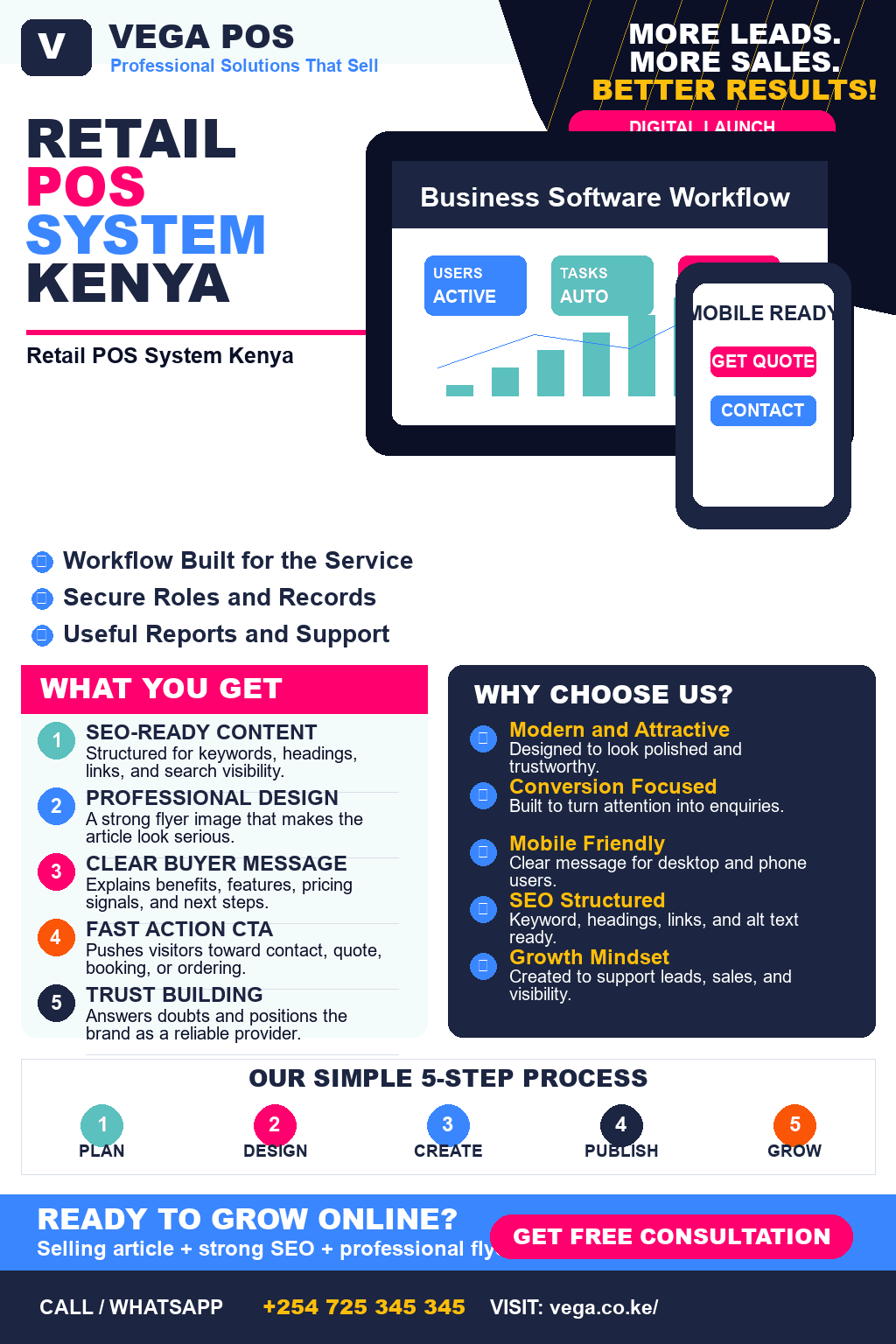
Running a retail business involves more than simply selling products. Business owners need to keep track of sales, monitor stock, manage employees, record payments, and understand how the business is performing every day.
Using spreadsheets or handwritten records can make these tasks difficult, especially when a business has many products and frequent transactions. This is where a POS system in Kenya can make daily operations easier.
Vega POS is designed for retail shops, boutiques, phone stores, takeaways, and other businesses that need a simple system for managing sales, stock, payments, staff, and reports from one platform.
What Is a POS System?
A Point of Sale (POS) system is software that helps a business manage transactions when customers purchase products or services.
Modern POS systems can do much more than process payments. They can help businesses:
- Record sales
- Track inventory
- Manage products
- Monitor staff activity
- Manage cashier shifts
- Generate receipts
- Record payments
- Monitor customers
- Generate sales reports
- Track stock movements
For a growing business, having all these functions in one system can make daily management significantly easier.
Why Kenyan Retail Businesses Need a POS System
Many small and medium-sized businesses still rely on notebooks, calculators, spreadsheets, or separate systems to manage their operations.
These methods can create problems such as:
- Incorrect stock records
- Lost sales information
- Difficult end-of-day reconciliation
- Poor visibility into business performance
- Difficulty monitoring employees
- Time-consuming reporting
- Errors when calculating sales
A POS system brings these activities together.
Instead of maintaining separate records for sales, stock, payments, and staff, business owners can manage their operations from one platform.
Vega POS for Faster Retail Checkout
Vega POS is built around the daily activities that happen in a busy retail business.
The system allows businesses to sell products, track inventory, manage payments, control cashier shifts, and view reports.
The goal is simple: make everyday retail operations faster and easier to understand.
With Vega POS, a business can move through the process from product selection to payment and receipt without unnecessary complexity.
1. Fast and Simple Checkout
A busy counter requires a checkout process that staff can learn and use quickly.
Vega POS allows cashiers to:
- Search for products
- Scan items
- Add customers
- Accept payments
- Process sales
- Print receipts
- Share receipts
A simple checkout process can help reduce delays, especially during busy periods when several customers are waiting to be served.
2. Track Stock Automatically
Inventory management is one of the most important parts of running a retail business.
Without accurate stock information, a business may not know:
- Which products are selling
- Which products are running low
- How much stock is available
- Which products have been returned
- How stock has changed over time
Vega POS automatically updates stock based on sales, returns, purchases, and adjustments.
This gives business owners a clearer picture of what is available.
Low-Stock Awareness
Running out of popular products can mean losing sales.
With proper stock tracking, businesses can identify products that are becoming low and take action before they completely run out.
3. Manage Cash and M-Pesa Payments
Payment management is another important requirement for Kenyan businesses.
Customers may pay using cash, M-Pesa, or other available payment methods.
Vega POS allows businesses to keep payment information connected to their sales records.
This makes it easier to understand:
- Total sales
- Cash payments
- M-Pesa payments
- Payment breakdowns
- Daily transactions
Instead of trying to reconcile information from different places, managers can review payment records from the POS system.
4. Manage Cashier Shifts
When multiple employees operate a shop, business owners need to know what happens during each shift.
Vega POS provides tools for opening and closing cashier shifts and comparing expected cash with recorded transactions.
This can help managers identify discrepancies and maintain better daily payment records.
Shift management is particularly useful for businesses where different employees operate the counter at different times.
5. Generate Daily Sales Reports
Business owners need more than a total sales figure.
They may want to understand:
- Which products sell the most
- Sales trends
- Stock value
- Margins
- Customer activity
- Staff activity
- Supplier history
- VAT information
Vega POS brings these details into reporting areas that help business owners review their operations.
Instead of manually calculating figures at the end of every day, managers can use system-generated reports.
6. Control Staff Access
Not every employee should have access to every business function.
Vega POS supports different roles for cashiers, managers, and administrators.
This allows businesses to provide employees with the controls they need while restricting access to sensitive management functions.
Proper role management can help improve accountability as a business grows.
7. Professional Receipts
Receipts provide customers with a record of their purchases.
Vega POS allows businesses to print or share receipts containing important transaction information such as:
- Purchased products
- Quantities
- Totals
- Taxes
- Payment details
Clear receipts can improve the customer experience and make transaction records easier to review.
POS System for Different Types of Businesses
Vega POS isn’t limited to one type of retail business.
POS for Retail Shops
Retail shops often deal with high transaction volumes and many different products.
Vega POS can help shop owners manage:
- Product sales
- Stock levels
- Cashiers
- Payments
- Receipts
- Daily reports
POS for Boutiques
Fashion businesses may have products with different sizes, colours, and prices.
A POS system can help boutiques maintain better records while keeping checkout simple for staff.
POS for Phone Shops
Phone shops often sell both devices and accessories.
For example, a business may sell:
- Smartphones
- Chargers
- Earphones
- Phone covers
- Screen protectors
- Cables
A POS system can help keep these products organized while recording every transaction.
POS for Takeaways
Fast-food businesses need speed because customers often expect to be served quickly.
Takeaways selling items such as chips, drinks, shawarma, snacks, and other quick meals can use a POS system to organize counter sales and reduce manual processes.
How Much Does Vega POS Cost?
Vega POS offers monthly plans designed for different business sizes and transaction volumes.
Starter — KSh 1,000 Per Month
The Starter plan is designed for one location with steady daily sales.
It supports:
- Up to 1,200 sales per month
- 1–2 active staff
This can be suitable for an owner-led shop.
Standard — KSh 2,000 Per Month
The Standard plan is designed for growing businesses that need tighter controls.
It supports:
- 1,201–3,500 sales per month
- 3–6 active staff
This plan can be suitable for a growing retail team.
Pro — KSh 3,500 Per Month
The Pro plan is designed for businesses with heavier transaction volumes and larger teams.
It supports:
- More than 3,500 sales per month
- 7+ staff or busier shifts
Businesses can choose a plan based primarily on their expected sales volume and staff requirements.
Why Choose a Cloud-Based POS System?
A modern POS system can make business information easier to manage because sales, inventory, payments, staff activity, and reports are connected.
Instead of maintaining multiple records, business owners can have a central system for their daily operations.
This can make it easier to:
- Monitor business activity
- Review sales
- Track stock
- Manage employees
- Understand payment records
- Make business decisions
What Should You Look for in a POS System in Kenya?
Before choosing a POS system, consider the following features.
Inventory Management
The system should help you understand what stock you have and how stock changes after sales, purchases, returns, and adjustments.
Payment Management
Look for a POS that can accommodate the payment methods your customers commonly use.
For Kenyan businesses, M-Pesa support can be particularly important.
Sales Reporting
Your POS should provide useful reports rather than simply recording transactions.
Staff Management
If several employees use the system, role-based access and shift management can improve accountability.
Ease of Use
A POS system should be simple enough for employees to learn without unnecessary complexity.
Customer Support
Technical problems can affect business operations. Choose a provider that gives you accessible support when you need assistance.
How a POS System Can Help Reduce Business Errors
Manual record keeping can result in mistakes.
For example, a cashier may accidentally record the wrong quantity, forget to update inventory, or make an error when calculating totals.
Automating these processes can reduce some of the repetitive manual work.
A POS system also creates transaction records that managers can review when investigating discrepancies.
When Should Your Business Start Using a POS System?
You don’t have to wait until your business becomes a large company.
A POS system can be useful when:
- You have many products
- You are experiencing stock discrepancies
- Several employees handle sales
- You have difficulty tracking daily sales
- Your business accepts multiple payment methods
- Manual records are taking too much time
- You want better business reports
- Your transaction volume is increasing
Starting early can also make it easier to establish organized business processes as the company grows.
Start Using Vega POS
Managing a retail business doesn’t have to mean keeping multiple notebooks, spreadsheets, and payment records.
Vega POS brings checkout, inventory, payments, receipts, staff roles, shifts, and reporting into one clear system.
Whether you operate a retail shop, boutique, phone store, or takeaway, Vega POS is designed to help you manage daily sales with less friction.
With plans starting from KSh 1,000 per month, businesses can choose a plan according to their sales volume and team size.
Start Your Vega POS Free Trial
Ready to simplify your daily retail operations?
You can create a Vega POS account and start setting up your business.
Start your free trial: https://app.vega.co.ke/register
You can also contact the Vega team by phone or WhatsApp to discuss your business requirements and book a demonstration.
Phone: +254 725 345 345
WhatsApp: +254 725 345 345
Frequently Asked Questions About POS Systems in Kenya
What is the best POS system for a retail shop in Kenya?
The best POS system depends on your business requirements, product volume, staff size, payment methods, and reporting needs. Vega POS is designed specifically around practical retail operations such as checkout, inventory, payments, staff management, and reporting.
How much does a POS system cost in Kenya?
POS prices vary depending on the provider and features. Vega POS offers monthly plans starting at KSh 1,000, with Standard at KSh 2,000 and Pro at KSh 3,500 per month.
Can Vega POS track inventory?
Yes. Vega POS tracks stock movements resulting from sales, returns, purchases, and adjustments, helping businesses maintain clearer inventory records.
Does Vega POS support M-Pesa?
Yes. Vega POS is designed to track cash and M-Pesa payments as part of the sales record.
Can multiple employees use Vega POS?
Yes. Vega POS provides roles for different users, including cashier, manager, and administrator access.
What businesses can use Vega POS?
Vega POS is designed for businesses such as retail shops, boutiques, phone stores, and takeaways.
How quickly can I start using Vega POS?
Most small shops can create an account, add their products, and begin selling on the same day.