 Vega
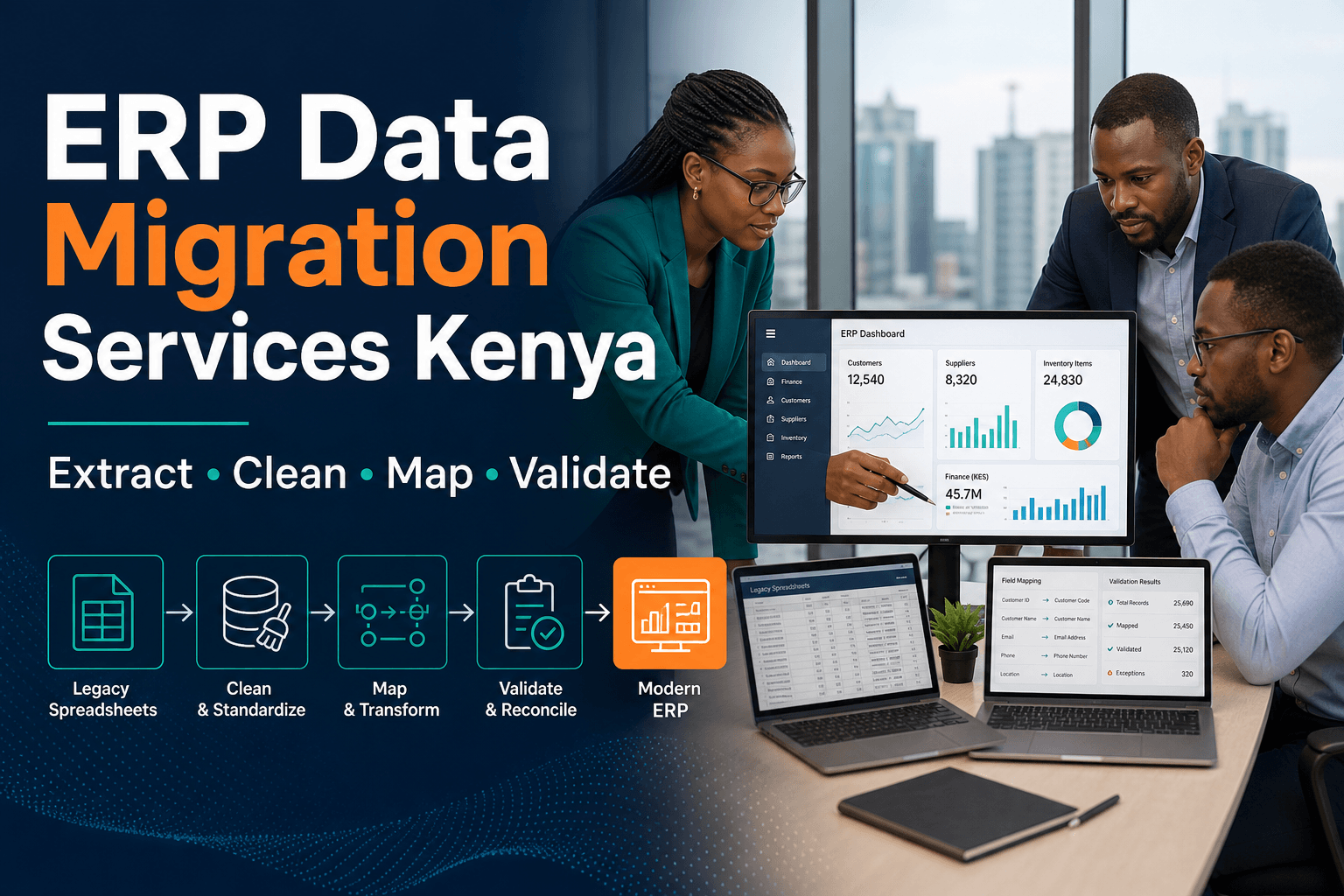
Changing systems strikes fear into shop owners, and this POS data migration explained guide replaces the fear with a plan. The products, the prices, the stock, the customers and the history all have to arrive in the new system intact. None of that is magic; all of it is method.
The horror stories are real but avoidable. A catalog that arrives with doubled items, stock counts that never reconcile again, loyalty balances that vanish overnight — every one traces back to a rushed move. A structured POS data migration explained approach turns a risky weekend into a routine project with a checklist.
Migration is also the moment you fix old sins. Duplicate products, mystery codes and dead customer records do not deserve a ride into the new system. Owners who treat the move as a spring-clean, following a POS data migration explained method, arrive at the new till lighter and cleaner than they left the old one.
This guide covers the whole journey: what moves, what gets cleaned, how fields map, when to cut over, and how to run the first week. It closes with a POS data migration explained migration plan for 2026. Read it once, then work the sections in order. The system changes; the trading does not have to stop.
POS Data Migration Explained: What Actually Moves
Migration moves five families of data: products with prices, stock quantities, customer records, sales history and staff accounts. Some travel in bulk, some get cleaned first, and some are left behind on purpose. A clear POS data migration explained inventory of what moves — and what stays — is the first page of the project file.
Decide the fate of each family before touching any tool. Products and prices must arrive perfectly; stock should arrive counted; customers can arrive cleaned; history may arrive summarised; gift card balances must arrive exactly. A deliberate POS data migration explained scope sheet prevents the scope creep that sinks first-time movers.
The underrated half is what does not move. Expired promotions, inactive users, test transactions and ten-year-old one-time customers can stay in the archive. Shops that consciously retire dead weight during a POS data migration explained project pay less in fees, search faster and train staff on a smaller catalog.
Write the scope on one page and get agreement before any export happens. Every later argument — “why is this not in the new system?” — gets answered by the page everyone signed. That single POS data migration explained scope page is the cheapest insurance in the whole project.
The Inventory: Know What You Own Before You Move
Before anything moves, you need to know exactly what exists. Export everything from the old system — products, prices, stock, customers, staff — and store the files in one folder with dates in the names. A complete POS data migration explained source inventory is the raw material of the whole move.
Measure the size honestly. Ten thousand products is a different project from eight hundred, and the difference changes your timeline, your helpers and your weekend plans. A realistic POS data migration explained sizing exercise, done in the first week, keeps the calendar honest.
Check what exports the old system can actually produce. Some hand over clean spreadsheets; others give cryptic reports that need reshaping; a few guard their tables jealously. Discovering the limits early, with a POS data migration explained export test, prevents the week-three panic when a file will not open.
Back up before anything else. A full export, stored in two places, is your undo button for every mistake that follows. No serious POS data migration explained project touches a live system without that backup sitting in a drawer and in the cloud.
Products, Prices and Barcodes
The product catalog is the heart of the move and the easiest to get wrong. Every item needs one name, one code, one price and one tax setting — and the old system may hold four versions of a product you thought was one. A careful POS data migration explained catalog pass starts with deduplication, not with copying.
Barcodes deserve special protection. If your codes are clean, they carry over untouched and the scanners never notice the change. If they are messy — reused codes, duplicates, hand-typed entries — fix them before the move. A disciplined POS data migration explained barcode audit in the old system saves weeks of beeping confusion in the new one.
Prices need a single source of truth. Decide whether the old system, a spreadsheet or the supplier list is the master, and correct everything against it before import. Shops that reconcile prices during the POS data migration explained preparation phase avoid the worst discovery in retail: margins that were wrong for years.
Import in a strict order: products first, then prices, then images and categories. Each layer gets checked before the next lands. A layered POS data migration explained import habit turns a thousand-line spreadsheet into a series of small, verifiable steps.
Stock Counts and the Freezing Moment
Stock is where migrations earn their reputation. The rule is simple: the new system must start from a physical truth, not from an old number. Every serious POS data migration explained plan includes a full count in the final days of the old system, timed when the shelves are calmest.
Freeze trading during the count, or count outside trading hours, and record the numbers as the opening stock for day one. Anything sold or received after the freeze gets logged on paper and entered first thing in the new system. A tight POS data migration explained freeze window — hours, not days — keeps the disruption small.
Reconcile the count against the old system’s records before switching off. Large variances tell you the old numbers were already fiction, and it is better to learn that now than to inherit it. A documented POS data migration explained stock reconciliation becomes your clean slate and your evidence.
POS Data Migration Explained: Customer and Loyalty Records
Customers are the asset competitors cannot copy, and the move must protect them. Names, numbers, emails, consent flags and balances travel together, or not at all. A careful POS data migration explained customer pass deduplicates first, because three versions of one regular is how loyalty programmes lose trust.
Loyalty points and gift card balances carry legal and emotional weight, so they migrate exactly, with an export, an import and a spot-check against receipts. Businesses that verify a sample of POS data migration explained balance transfers — one in twenty, checked on both sides — catch mapping errors before customers do.
Consent status must move with the contact. An opt-out that silently becomes an opt-in during a migration is a compliance failure wearing a smile. A compliant POS data migration explained consent carry-over keeps every marketing list exactly as honest as it was the day before.
Tell customers about the change before it happens, not after. A short note — same shop, same staff, better system — turns the transition into a story instead of a surprise. Teams that communicate through their POS data migration explained customer plan keep trust while the tills change underneath.
Sales History and Reporting Continuity
History serves two purposes: comparing this year to last, and answering the occasional dispute. Full transaction history rarely needs to live in the new till; summaries usually serve better. A sensible POS data migration explained history decision distinguishes the data you query weekly from the data you archive.
A common pattern works well: migrate twelve months of item-level history, keep the rest as archived exports, and anchor year-on-year reports on the old system’s totals. Businesses that follow a POS data migration explained history split get a fast new system without burning the past.
Whatever you choose, test the comparisons. Run a known month — last March, say — through the new reports and match it to the old numbers before you trust either. A verified POS data migration explained comparison month is the moment the new system earns your belief.
Keep the old exports readable. Formats age, staff leave, and the dispute you must answer in 2028 will not wait for a missing file. A durable POS data migration explained archive — exported twice, stored twice, labelled clearly — is the cheapest promise you will ever make to your future self.
Staff Accounts and Permissions
People are the last data family and the first to touch the new system. Rebuild roles rather than copying habits: cashier, supervisor, manager, owner, with the same permission language the new platform uses. A fresh POS data migration explained permissions design is a rare chance to fix the shared-login era for good.
Create accounts before cutover day and let each person log in once, change their PIN, and ring a test sale. Nobody should meet their password on a busy morning. Teams that rehearse logins during a POS data migration explained staff setup week start day one at full speed.
Retire the ghosts. Old staff accounts, summer helpers and the mystery “admin” login should not survive the move. A cleaned POS data migration explained user list means every transaction in the new system belongs to a real, current person.
POS Data Migration Explained: Mapping Fields Between Systems
The technical heart of the move is field mapping: this old column becomes that new column. Tax codes, categories, units and customer types all speak slightly different dialects between systems. A written POS data migration explained mapping sheet, agreed before the first import, is the document that prevents the garbled catalog.
Map deliberately, not automatically. An import tool’s guesses are usually right for names and prices and confidently wrong for taxes and categories. Every line of a hand-checked POS data migration explained mapping table is a mistake caught before it multiplied by ten thousand rows.
Watch the silent transformers. Dates that flip formats, decimals that become commas, tax codes that shift meaning — none announce themselves in the preview. A suspicious POS data migration explained eye on one sample page per table catches all three before the import runs.
Get both vendors in the room. The old vendor knows where the bodies are buried; the new vendor knows where the traps are set. A joint POS data migration explained mapping call, held once, saves weeks of finger-pointing later.
Cleansing Before You Copy
Cleansing is the cheapest quality work you will ever do, because fixing ten bad rows now is easier than explaining ten thousand bad rows later. Retire duplicates, merge near-identical products, and archive customers with no activity in years. A scheduled POS data migration explained cleansing week makes the import smaller and the new system faster.
Standardise while you are there. One naming style for products, one format for phone numbers, one convention for supplier codes. Shops that adopt a POS data migration explained standards pass during cleansing find every later report easier to read.
Assign the cleansing to someone who knows the shop, not to the newest hire. Judgement calls — is this the same product or a variant? — need experience. A senior POS data migration explained cleansing owner turns a chore into a genuine audit of what the shop actually sells.
Test Runs and Rehearsal Migrations
No serious mover runs the real import first. A rehearsal migration — full data into a sandbox copy of the new system — shows exactly what will break while nothing is at stake. A mandatory POS data migration explained rehearsal rule: no live cutover until a dry run succeeds.
Compare the rehearsal against the source. Row counts per table, totals per report, samples of products, customers and history — matched line by line. A verified POS data migration explained reconciliation pack, printed from the dry run, becomes the checklist for the real night.
Let staff use the rehearsal system. Ring test sales, print test receipts, process a test return — the muscle memory must exist before the money is real. A staffed POS data migration explained rehearsal week converts anxiety into competence.
Time the rehearsal honestly. If the import takes six hours and the checks take two, that is eight hours you must find on cutover night. A measured POS data migration explained rehearsal clock turns the real weekend into a schedule instead of a hope.
Choosing the Cutover Day and Hour
Timing is half the risk. Choose a quiet day, at the end of a trading day, with a slow morning expected after. Never cut over during a season peak, a promotion or a public holiday. A calm POS data migration explained calendar choice removes pressure that no amount of preparation can fix.
Close the old system properly: final batch settled, final report printed, final export taken. The last day of the old system should reconcile to the coin. A completed POS data migration explained closing ritual gives the project a clean starting line.
Plan the freeze window in hours. Count stock, run the import, verify the checks, and open with a fresh system — all within one night if the rehearsal says it fits. A timed POS data migration explained freeze plan, rehearsed and printed, keeps the shop closed for hours instead of days.
Have a rollback line written down. If verification fails past a deadline you set in advance, reopen on the old system and reschedule rather than limp into trading half-migrated. A pre-agreed POS data migration explained rollback rule makes the hardest decision the easiest one.
The Parallel Run Option
Some shops refuse the cold turkey and run both systems side by side for a week or two. Sales ring on the new till while the old one keeps the full history warm, and the team learns with a net underneath. A parallel POS data migration explained run suits businesses that cannot afford even one uncertain hour.
The cost is double entry and double bookkeeping, so cap it: two weeks at the outside, with one system declared the source of truth from day one. A disciplined POS data migration explained parallel window, with a hard end date, protects you from the drift where both systems run forever.
Use the parallel period to verify everything: reports, receipts, returns, offline behaviour and staff routines. Exit the parallel run only when a full week reconciles. A passed POS data migration explained parallel week is the strongest green light a migration can earn.
POS Data Migration Explained: Cutover Weekend Checklist
The weekend has an order, and the order is the checklist. Friday: final trading on the old system, batch settled, full export taken twice. Saturday morning: stock count and reconciliation. A printed POS data migration explained weekend plan, taped to the desk, carries the team when nerves arrive.
Saturday afternoon is import time: run the load, watch the errors, fix the small ones, rerun. Then the verification pack — row counts, report totals, sample receipts. A methodical POS data migration explained import session, run exactly as rehearsed, should feel boring. Boring is the goal.
Saturday evening belongs to the hardware: pair the terminals, test the printers, ring three test sales including a cash one and a card one. Then Sunday: staff logins, a final walkthrough, and the opening stock confirmed. A completed POS data migration explained hardware pass means Monday opens on systems already proven.
End the weekend with the rollback question, answered in writing: did every check pass? If yes, the old system goes to sleep. If no, the pre-agreed rollback rule speaks. A decisive POS data migration explained go/no-go review, made calmly on Sunday night, is what separates professionals from improvisers.
First Week on the New System
Week one is a watching brief. Daily reconciliation between drawer, card settlements and system totals catches teething faults while they are small. A short POS data migration explained first-week log — one page a day — turns teething into a list instead of a fog.
Expect the small surprises: a category nobody uses, a tax setting on one product, a customer who had two accounts. Fix them same-day and note the pattern. A responsive POS data migration explained fix routine in week one prevents the same issue being discovered by five different staff.
Protect the team’s energy. Keep the old expert on call, shorten one non-essential task each day, and celebrate the first clean close. A supported POS data migration explained first week ends with staff preferring the new system — which is the whole point.
Old System Shutdown and Data Retention
Retire the old system deliberately, not accidentally. Take one final full export after the last reconciled day, confirm it opens, and store it with the rest of the archive. A formal POS data migration explained shutdown step — export, verify, label, store — closes the old era cleanly.
Mind the retention duties. Tax rules usually require years of sales records, and disputes can reach back further, so archived data stays readable and accessible. A written POS data migration explained retention note — what is kept, where, for how long — answers the auditor before the question is asked.
Close the accounts too. Cancel the old subscriptions, remove the old integrations’ access, and recover any hardware deposits. A tidy POS data migration explained offboarding sweep stops the old system billing you for a quiet afterlife.
Migration Mistakes That Haunt Shops
The haunting mistakes follow a pattern: no backup, no rehearsal, no stock count, no field mapping and no rollback rule — all five skipped in the name of speed. One printed POS data migration explained checklist, followed in order, prevents the entire graveyard.
The quietest mistake is migrating without an owner. Projects drift when everyone owns them, so give the move one name, one deadline and one printed plan. Migration rewards stubborn administration, not optimism.
POS Data Migration Explained: Your 2026 Migration Plan
Turn the method into a six-week calendar. Weeks one and two: scope, backup, export tests and cleansing. Weeks three and four: field mapping and the rehearsal migration with staff training. Week five: the cutover weekend, exactly as rehearsed. Week six: the watching brief. A staged POS data migration explained plan trades one stressful guess for six boring weeks.
Assign the roles today. One person owns the data and the mapping, one owns the stock count and the freeze window, and one owns staff training and the first-week log. Three names, written down before anything is exported.
Keep the discipline after the dust settles. The archive stays labelled, the retention note stays findable, and the checklist goes in the drawer for the day you open branch two. Migration done well is a skill the business keeps forever.
POS data migration explained simply: how long does a switch really take? For a small shop, plan six weeks of part-time work and one cutover night: two weeks of scope and cleansing, two of mapping and rehearsal, the cutover weekend, and a watching week. Larger catalogs stretch the middle, not the method.
Will I lose my sales history if I change systems? Not if you plan it. A common pattern migrates twelve months of item-level history and archives the rest as exports, with year-on-year reports anchored on the old totals. The past survives; it just changes address.
Can I keep my barcodes and product codes? Yes, and you should. Clean barcodes carry over untouched, so scanners never notice the change. Fix duplicates and hand-typed codes in the old system before the move, not after.
Do I have to close the shop during migration? No. Cut over at the end of a trading day, count stock after close, and open the next morning on the new system. The freeze window is hours, and a rehearsal proves it fits.
What happens to gift cards and loyalty points? They migrate exactly, with an export, an import and a sample check against receipts. Balances carry legal weight, so verify one in twenty before customers arrive — never let a mapping error discover your loyalty scheme.
Should I migrate old data or start clean? Migrate what you query weekly: products, prices, stock, active customers, recent history. Archive the rest and retire duplicates, dead promotions and inactive accounts. Clean is a strategy, not a loss.
What is the riskiest part of a migration? Unverified assumptions: field mappings nobody checked, a stock number nobody counted, a rollback rule nobody wrote. Every risk on that list is removed by a rehearsal, which is why the dry run is non-negotiable.
Here is your action plan for this week. Book the project on the calendar and give it one owner. Export everything from the old system into one dated folder, and open a sandbox in the new system. That single afternoon makes the project real and reversible.
Do the spring-clean next. Deduplicate products, merge near-identical customers, standardise names and formats, and archive what nobody has touched in years. Cleansing shrinks every later step and speeds up every later report.
Then rehearse before you commit. Run the full migration into the sandbox, compare row counts and report totals, and let staff ring test sales. Fix what the dry run finds, and time how long the whole thing takes. The rehearsal is where migrations are actually won.
Choose the cutover weekend and print the plan: Friday close, Saturday count, Saturday import, Saturday verification, Sunday hardware and logins, Sunday go/no-go. Write the rollback rule on the same page. When the weekend arrives, follow the paper.
Keep the discipline afterwards. One week of daily reconciliation, a labelled archive, a retention note and a tidy offboarding of the old system. Done this way, the move becomes what it should be: a Tuesday with better software.
Send next for the following topic gap — upcoming general candidates: POS user roles and permissions, POS returns and refunds explained, POS receipt and tax basics.