 POS with Inventory Management: The Complete Guide (2026)
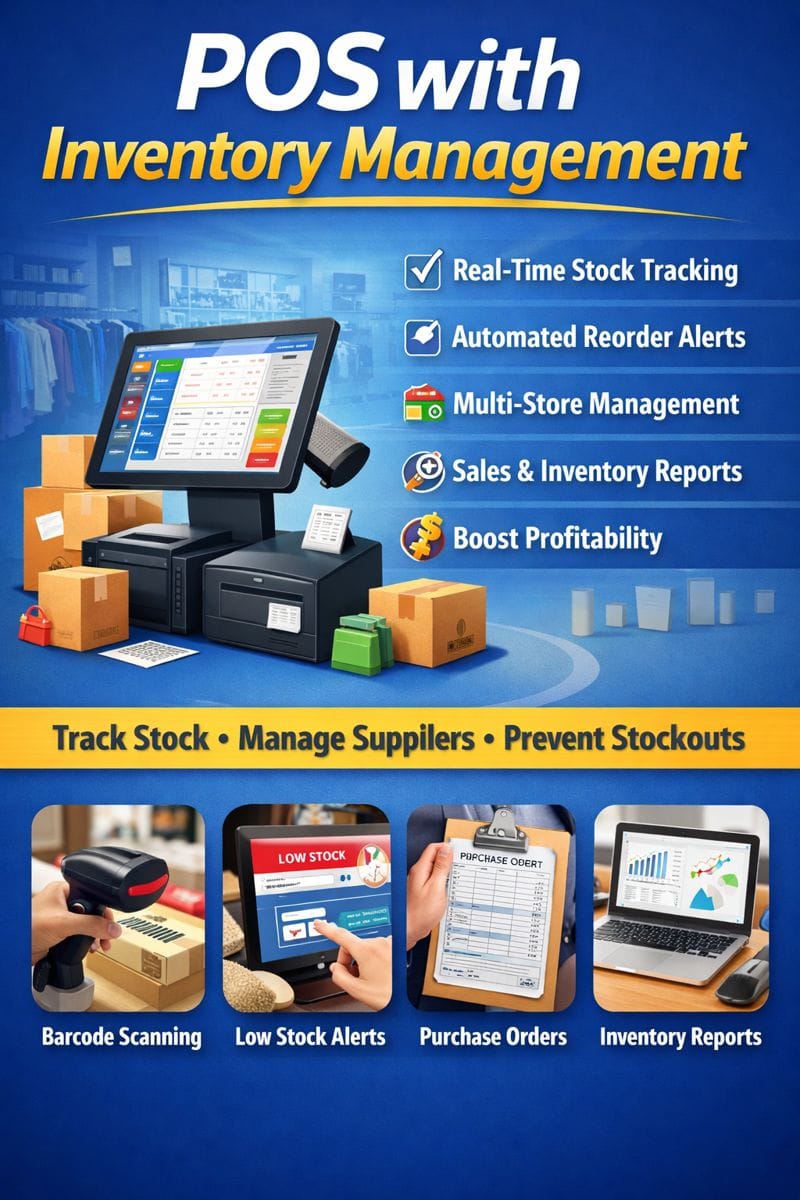
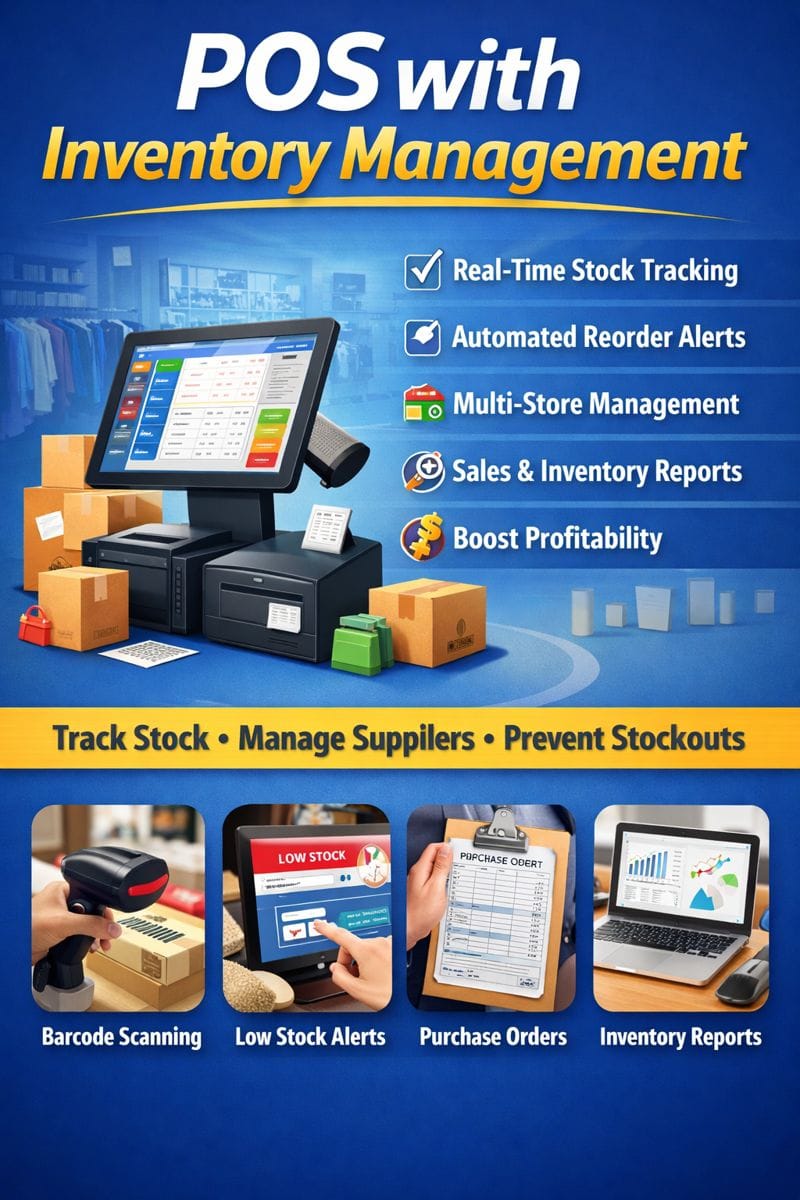
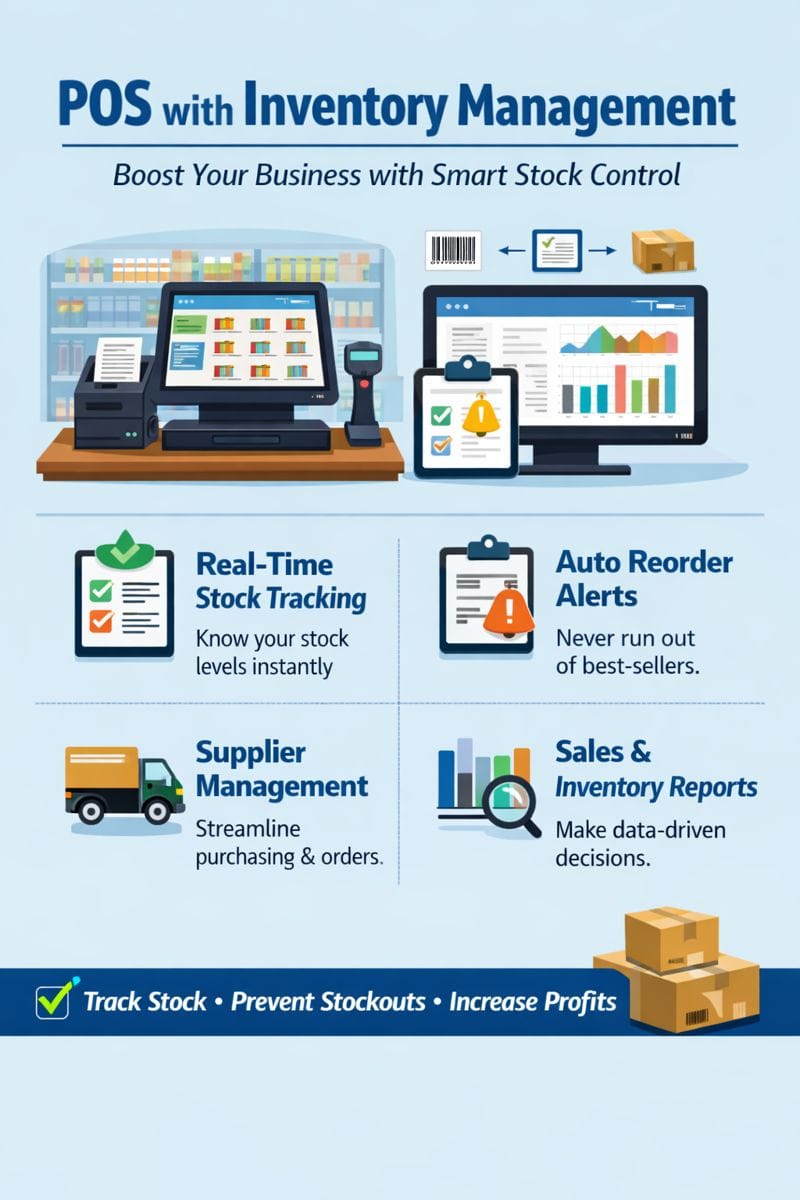
If you’re running a retail store, restaurant, pharmacy, or any business that sells products, a POS with inventory management is not just a tool—it’s a business growth engine. It combines sales processing, stock tracking, supplier management, and reporting in one system.
In this guide, you’ll learn why POS with inventory management matters, how it works, and how to choose the best system for your business.
What Is a POS with Inventory Management?
A POS (Point of Sale) system with inventory management is software that:
Processes sales and accepts payments
Tracks stock levels in real-time
Updates inventory automatically after every sale
Generates reorder alerts
Helps manage suppliers, SKUs, and product variants
Instead of manually tracking stock in spreadsheets, this system automates the entire process.
Why Businesses Need POS with Inventory Management
Here are the top reasons:
1. Accurate Stock Tracking
A POS with inventory management updates stock instantly after every sale, preventing:
stock-outs
overstocking
lost sales
2. Save Time and Reduce Errors
Manual stock counting is time-consuming and prone to errors. A POS system reduces human mistakes and speeds up operations.
3. Better Profitability
You can identify slow-moving items and focus on high-margin products. This improves profit and reduces waste.
4. Multi-location Inventory Control
If you run multiple branches, a POS with inventory management allows you to:
transfer stock between stores
view stock per location
manage central warehouse inventory
5. Smart Purchasing and Reordering
With reorder alerts and supplier management, you always know when to restock.
How POS with Inventory Management Works
Here’s how it works in simple steps:
Step 1: Product Setup
Add products with:
SKU
barcode
price
supplier details
variants (size, color, etc.)
Step 2: Sales Transaction
When a product is sold:
POS records the sale
inventory automatically updates
stock level decreases instantly
Step 3: Stock Monitoring
You can monitor stock levels in real-time:
alerts for low stock
expiry tracking for perishable items
automatic reorder suggestions
Step 4: Reporting & Analytics
You get detailed reports like:
top-selling products
inventory valuation
stock movement history
sales by category
Key Features of POS with Inventory Management
To get maximum benefits, choose a POS that includes:
✔ Real-Time Inventory Updates
Your stock adjusts instantly after each sale.
✔ Barcode & SKU Support
Easy scanning and faster checkout.
✔ Stock Alerts & Reorder Points
Never run out of fast-selling items.
✔ Supplier & Purchase Order Management
Track suppliers and create purchase orders in one system.
✔ Multi-location Stock Control
Manage inventory across multiple stores or warehouses.
✔ Inventory Reporting
Get accurate inventory valuation and performance analytics.
✔ Batch & Expiry Tracking
Ideal for pharmacies, grocery stores, and food businesses.
Benefits of Using POS with Inventory Management
Reduced Stock Loss
Less theft and shrinkage due to real-time monitoring.
Improved Cash Flow
You don’t overstock items that don’t sell.
Faster Checkout
Barcode scanning speeds up sales.
Better Customer Service
You always know what’s available.
Data-driven Decisions
You can make smart decisions based on sales and stock reports.
Who Needs a POS with Inventory Management?
This system is essential for:
Retail stores
Supermarkets
Restaurants & cafes
Pharmacies
Clothing stores
Electronics shops
Beauty salons
Hardware stores
If your business sells products and manages stock, you need a POS with inventory management.
How to Choose the Best POS with Inventory Management
When selecting a system, consider:
1. Ease of Use
Your staff should be able to use it without training.
2. Real-Time Stock Updates
Inventory must update instantly after every sale.
3. Multi-store Support
If you have multiple locations.
4. Pricing & Scalability
Choose a system that grows with your business.
5. Support & Training
You need reliable customer support.
6. Integrations
It should integrate with accounting software, e-commerce, and payment gateways.
POS with Inventory Management: Final Thoughts
A POS with inventory management is the backbone of modern retail and service businesses. It reduces costs, increases efficiency, and improves profitability.
If you want to grow your business, upgrade from manual tracking to a smart POS system today.