 Vega
Retail warranty intake begins with custody, not a promise of replacement. A customer brings back a fictional desk fan and says it stops unexpectedly. The shop accepts the item for assessment. That handover does not yet establish the cause, the available remedy or whether the product is ready to return to ordinary stock. Staff need a clear record of what arrived and what happens next.
Use sample reference W26, an empty demonstration box and fictional customer details for this exercise. Follow the actual product terms and the business’s authorised assessment process; this guide does not determine warranty eligibility or safety. The aim is to rehearse the counter conversation, physical handover and follow-up without a cashier making a technical diagnosis or commitment they are not authorised to make.
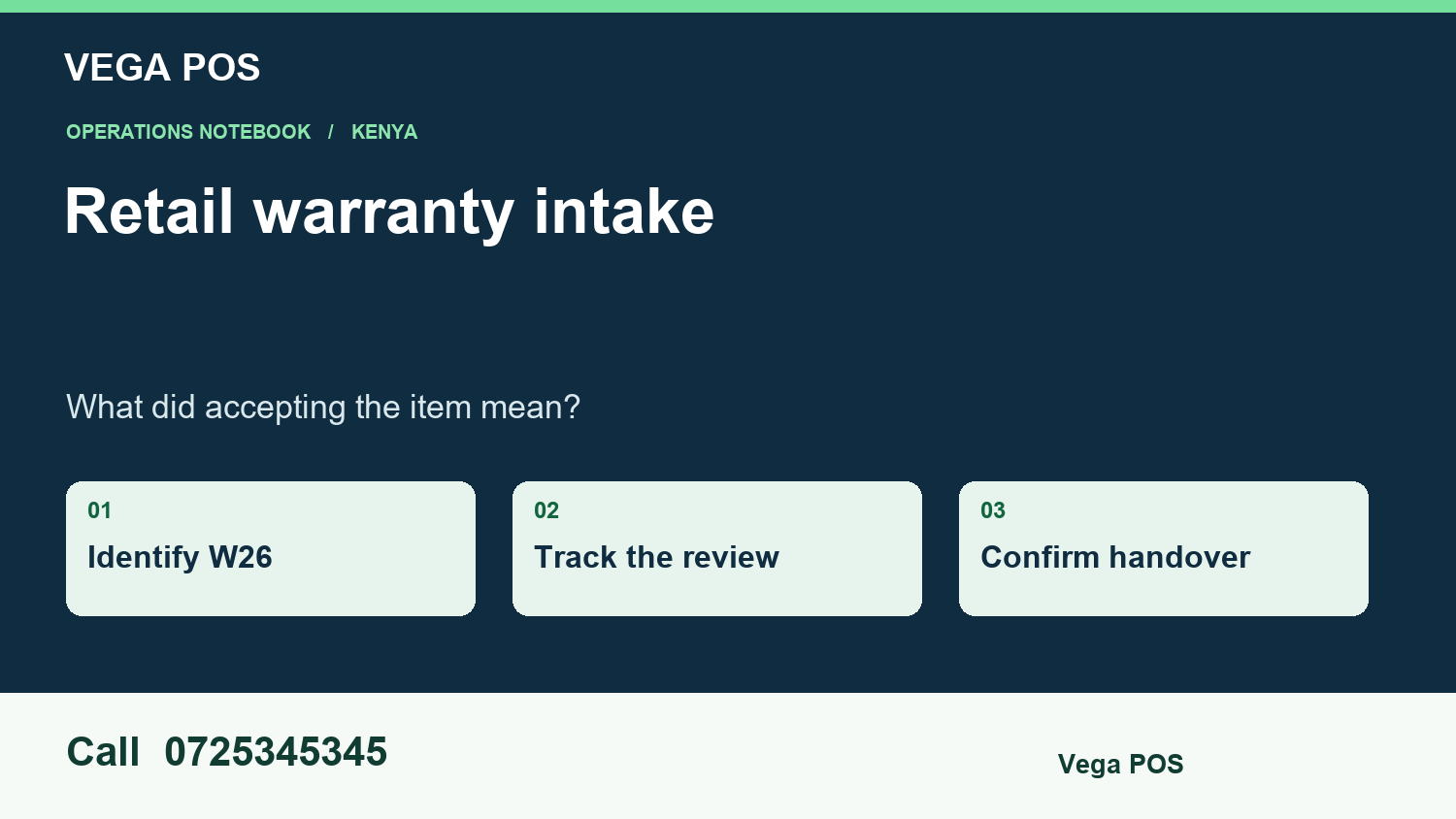
Retail warranty intake in four decisions
Use the four decisions below as a tabletop exercise. The case is fictional. Each decision pairs a new scenario with field notes drawn from a linked guide in our library. Read the scenario aloud first, and ask the next person to explain the result before consulting the notes.
1. Identify what the shop accepted
Record the product, distinguishing reference where applicable, reported symptom and accessories actually handed over. A fan with its adapter is not the same custody record as a fan without one. Keep the customer’s description separate from the shop’s observations.
Write “customer reports intermittent stopping” rather than an unverified conclusion about a defective motor. Give the customer a readable intake reference and record the agreed contact channel. Retail warranty intake should let another colleague find the right physical item even when several identical models arrive during the same week. For retail warranty intake, keep this starting assumption visible beside the result.
Field notes from our barcode label checks guide:
Compare the item with its product record
Read the description on the physical package and compare it with the selected record. Check the meaningful differences: size, variant, quantity and selling unit. Similar names do not prove that two products are interchangeable. Two bottles may share a brand while containing different amounts, and a box may carry a different code from an individual piece.
Print a small sample first
Print a few labels using the actual printer, label material and intended settings. Inspect whether text is readable and whether the barcode fits without being clipped. Check the edges and the space surrounding the printed code. Do not assume that an image which looks clear on a laptop will remain usable on the smallest label roll.
Test scans at the actual counter
Use the scanner and counter position that staff normally use. Try the label on the real package, not only as a flat sheet held close to the device. Curved packaging, shiny surfaces and awkward placement can make a label harder to read during normal handling.
Investigate repeated or conflicting matches
If a code selects an unexpected record, stop that label batch and record the observed result. Compare the printed characters with the intended reference. Check whether a different item has been given the same internal code or whether the wrong template was selected. Avoid fixing the problem by changing several records at once.
2. Separate review stock from goods for sale
Place W26 in the approved review location and identify its custodian. Do not add it to saleable inventory simply because a return-related button was used. An item may be held while a qualified person determines the next step.
If it is sent to a service partner, record dispatch, accompanying accessories and the receiving acknowledgement separately. The shop should still be able to answer the customer when the item is temporarily off site. A movement between locations is evidence about custody, not evidence that the fault was confirmed or the claim approved. This stage of retail warranty intake tests a different question from the final total.
Field notes from our retail damaged stock guide:
Recognise retail damaged stock promptly
Give employees an understandable way to report visible damage. The report should identify the item and location without requiring the employee to decide its final treatment. Someone receiving goods may notice torn packaging, while a cashier may find a broken component during a customer inspection. Both observations need a route into the same review process.
Separate the goods from ordinary selling stock
Use a clearly identified holding location according to your business procedures. The purpose is to prevent an item awaiting review from being mistaken for available stock. Mark the case reference and keep the affected quantity identifiable. Staff should know which items are waiting for a decision and which have already been cleared.
Give the review a named owner
Assign someone who can investigate or route the case to the right decision maker. Include a review date and a practical next action, such as checking the delivery record or asking the supplier about its returns procedure. A case described only as pending tends to remain pending because nobody knows what should happen next.
Include open cases in shift handover
Tell the next shift which cases need attention, where the goods are held and who owns the next action. Keep the handover brief and refer to the full record for evidence. Do not duplicate long descriptions across several notebooks, because copies can disagree after the case changes.
3. Give a supported progress update
Suppose the assessment is pending and a customer asks whether a replacement is ready. The staff member should state the verified stage, next action and responsible person. Do not convert an expected review date into a guaranteed replacement date.
If an authorised remedy is later approved, link that decision to W26 and explain what the customer needs to do. Retail warranty intake benefits from a single current status that distinguishes waiting for assessment, waiting for information and ready for collection. Those labels help staff avoid sending the same vague “still processing” response repeatedly. Use retail warranty intake to expose this exception before relying on the ordinary successful path.
Field notes from our customer backorder tracking guide:
Identify the requested item precisely
Record the product, variant, size and required quantity. If the customer would consider an alternative, record that separately instead of replacing the original request. Similar descriptions can lead to an apparently completed backorder that does not meet the customer’s actual need.
Keep the customer contact details purposeful
Collect the information needed for the agreed follow-up and keep it in the approved business record. Confirm the customer’s preferred contact method. Avoid copying personal details into public stockroom notes, shared photographs or informal lists that employees cannot manage consistently.
Record the promise and its uncertainty
Write down what the business has actually agreed: the product, quantity, expected update and any conditions. Distinguish an estimated supply date from a confirmed collection time. If a supplier has not confirmed availability, staff should not present a hopeful date as a certainty.
Close with an evidenced outcome
A backorder may be fulfilled, cancelled or resolved through an accepted alternative. Record the correct outcome and link the supporting transaction or decision. Do not mark an entry fulfilled simply to remove an old item from the open list. The distinction matters when reviewing service problems later.
Check whether related payment or supplier follow-up remains open. Customer backorder tracking can show the customer request resolved while another operational task continues under its own owner. Keep those responsibilities connected without leaving the customer record permanently unclear.
4. Close custody and settlement separately
The final outcome might be return of the assessed item, an approved replacement or another authorised remedy. Record what physically leaves and who acknowledges collection. If money changes hands, keep its settlement reference separate from the item handover so a completed payment is not mistaken for completed collection.
Check that accessories held at intake are accounted for at close. Retail warranty intake is finished when the physical record, decision and customer communication describe the same outcome, rather than when an employee simply removes the case from a pending list. The final retail warranty intake record should explain the outcome to someone who was not present.
Field notes from our cash float handover guide:
Count using an agreed routine
Agree a practical counting method and use it consistently. Where the business records denominations, keep the counts clear enough for another authorised employee to check the arithmetic. Arrange the count in a suitable controlled location according to your procedures. The objective is a reliable starting figure, not an informal glance at the top of the drawer.
Keep payment methods distinct
A shop may accept cash, mobile payments and other methods during the same shift. The physical float relates to cash, while other payment records need their own verification. A sale marked paid through a digital method should not be assumed to explain cash in the drawer. Staff must follow the supported payment and reconciliation process.
Plan for breaks and temporary cover
A short break can create the same responsibility questions as a full shift change. Decide how your business handles temporary cover and whether the drawer remains assigned to the original cashier. The procedure should fit your staffing model while preserving a clear explanation of who may transact during the period.
Review the routine after a small pilot
Start with a limited set of shifts and ask employees where the instructions were unclear. Did they know which figure to enter? Could they identify the correct drawer? Were interruptions handled consistently? These observations can reveal practical weaknesses before the process becomes standard across all counters or branches.
Retail warranty intake test sheet
Before running the example, cover the expected results and ask a colleague to predict them. Use the disagreements to decide which rule needs explaining. These are fictional test cases; use your own approved references for the real procedure.
| Test condition | Expected evidence |
|---|---|
| Fan accepted for assessment | Custody and the next step are recorded without an unsupported promise of replacement. |
| Adapter supplied with the fan | The accessory remains linked to the intake and final handover. |
| Item sent to a service partner | Dispatch and receipt evidence identify where the item is while review continues. |
| Customer asks for an update | Staff state the verified stage, owner and next action rather than an invented completion date. |
| Approved outcome completed | Physical collection and any monetary settlement have separate, traceable evidence. |
Retail warranty intake: questions from the counter
Does accepting an item approve a warranty claim?
No. Acceptance for review records custody and the agreed next step. Eligibility and remedy follow the actual terms and authorised assessment process. Staff should explain that distinction clearly and avoid promising a replacement before the responsible person has made a supported decision.
What belongs on the intake record?
Use enough information to identify the item, its accessories, the customer’s reported concern and the agreed contact route. Record observable condition separately from a diagnosis. Keep private customer information within the business’s approved system, and use fictional equivalents for demonstrations and training materials.
When can the case be closed?
When the authorised outcome and physical handover are evidenced, with any settlement separately confirmed. An assessment completed by a service partner does not necessarily mean the customer collected the item. Preserve the final reference so another colleague can answer a later question without reopening an uncertain story.
Use retail warranty intake in your next demonstration
For a discussion about retail warranty intake, contact Vega POS on 0725345345. Bring one anonymised example, its starting position and the result your colleague expects. Ask for a demonstration using those details before assuming a particular feature or integration is available.
Other Kenyan business workflows
For a custom business portal, explore Zama Web Experts. If your team is working in another sector, these services provide different examples: Prim for salon bookings, sales and stock; TAS for chama records and contributions; Saseni for writing orders and delivery; JAAT for shop and product listings; Dereva for driver discovery. Use the service that fits your task; a link does not establish that the systems exchange data.