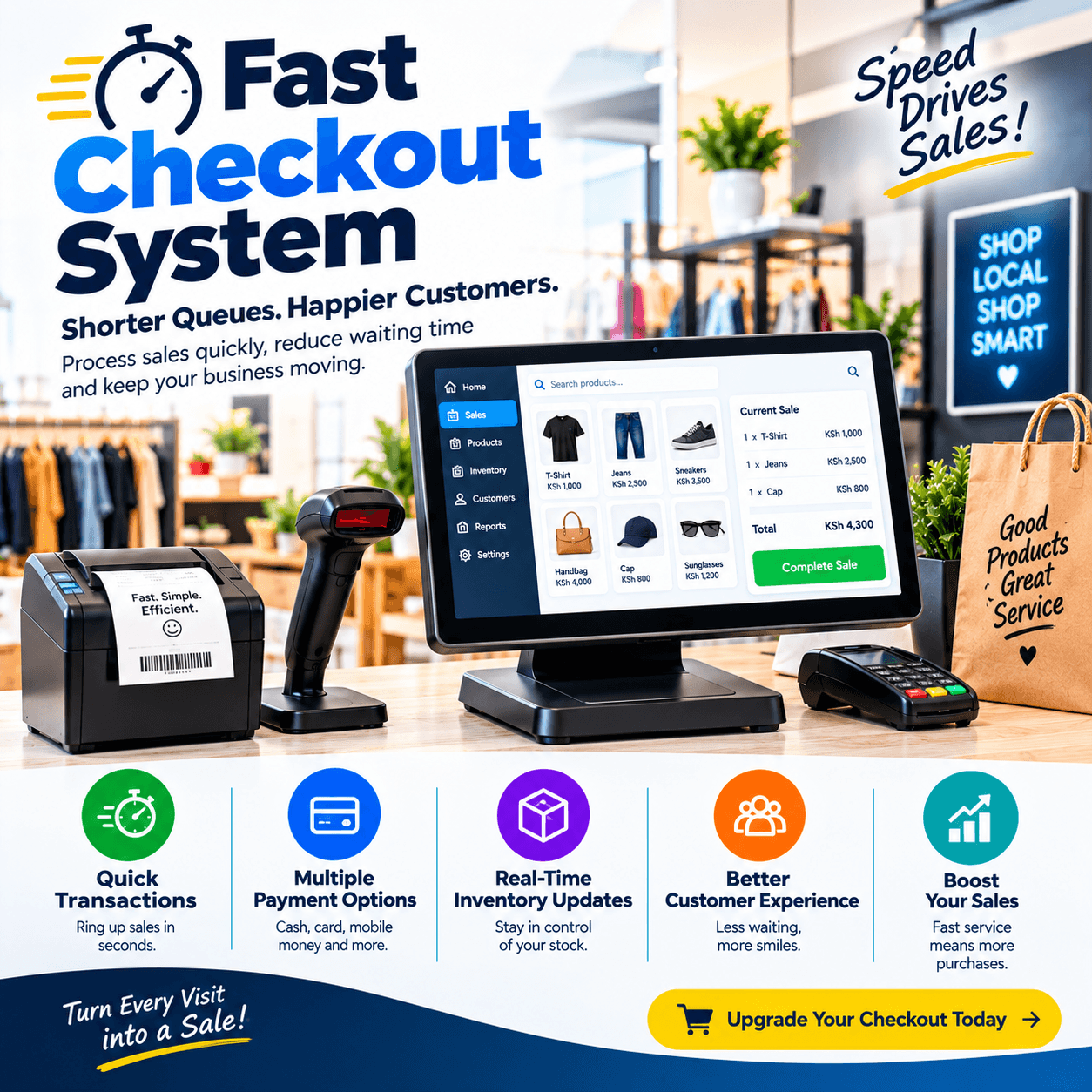
Fast checkout system is the difference between a queue that clears and a queue that leaves — and in retail, the queue is where the money is won or lost.
Speed at the counter is not a luxury feature; it is the most measurable revenue lever in your shop.
Every second saved per customer compounds across hundreds of transactions into minutes of queue, and minutes of queue decide whether the ninth customer in line completes their basket or walks.
A fast checkout system is not one thing — it is hardware, screen design, payment flow, scanning discipline, and offline resilience working as one machine.
This article breaks that machine down: what actually determines checkout speed, which components matter, how to measure your current pace, what a fast checkout system costs, and how to test any setup before you buy.
By the end, you will be able to time your own counter honestly — and know exactly which upgrades would make it faster.
Fast Checkout System: The POS Connection
Checkout speed is decided at four moments: scanning the items, pricing them, taking the payment, and printing the receipt.
A slow shop loses seconds at every one of those moments, and the losses stack.
A fast checkout system wins them all back at once, because the modern till is engineered around the same four moments.
The scan is instant because the barcode reader talks directly to the software.
Pricing is instant because the catalogue lives on the terminal, not on a server across town.
Payment is instant because tap, M-Pesa trigger, and cash are all one-tap flows on the same screen.
And the receipt prints in two seconds because the printer is connected directly, never through the cloud.
What a fast checkout system eliminates is the waiting between moments: the refresh, the hunt through menus, the second typing step, the spinner that appears when the internet blinks.
That is the honest definition — speed is not one fast feature; it is the absence of every small delay.
In shops we configure, the biggest single gain is rarely the hardware — it is removing the hidden pauses staff had normalised without noticing.
Owners who time their counters before and after a proper fast checkout system installation report the same pattern: a twenty-item basket dropping from ninety seconds to under forty, with the same cashier, the same products, and the same customers.
That is the standard the rest of this article builds toward.
The Cost of the Slow Queue
The slow queue has an invoice, and most owners have never read it.
Abandoned baskets. The customer who counts six people ahead, calculates the wait, and puts the basket down — the most visible cost of a shop without a fast checkout system.
Rushed errors. Pressure creates mistakes: missed items, wrong prices, short change — each one a small refund waiting to happen.
Staff exhaustion. A cashier fighting their tools for eight hours burns out faster than one whose fast checkout system keeps pace — and turnover is expensive.
Crowd deterrence. Visible queues repel entering customers, especially at peak hours — the shop looks busy in the wrong way, and the street reads it accurately.
Run the arithmetic on your own peak hour: count your average transaction time, multiply by your peak customers, and compare the total against what a fast checkout system could compress it to.
The difference — measured in minutes of queue — is where abandoned baskets and deterred walk-ins live.
Retail studies consistently show the same pattern: customers tolerate short waits and abandon long ones, with the tolerance threshold sitting far lower than most owners assume.
A fast checkout system does not just serve the customers in the queue faster — it keeps the customers from ever joining the wrong side of the line.
That double effect — faster service and fewer defections — is why speed pays for itself more visibly than almost any other POS feature.
Hardware That Makes Checkout Fast
Speed starts with the physical chain, and every link either saves or steals seconds.
The barcode scanner. A quality scanner reads crushed boxes, shiny packaging, and faded labels first time — every retry is a stolen second, and a proper fast checkout system bundle includes a scanner chosen for real shelves.
Test it on your own worst barcode before believing any demo on pristine packaging.
The receipt printer. Thermal printers connected directly to the terminal print in under three seconds; anything printing through a cloud service adds a wait you will pay for at every transaction.
A fast checkout system keeps the printer local — because a receipt that waits on someone else’s server is a queue you chose.
The cash drawer. It should pop automatically on completed sales — the half-second a cashier spends cranking a manual drawer is invisible once and permanent a thousand times a week.
The weighing scale. For groceries and produce, an integrated scale sends the weight straight into the basket — no typed figures, no transcription errors, no double handling.
A fast checkout system for weighed goods lives or dies on that integration.
The terminal itself. A responsive touchscreen with no lag matters more than screen size — test the demo hardware with a twenty-item basket, not three.
The placement. Counter height, scanner reach, and queue flow are part of the system — the fastest hardware in a badly arranged counter still loses its seconds to awkward movement.
Buy the hardware as a matched bundle from the same provider as the software: a fast checkout system assembled by one team arrives tested as a unit, with one support line when anything misbehaves.
Screen Design: The Fast Checkout System Interface
The screen is where seconds are designed in or out — and interface quality separates serious platforms from decorated ones.
A well-built fast checkout system follows one rule: every common task reachable in two taps or fewer.
Best-sellers sit on the home screen as one-tap buttons, sized for a thumb during a rush.
Search works by partial name, code, or scan — and returns results instantly, from the terminal’s local catalogue, never from a distant server.
Modifiers, discounts, and quantity changes are one tap away, not buried in menus a cashier must navigate while the queue watches.
The payment screen arrives pre-filled: totals, payment buttons for cash, M-Pesa, and card — all on one view, because switching screens mid-payment is where speed dies.
A genuine fast checkout system also makes the correct action the easiest action: refunds behind approval, discounts behind permission, and the daily flow unobstructed.
Test the interface the way your staff will live in it: hand the demo to your newest cashier with a real basket and watch.
If they hesitate, your real queue will hesitate — interface speed is only real when it survives contact with an untrained thumb
Ask every vendor the design question directly: how many taps for your ten-item basket with a discount and a split payment?
A confident fast checkout system answers by demonstrating it live in under thirty seconds — and the vendor who cannot is selling you decoration.
Payments at Speed
The payment moment is the longest single pause in most transactions — and the easiest place to recover seconds.
Tap and dip. Contactless card payments complete in two to four seconds, faster than counting change for almost any basket — a certified reader integrated with the till is core equipment in a modern fast checkout system.
M-Pesa at one tap. The integrated flow triggers the payment prompt from the sale screen, the customer confirms, and the order marks itself paid with the reference stamped — no amount retyping, no evening matching ritual.
A fast checkout system with proper M-Pesa integration turns the most common payment in this market into the fastest one at the counter.
Cash discipline. Quick-change workflows, automatic drawer pops, and change calculated on screen keep cash moving — the oldest payment still deserves modern ergonomics.
Split payments in seconds. Part cash, part mobile money on one basket should be a two-tap flow — the split is where slower systems show their seams daily.
The decline path. A fast counter handles a failed payment without freezing the queue: record the sale, offer the next method on the same screen, move on.
Every payment method should live on the same screen in a genuine fast checkout system — because the queue does not care which method the customer chose, only how long it takes.
Test every path with real money in the demo: a tap, an M-Pesa trigger, a split payment, and a decline recovery — timed, not narrated.
The vendor who times their own payments proudly has built for the counter; the vendor who changes the subject is selling screenshots.
Scanning Discipline: The Human Half of Speed
Hardware and screens set the ceiling; the cashier’s habits decide how close the shop gets to it.
A fast checkout system only performs when the team is trained on the fast paths: scan-don’t-search, keyboard shortcuts, and the two-tap flows the interface was designed around.
Training for speed is deliberate, not absorbed: rehearse the twenty-item basket until the newest cashier matches the fastest.
The search fallback matters too — for unlabelled or damaged items, a well-taught partial-code search beats any hunt through categories.
Price checks belong in the flow: a customer asking how much costs two seconds on a proper fast checkout system, and thirty seconds if the cashier must walk to a shelf.
Receiving discipline protects counter speed indirectly: clean deliveries mean clean barcodes, and clean barcodes mean first-time scans.
The champion model multiplies everything — nminate your fastest learner, let them coach the team, and watch the average transaction time drop week by week.
Measure readiness instead of assuming it: a new hire should complete a three-item sale with M-Pesa payment in under thirty seconds by the end of week one.
Providers of a serious fast checkout system include speed-focused training as standard — because they know the software’s design only earns money at the pace the team can drive it.
The counter rule worth adopting: never type what you can scan, and never scan what you can tap — a fast checkout system rewards the team that lives by it.
Offline Mode: The Rush Cannot Wait
Nothing destroys counter speed like a till that freezes when the internet does — and in this market, the internet always eventually does.
A genuine fast checkout system is therefore offline-first: the catalogue, prices, and stock live on the terminal, sales complete at full speed with the router dead, and everything syncs when the line returns.
The test is physical and takes two minutes: unplug the router mid-basket, complete the sale, print the receipt, take an M-Pesa payment — the mobile networks carry it even when your broadband is down — then reconnect and watch the clean sync.
Systems that stall, degrade to a survival mode, or lose queued sales fail this test — and they fail it on your busiest Saturday, because that is when networks choose to die.
A fast counter that freezes is worse than a slow counter that never stops: speed you cannot rely on is not speed.
Power belongs in the same drill: a tablet-based fast checkout system on battery keeps the queue moving through the blackout that kills a desktop tower.
Printers and scanners connect directly — never through cloud services — because a receipt or scan that waits on the network is a delay you invited.
Make offline behaviour a written acceptance item before the final payment on any fast checkout system you are considering.
The confident vendor demonstrates it unprompted — because speed through outages is the proudest number they own.
Measuring Your Checkout Speed
What gets timed gets improved, and the measurement takes one quiet hour.
Time the average basket. Ten ordinary transactions on a normal day, stopwatch honest — that is your baseline before any fast checkout system upgrade.
Time the worst case. A twenty-item basket with a split payment and a price check — the ceiling your queue hits at every rush.
Time the payment moment alone. It is usually the longest pause, and the first place a fast checkout system recovers seconds.
Count the retries. Failed scans, screen refreshes, and double-typing are the hidden taxes — count them across a day and the total will surprise you.
Compare peak to quiet. If transactions slow down when the shop is fullest, your system is choking under pressure — a hallmark of tools that were never built as a fast checkout system.
Run the same measurements after any upgrade, and let the numbers — not the impression — decide whether the investment earned its keep.
Owners who measure report the same discovery: the biggest gains come from fixes that cost nothing — screen layout, training, and one better scanner — before any new hardware is bought.
That is why the measurement hour is the cheapest fast checkout system consultation you will ever receive: it tells you which seconds are being lost, and where.
Choosing a Fast Checkout System: The Demo Test
Bring this script to every vendor; it converts claims into seconds in twenty minutes.
Time your real basket. Your ten best-selling items, rung live on the proposed hardware, stopwatch running — a fast checkout system should finish in under thirty seconds without hesitation.
Hand the demo to a stranger. Your newest staff member, not the vendor’s trained presenter — interface speed that only experts can drive is not speed.
Time the payment paths. A tap, an M-Pesa trigger, a split payment, and a decline recovery — each timed, each on the same screen.
Retry the worst barcode. Crush a carton from your own stock and scan it — the fast checkout system hardware either reads it first time or fails the test.
Kill the internet mid-basket. Complete the sale offline, reconnect, watch the sync — non-negotiable in this market.
Count the taps. Ask them to demonstrate a discount and a price check — if either takes more than two taps, the queue will feel it daily.
A vendor who welcomes this script has built for the counter; a vendor who steers toward feature lists is selling a brochure.
Then ask for one reference from a business your size and a single question: how long is your average transaction now?
The answer from an owner running a real fast checkout system — usually a number delivered with some pride — is worth more than the entire demonstration.
Rolling Out Without Losing a Rush
Speed upgrades deploy gently when sequenced around your trading rhythm.
Configure the catalogue and hardware in the background while the shop trades on the old process — never install during peak season or month-end.
Schedule the cutover for a weekday morning, with payments tested live before the day’s first customer arrives.
Train for speed deliberately: the twenty-item drill, the payment flows, the unplugged rehearsal — so the first real rush is the team’s tenth repetition
Run parallel for two or three days where the old process allows, and compare the timed baskets each evening.
Book the week-one review at the same time as the installation: reconcile, tune the screen layout against what the rush actually taught you, and adjust the hardware placement while the technician is still reachable.
A structured fast checkout system rollout typically runs days, not weeks — because the heavy lifting is configuration and training, both done before the counter ever sees the queue.
The first Saturday fully live — the queue that clears instead of curves — is the moment owners describe as the day the upgrade became visible to the street.
Mistakes That Keep Counters Slow
Five patterns keep shops slow; learn them here without paying for them.
Buying speed hardware for a slow screen. A fast scanner feeding a lagging interface is a sports car in traffic — the fast checkout system screen and the hardware must be upgraded as one decision.
Skipping the speed training. The software’s fast paths earn nothing until the team drives them — rehearsed counters and untrained counters run the same tool at different speeds.
Letting cloud-dependent tools near the counter. Any step that waits on the internet — printing, pricing, payment confirmation — reintroduces the delay the whole upgrade existed to remove; insist every fast checkout system component works locally.
Ignoring the queue layout. Counter height, bag space, and queue flow are part of the speed system — the fastest till in a cramped corner still loses its seconds to awkward movement.
Measuring nothing. Without timed baselines, speed improvements are opinions — run the measurement hour before and after any fast checkout system investment and let the numbers decide.
A sixth worth naming: optimising the wrong moment — owners upgrade scanners while the payment step, the real bottleneck, stays slow; time each moment before spending a shilling.
Owners who avoid these five get what a proper fast checkout system promises and few deliver completely: a queue that clears, a street that notices, and a peak hour that finally runs at its full capacity.
Different Shops, Different Speeds
The right speed setup follows the trade; four quick portraits.
Groceries and mini-marts. Volume makes every second count — integrated scales, rapid multi-item scanning, and one-screen payments define the fast checkout system for this trade.
Takeaways. The rush is ninety minutes of survival — combo buttons, kitchen firing, and split payments all on the fastest possible path.
Pharmacies. Speed must coexist with batch and expiry checks — the fast checkout system here verifies compliance without adding a single wait.
Boutiques and phone shops. Lower volume, higher value per item — speed serves the customer experience, with lookups by image or IMEI answering in seconds.
The pattern generalises: identify your three slowest transaction moments, and make the vendor prove their fast checkout system fixes exactly those — timed, on your products.
For every trade, the foundations hold: local catalogue, one-screen payments, direct printing, and offline mode — the four that no counter should ever be bought without.
What Speed Is Worth
Price the return honestly, because the seconds have a value you can calculate
Recovered peak capacity. If faster transactions let your counter serve ten percent more customers at rush, that is ten percent more peak revenue from the same staff and the same hours — the core return of a fast checkout system.
Fewer abandoned baskets. Every queue that clears is a defection that never happens — the invisible revenue line most owners never measure.
Lower labour pressure. The same throughput on fewer counter-hours, or the same hours spent on shelf work instead of queue management.
Happier staff and regulars. Calm rushes retain cashiers, and fast visits retain customers — the compounding lines no report fully captures.
The costs are modest against those returns: most speed gains ride inside a normal POS subscription — KES 3,000–7,000 monthly — with hardware bundles from KES 50,000–80,000 where upgrades are needed.
Run your own measurement arithmetic first: the hours of queue time a fast checkout system recovers, priced at your peak-hour revenue, usually covers the investment within the first year.
Frame it the way the queue does: every second at the counter is either serving a customer or testing their patience — and a proper fast checkout system decides which, hundreds of times a day.
Frequently Asked Questions
What makes a POS a fast checkout system?
Four components working as one: instant scanning, a local catalogue that prices without waiting, one-screen payments for every method, and direct printing — with offline mode underneath so speed survives the router.
A serious fast checkout system also keeps the interface to two taps for any common task, because screen design is where most seconds are actually won.
How fast should a checkout be?
A well-run counter completes a three-item sale with mobile money payment in under thirty seconds and a twenty-item basket in under a minute.
Time your own baseline first — the measurement hour is free, and it tells you exactly what a fast checkout system needs to fix.
Will checkout still be fast when the internet is down?
A properly engineered one will: the catalogue, prices, and payment flows live on the terminal, so the counter runs at full speed offline and syncs when the connection returns.
Make the unplugged test a written acceptance item on any fast checkout system before the final payment.
Do I need new hardware to speed up my counter?
Sometimes not — many shops recover most of their lost seconds through screen layout, training, and payment flow before buying anything.
Run the measurement hour first, then let the fast checkout system vendor demonstrate which hardware upgrades actually move your numbers.
Which payment method is fastest?
Contactless taps and integrated M-Pesa prompts both complete in two to four seconds — faster than counting change for almost any basket.
Confirm both live in the demo, timed, because a fast checkout system is only as fast as its slowest payment path.
Is speed worth investing in for a quiet shop?
Usually yes — quiet shops feel it in customer experience rather than queue length, and the same fast flows reduce errors, training time, and staff fatigue.
The first measured week on a fast checkout system — lower average transaction time, zero retries — is typically when quiet-shop owners stop asking whether speed mattered.